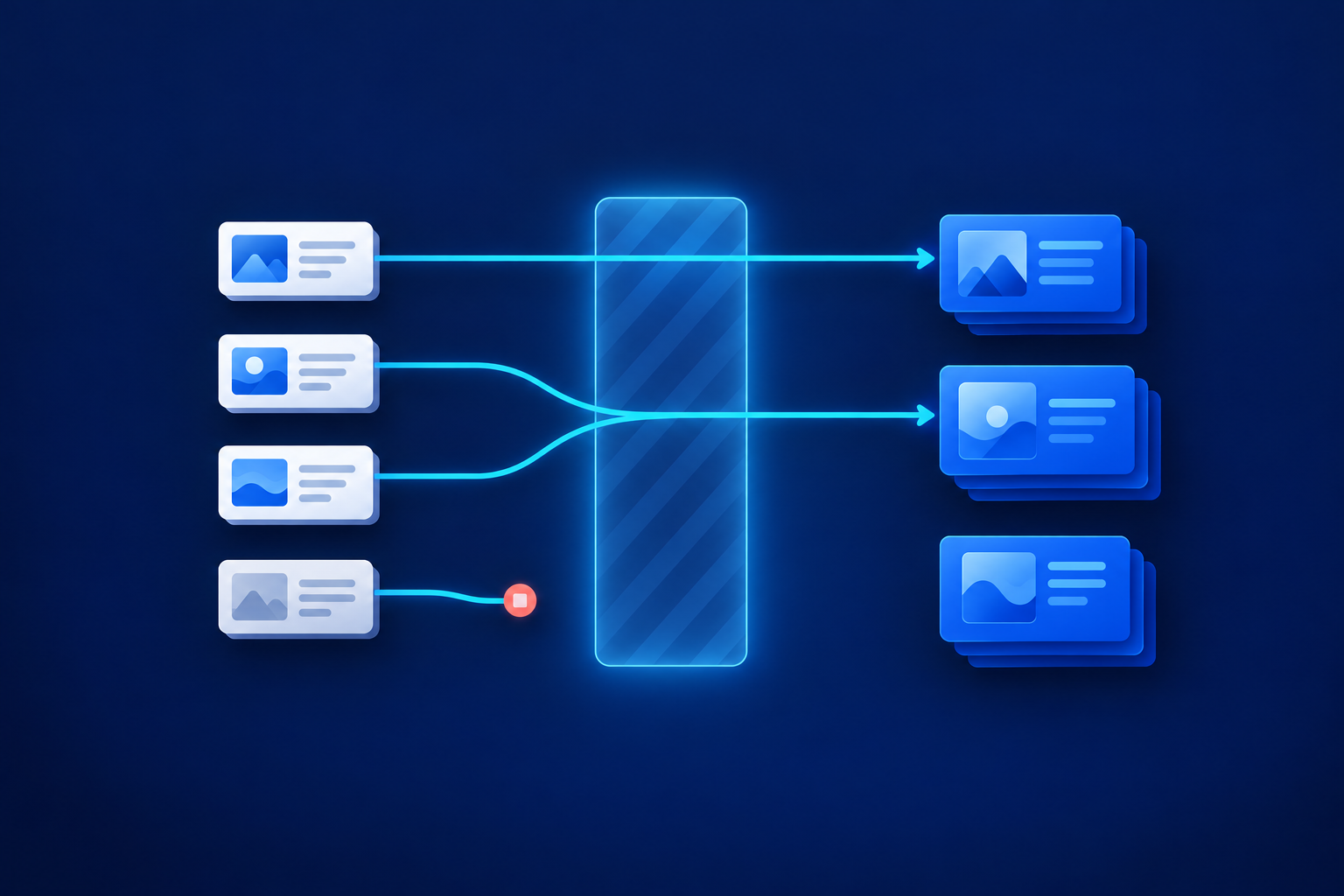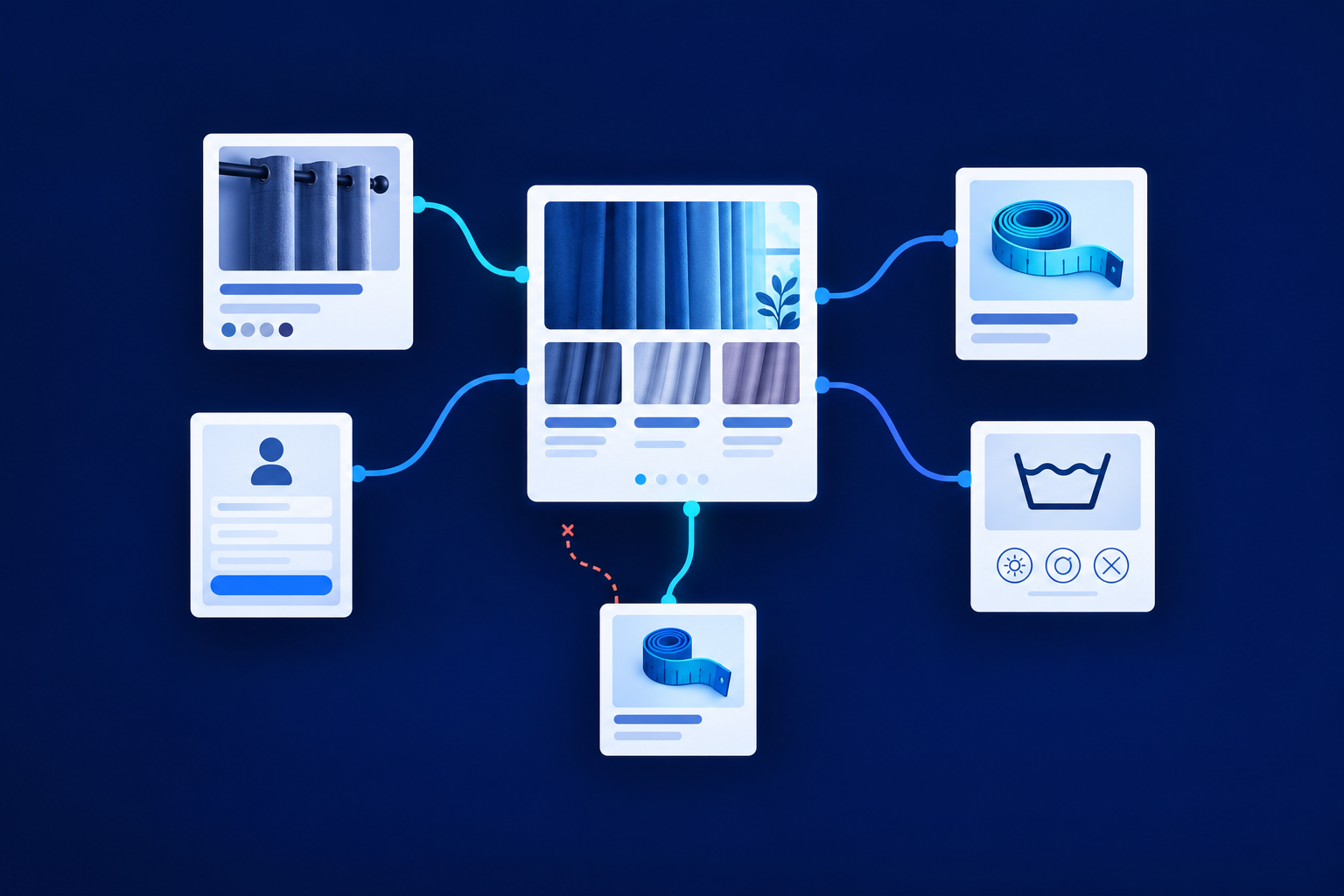
Link pages when the destination answers a question the visitor is likely to ask next. Start your internal linking strategy by making important pages reachable, repairing broken routes and replacing misleading labels. Then add helpful connections between browsing, guidance and action pages. The goal is a useful network, not the largest possible number of links.
Start with the visitor’s next question
An internal link connects one page to another on the same website. A strategy decides which connections matter, where they belong and who maintains them. Google recommends relevant links that help people understand the destination and discover related resources. Your editorial test is straightforward: does this destination resolve a question raised here, and does its label describe it honestly? [1]
- Navigation links: Give visitors stable routes to main services, product categories and other important sections.
- Contextual links: Answer a question inside the content, such as linking sizing advice to a measuring guide.
- Related-resource links: Offer a relevant next read or task after someone finishes the current page.
These links serve different needs. A menu cannot anticipate every question inside a product description, while a related-reading panel cannot replace clear navigation. Avoid filling every paragraph with suggestions: competing routes can make the next step harder to choose. Google provides no universal ideal link count; relevance matters more than reaching a quota. [1]
Make important destinations reachable through crawlable links
Crawlable internal links let a search engine follow a page’s navigation to another address. Google generally extracts links reliably from an HTML a element with an href attribute pointing to a resolvable URL. For example, “Curtain measuring guide” should be an ordinary link whose href contains the guide’s address, rather than text controlled only by a click script. [1]
JavaScript-generated links can work when they produce that markup. The problem is not JavaScript itself, but navigation that fails to expose a usable link. A card opening correctly in your browser does not prove Google renders the same content. Ask the developer to inspect rendered HTML using Google’s URL Inspection tool when implementation is uncertain. [1][2]
Write labels that set the right expectation
Anchor text is the visible wording of a link. Prefer descriptive anchor text that is reasonably concise and relevant to both pages. Do not squeeze several search phrases into one label or promise advice when the destination is a sales page. Google’s guidance favours useful wording rather than keyword stuffing. [1]
| Weak or misleading label | Better choice | Why |
|---|---|---|
| Click here | How to measure curtain width | Explains the destination |
| Best curtains India cheap curtains online | Made-to-measure cotton curtains | Names the range without stuffing keywords |
| Measuring guide → sales category | Browse made-to-measure curtains | Describes the actual sales destination |
W3C explains that link purpose may be clear from the label or its programmatically determined context. Meaningful standalone labels also help people navigating a list of links. Keep recurring navigation labels consistent, but let contextual wording fit the sentence and task. This is explanatory accessibility guidance, not a complete accessibility audit. [3]
Use hubs to organise choices, not force extra steps
A hub is a page that organises related destinations. A category hub helps visitors browse products; a guidance hub helps them choose an explanation. Website content hubs are useful when several pages share a clear purpose. They become an obstacle when visitors must revisit the hub to reach an obvious next step.
- Homepage → Curtains category → Individual curtain products.
- Curtains category → Measuring guide and curtain-care guidance.
- Product sizing section → Measuring guide directly.
- Measuring guide → Curtains category and a relevant enquiry option.
- Product care section → The applicable fabric-care guide.
Supporting pages should offer a route back to the relevant category or guidance hub, plus useful direct connections. This is an organisational pattern, not a Google-mandated hub-and-spoke formula. Google uses page linkages to understand ecommerce structure; URL folders alone do not establish those relationships. Important products also need browsable links because Google generally does not submit site searches. [4]
Find orphan pages and disconnected groups
For an internal linking audit, treat an orphan as a published page with no incoming internal page links found in the review. A disconnected group is different: its pages link to each other, but no path connects them to the homepage. Both deserve investigation when they contain content visitors should discover.
Compare an exported published-page list and XML sitemap with a crawl started from the homepage. A crawl follows links, so it cannot supply the full inventory of pages it cannot reach. Check missing pages against incoming-link reports and rendered navigation. Treat apparent orphans as candidates, not confirmed defects: incomplete exports, crawl restrictions or rendering gaps can distort findings.
Worked example: a hypothetical curtain retailer
Assume a Jaipur curtain retailer has category, product, measuring, care and enquiry pages. Its measuring guide has no incoming page links, and product cards use script-only clicks. The following changes are hypothetical recommendations, not Softglimmer client findings or evidence of improved rankings or enquiries. Each proposed connection addresses a specific browsing or ordering question.
| Source page | Before | Destination | Proposed anchor | Reader benefit |
|---|---|---|---|---|
| Curtains category | Script-only product cards | Product page | Product name as an ordinary link | Open a specific product |
| Category introduction | No sizing help | Measuring guide | How to measure your windows | Resolve an ordering question |
| Product sizing section | Guide remains unlinked | Measuring guide | Curtain measuring guide | Check dimensions before ordering |
| Measuring guide | No browsing next step | Curtains category | Explore made-to-measure curtains | Return to relevant choices |
| Cotton product | Generic care mention | Cotton-care guide | Cotton curtain care | Find suitable care advice |
| Custom-order prompt | Vague contact label | Enquiry page | Ask about a custom curtain order | Understand the available action |
The category organises choices, while direct product-to-guide links save unnecessary steps. The tradeoff is maintenance: product-specific advice needs checking when ranges or fabrics change. Do not connect every product to every guide. A wool-care link on a cotton product would add another route without helping the reader complete the task.
Run a repeatable review and assign ownership
The following internal linking checklist is Softglimmer’s recommended workflow, not an additional Google requirement. Start with one important category or service journey so the review produces decisions rather than an unmanageable spreadsheet. Use a shared row identifier to connect the two sheet sections below, keeping source, destination, anchor and reader purpose together.
| Row ID | Source page | Destination | Anchor | Reader purpose | Relevant hub |
|---|---|---|---|---|---|
| L01 | Cotton curtain product | Measuring guide | Curtain measuring guide | Check required dimensions | Curtains category |
| L02 | Your source page | Proposed destination | Proposed wording | Question answered | Related category or guidance page |
| Row ID | Incoming-link findings | Homepage reachability | Owner | Validation date |
|---|---|---|---|---|
| L01 | Hypothetical: none before edit | Check after adding link | Product content owner | Record after testing |
| L02 | Record evidence and gaps | Record working path or issue | Named responsible person | Date checked |
- Inventory: Combine published-page records and sitemap URLs, marking important public destinations.
- Compare: Crawl from the homepage and investigate missing pages, incoming links and disconnected groups.
- Prioritise: Fix important unreachable pages, broken destinations, script-only navigation and misleading labels before optional additions.
- Edit: Give content owners responsibility for wording and placement; give developers responsibility for link markup and rendering.
- Validate: Follow the journey on mobile and desktop, confirm destinations work and inspect rendered HTML where JavaScript is involved.
- Maintain: Review links when publishing, moving or retiring pages, with periodic checks sized to the website’s growth.

Make one person accountable for closing each finding, even when several people contribute. The guide Keep control of your website after launch explains broader ownership and access arrangements. For substantial URL changes, use Plan the search transition during a website redesign alongside this review; internal-link maintenance is one part of that wider transition.
How many internal links should a page have?
Enough to provide useful navigation and relevant next steps, without overwhelming the page. Do not apply a fixed quota, exact-match anchor percentage or universal click-depth target. Google’s link guidance gives no universal ideal link count. [1]
Does a missing crawl result prove a page is orphaned?
No. Compare the crawl with your published inventory, then investigate incoming links, disconnected groups and rendering differences. A missing result is a useful lead, not a complete diagnosis.
Who should review links when content changes?
The content owner should check relevant incoming and outgoing links when publishing, moving or retiring a page. Developers should handle implementation defects. A marketing or website owner should track unresolved findings and arrange periodic reviews.
Choose one important journey and complete its review sheet this week. Accept the changes when important pages are reachable, labels are accurate and destinations work. If rendering or navigation fixes exceed your team’s capacity, Website performance and technical SEO support is the relevant next step—not a reason to postpone straightforward editorial improvements.
Sources & further reading
Use the original guidance when checking details or planning implementation.
- Google Search Central: Link best practices ↗
- Google Search Central: Understand the JavaScript SEO basics ↗
- W3C: Understanding Success Criterion 2.4.4, Link Purpose (In Context) ↗
- Google Search Central: Help Google understand your ecommerce website structure ↗
- Google Search Central: Learn about sitemaps ↗
This research-assisted guide uses the primary sources linked above. Examples are illustrative unless explicitly identified otherwise. Check original documentation when implementing changes.