
Skip to content
Chennai · Custom CRM Development

CRM built around your sales work.

Softglimmer plans and develops CRM systems for Chennai businesses through remote delivery from Ranchi. We connect customer information, sales opportunities, team responsibilities and reporting in a system people can use each day. The project can improve an existing arrangement or create a custom application where the process needs it. We start with your actual sales work, then agree the records, screens, connections and handover.

Explore the service
Customer context, independent opportunities and accountable next actions
  1. 01

    Understand the sales process

    Follow enquiries, opportunities and the work between them.

  2. 02

    Build useful working views

    Give each role clear records, stages and next actions.

  3. 03

    Prepare the team to operate

    Reconcile data and explain reports, access and upkeep.

An example journey, shaped around your requirements.

Choose a CRM that fits the work your team needs to do.

An enquiry list, a customer directory and a sales pipeline answer different questions. Discovery follows a lead from first contact through qualification, proposal, decision and the next handover. We ask who uses the information, which stages actually change the work and where the present tools cause uncertainty. A manager, salesperson and receiving colleague may need different views of the same relationship. Those tasks guide the project before a dashboard is designed.

We compare configuring your current CRM, connecting existing tools and building a custom system. Configuration may be enough when the records and permissions already suit the team. Custom work becomes useful when the required relationships, working screens or handovers cannot be handled well by the available arrangement. Access to the present system, supported interfaces, export quality, licences and maintenance responsibilities influence that choice.

The agreed scope can cover workflow discovery, data modelling, interface design, development, selected connections, migration and reporting. It also includes the work needed to introduce the system to its users. We define what is in the first release, what your team supplies and what a completed journey looks like. Later departments or new automation can follow a useful first system without being quietly assumed in the initial estimate.
Give each record and stage a clear purpose.

A useful CRM makes the next action easier to recognise, rather than collecting fields nobody maintains.

01

Companies, contacts and opportunities

A company is a relationship; an opportunity describes a particular piece of potential work. Decide where the relevant people, service interest and activities belong. That structure should support your actual selling process, including more than one live opportunity for the same business.

02

Stages and responsibility

Name the event that moves an opportunity forward and the person responsible for the next task. Waiting for information, preparing a proposal and awaiting a customer decision need useful meanings. Choose reminders and reassignment behaviour with the people who handle them.

03

Role views and access

Give staff a usable view of the work they may handle, and managers the information needed to support it. Agree ownership changes, shared visibility and administration. Review what happens when a colleague joins, leaves or takes over an existing opportunity.

04

Reports and connected tools

Choose questions the reports should answer and identify the source of each number. Review the existing website, email or business-system connection separately, including its permitted updates and receiving owner. A report should distinguish customer relationships from individual sales opportunities.

A hypothetical working example

Two opportunities can move at different speeds.

Hypothetical example: one company asks about a website project and a separate internal application. The website brief is ready for a proposal; the application discussion is waiting for an operations colleague. Both involve the same company contact, but advancing the website work should not advance the other opportunity. The CRM review follows each opportunity’s service, stage, owner and next action while retaining the shared company context. A manager opens the pipeline and can explain why two opportunities appear. The team can see which conversation needs attention without creating another company record. This is an illustrative sales process within the wider CRM project, with the final stages and responsibilities supplied by your business.

One company relationship, two independently managed opportunities
  1. 01

    Keep the shared context

    Use the relevant company and contact information.

  2. 02

    Follow each opportunity

    Give the separate work its own stage and owner.

  3. 03

    Inspect the next action

    Understand the pending task and what the report counts.

Illustrative sales review. Your team defines the real records, stage meanings and responsibilities.

Receive a working system and a practical team handover.

The proposal identifies the records, journeys, migration and support work included.

01

Sales-process and data plan

A map of users, records, stages and responsibilities, with representative examples the team can discuss.

02

Working interface design

Role-based lists, record views and useful actions, reviewed with ordinary and incomplete information.

03

CRM implementation

The selected application or improvements, required permissions and expressly included connections.

04

Migration and reconciliation

An agreed source inventory, field mapping and reviewed treatment of active and historical data.

05

Useful reporting

Defined pipeline and activity views whose figures can be traced to their underlying records.

06

Release and operating guidance

User introduction, administration, account ownership, recovery and continuing technical-care responsibilities.

Bring the process, the people and a representative record.

Share the current CRM or working sheets, the stages your team uses and the questions managers need answered. Include a normal sales journey and one company with more than one potential engagement, if that reflects your work. Use sanitised examples rather than unnecessary customer details. Ask the people handling sales and the next department to identify what they need at the handover.

For migration, decide which records remain active and what useful history should be available. We inspect identifiers, field meanings and available exports before agreeing the mapping and import work. Your owner reviews the selected records and relationships after the move. Historical cleanup, additional reporting and connections beyond the first workflow receive their own scope rather than disappearing into a general promise to move everything.

The estimate follows the process complexity, screens, permissions, data condition, connections and introduction work. We agree review times so your Chennai team and our Ranchi studio can settle these choices together. The handover includes an ordinary update, an opportunity passed to another colleague and an explanation of a report, so everyday operation is part of the project from the outset.

Move from the current process to a usable CRM.

Keep the sales owner, representative users and technical account owner involved throughout the work.

  1. 01

    Discover and compare

    Review the present tools and sales journey. Choose configuration, improvement or a custom build against the actual gap.

  2. 02

    Model and design

    Agree record relationships, stages and role views. Walk through representative work before expanding the interface.

  3. 03

    Build and introduce

    Implement the selected scope, reconcile the agreed data and let users carry out complete working journeys.

  4. 04

    Hand over and maintain

    Confirm the release, administration and support owners. Record how later changes and recovery are handled.

Explore a real business-information website.

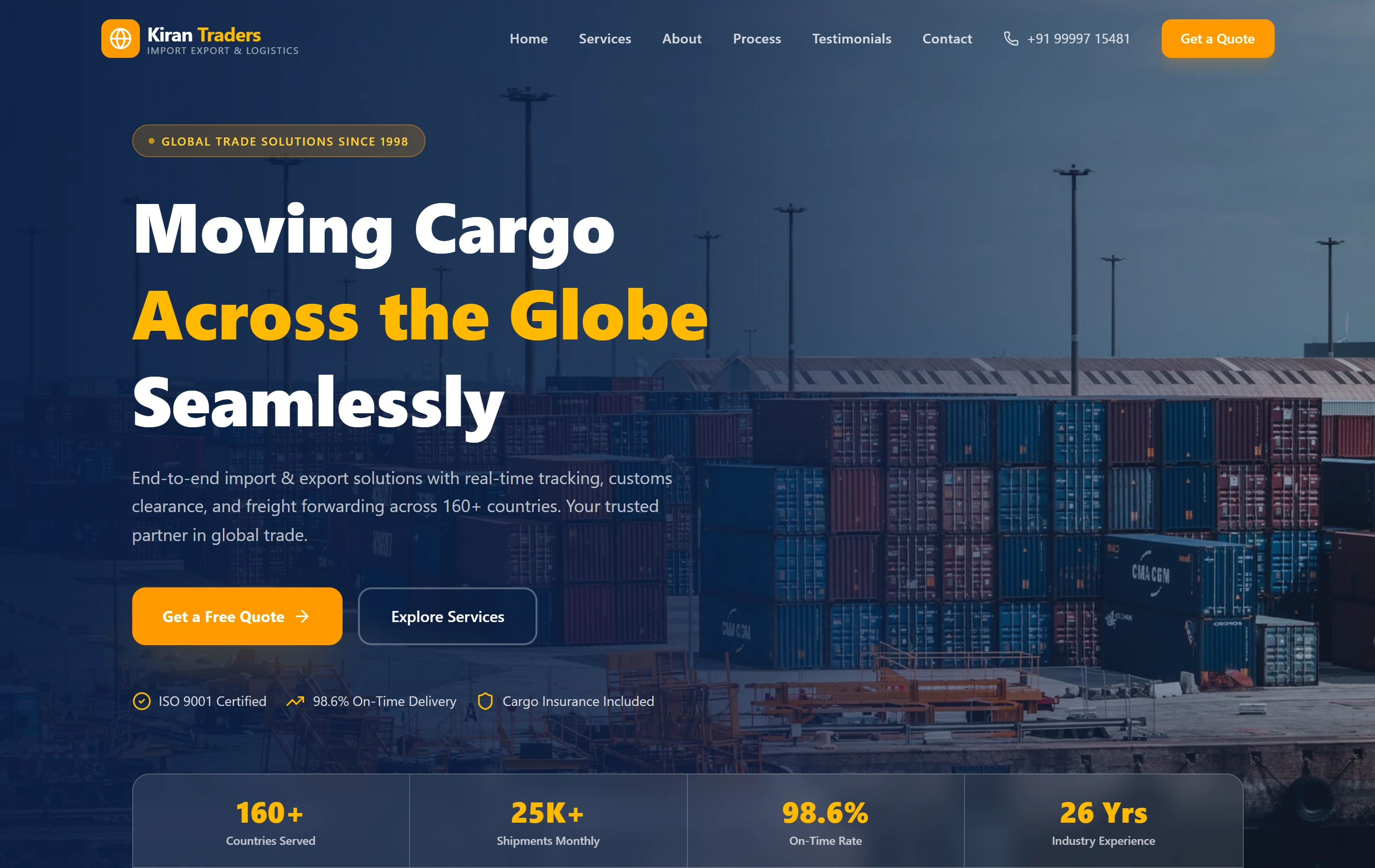
Kiran Traders is a documented B2B import-export website with service information and a procurement enquiry route. It offers a genuine reference for clear business presentation. This portfolio case describes the public website; the proposed CRM has its own discovery, implementation and operating scope.

AudienceB2B buyers
StructureService-led
ActionEnquiry path
Kiran Traders websiteKiran Traders

Questions about commissioning a CRM.

Should we configure an existing CRM or build a custom one?

We compare the available product with your records, stages, roles and connections. A configured system may meet the need with less development responsibility. A custom application can be considered where an important working requirement remains unresolved. The recommendation follows a review of the present setup and the cost of running the chosen approach.

Can one company have several separate opportunities?

Yes, that relationship can be part of the agreed model. Each opportunity can represent a distinct need with its own stage, owner and next action, while using shared company context. We review the reports and everyday screens together so the team understands which item is progressing and what each count means.

What do we need before moving our current data?

Bring the available export, field explanations and the person who understands the records. Agree which active information and history belong in the first move. We inspect a representative sample, define the mapping and compare the selected result with the source. Unclear information needs an owner’s decision before it becomes trusted working data.

What happens after the CRM is handed over?

The agreement names administration, account ownership, technical support, backups and recovery responsibilities. Your users receive guidance for the tasks in scope. Later workflows, reports and integrations are reviewed against the working system, with the business owner approving changes to stages and responsibilities rather than leaving those decisions to a developer.