Skip to content
Event Planner Websites for Dubai Creative Teams

Connect the event inspiration to the details needed for a useful conversation.

An event website can show impressive decoration while leaving the visitor unsure which service they need or what to share in an enquiry. The public journey should connect the visual idea to the occasion, the business’s actual contribution and a practical next step. Softglimmer plans event websites for Dubai creative teams with that connection in mind. Our office is in Ranchi and the work is delivered remotely through agreed reviews. We begin with approved portfolio material and the team’s existing enquiry process, preserving supplied images and factual claims while making the browsing and first-contact journey more coherent.

Explore Dubai
An image-led event portfolio connected to occasion, venue context and a reviewable enquiry brief.
  1. 01

    Find relevant work

    Browse approved galleries with occasion context.

  2. 02

    Understand the service

    Explain the team’s contribution and offering.

  3. 03

    Share the event brief

    Give the team the context needed to respond.

An example journey, shaped around your requirements.

A hypothetical working example

A visitor saves a gallery image but sends an incomplete event request.

Consider a hypothetical Dubai decoration business receiving a favourite gallery image with the message “please quote this.” Staff still need to understand the occasion, intended timing, venue context and service requested. This is a planning example, not a client result. The website can let the visitor refer to relevant work while asking for the limited context the team needs, without suggesting that a photographed arrangement is a fixed package available unchanged.

Give the gallery a service context

Explain what the team contributed to the pictured event and which service the gallery illustrates. A visitor should not have to infer whether the business handled decoration, planning or another part of the occasion. Where collaborators or image credits must be shown, keep them with the approved project information rather than removing them to simplify the layout.

Let the enquiry reference the inspiration

A gallery reference can help staff understand the visual direction, while the form asks for the event context they need. The acknowledgement should describe a received request and the next discussion. It must not imply that a venue, date, installation or final design has been reserved merely because a visitor selected an image.

  1. 01

    Find relevant work

    Browse approved galleries with occasion context.

  2. 02

    Understand the service

    Explain the team’s contribution and offering.

  3. 03

    Share the event brief

    Give the team the context needed to respond.

Hypothetical planning sequence.

Separate visual inspiration from a confirmed event arrangement.

01

Audit portfolio permission and role

Collect the images the business is authorised to publish and confirm the role it may describe for each event. Required credits and participant permissions are client inputs. Do not treat an attractive supplied image as proof that the business delivered everything visible in it. The reviewer approves the project context together with its visual presentation.

02

Choose useful gallery categories

Organise work by distinctions that help a prospective customer assess relevance. Occasion, service or setting may be useful, depending on the actual portfolio. Avoid creating categories with no substantive examples or making every colour variation a separate service claim. The gallery should lead toward a relevant discussion rather than become a collection of disconnected image tiles.

03

Review moving gallery controls

If a carousel is used, it needs a deliberate interaction review. W3C’s carousel tutorial includes keyboard operation and control of movement among its accessibility considerations. The project may instead use a simple browsable gallery. The right choice follows the images and visitor task, with the resulting interaction checked on the agreed device sizes.

04

Define event enquiry questions

Ask the team which details affect the first assessment and which can be clarified later. A date preference, venue context and service request should have clear meanings. If the first release includes uploads or references to gallery items, specify how they reach the receiving team. A contact path alone does not establish event availability or a booking workflow.

A visual website with an understandable working brief.

01

Approved gallery inventory

A record of images, occasion context, business contribution and the permissions or credits required for public presentation.

02

Service and gallery design

Responsive pages that connect relevant visual examples to the offering and a considered route toward enquiry.

03

Event request flow

A proportionate brief with readable questions, relevant gallery context and acknowledgement copy that reflects the request stage.

04

Portfolio publishing handover

Instructions for adding approved work, maintaining credits and checking the enquiry journey after a gallery or service update.

Review one occasion through the whole website journey.

Choose a few portfolio examples that represent different services the team actually provides. Gather their approved descriptions and image rights alongside the files. If the gallery includes a collaboration, explain the business’s contribution accurately. The website should preserve that context rather than transforming each image into a claim of complete event delivery.

Bring the questions staff need to ask after an initial message. Compare an enquiry with a known venue and timing to one at an earlier planning stage. The form may need to accommodate both without making the early visitor invent details. Decide what the acknowledgement can responsibly say and who will follow up. If booking, deposits or a provider connection is requested, inspect that real arrangement as a separate scope.

During remote review, the Dubai content owner approves the occasion and service wording while our Ranchi team presents the gallery and contact flow. Follow the journey on a phone-sized screen, including someone who opens a saved gallery link directly. Check whether the service context, controls and next action remain understandable. The editorial handover should repeat that exercise with a new approved gallery so future publishing follows the same pattern.

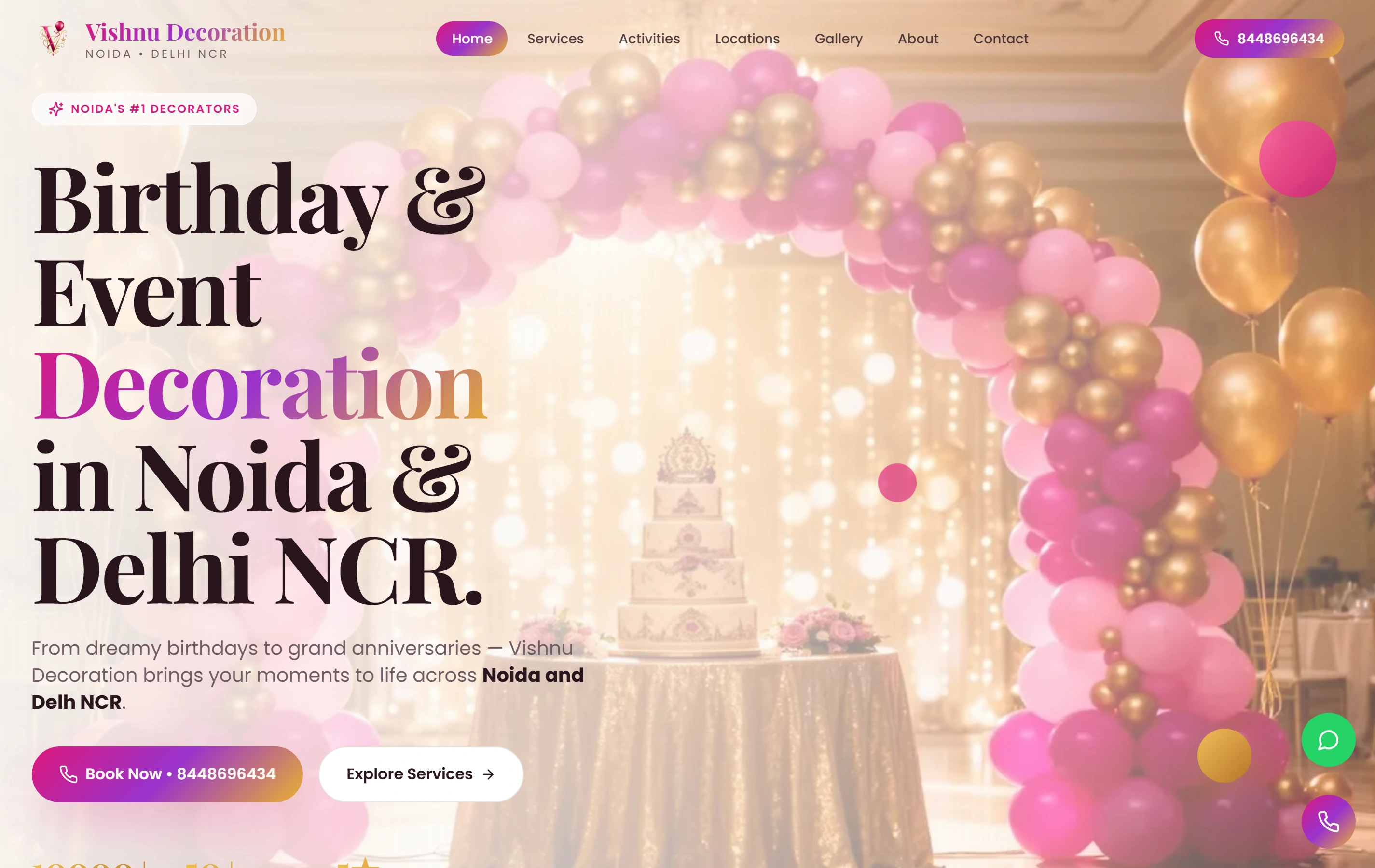
A genuine event-decoration website.

Vishnu Decoration is a documented Softglimmer website with themed galleries, a mobile-first presentation and a direct WhatsApp booking conversation path. It is a real image-led event website reference. The portfolio does not prove event availability, booking confirmations, payment systems or results for a Dubai business.

ExperienceMobile-first
ContactWhatsApp
FocusService gallery
Vishnu Decoration websiteVishnu Decoration

Questions before commissioning the work.

Can a gallery example be sold as a fixed event package?

Only when the business has approved that offering and its conditions. A photograph may otherwise be inspiration with a particular venue and contribution context. We preserve the approved distinction and keep the enquiry wording clear, so a visitor does not mistake a selected image for a confirmed arrangement.

Must the site use animated galleries?

No. The portfolio and visitor task should guide the choice. A simple gallery may make comparison easier, while movement introduces interaction requirements to review. If a carousel is selected, its controls and keyboard behaviour belong in acceptance, alongside the smaller-screen experience and the context around the images.

How are Dubai event website decisions approved remotely?

Your team validates portfolio rights, service descriptions and enquiry requirements. Our Ranchi team prepares the website structure and interaction for review. Written approvals keep the public claims and gallery context traceable, while any booking or payment dependency is recorded separately before release.