
Skip to content
Houston · Corporate & B2B Websites

Explain the business. Show its contribution clearly.

Softglimmer offers corporate and B2B website design and development for Houston organisations through remote work from Ranchi. We plan company information, capability pages and relevant project material as a connected public website. Discovery, responsive design, implementation, content preparation and handover receive a defined scope. A useful site helps a prospective business buyer understand the company, see its contribution to relevant projects and find the right next conversation.

Explore the commission
A corporate presentation, a useful work library and an owned publishing process
  1. 01

    Explain the company

    Organise approved capabilities and stakeholder information.

  2. 02

    Make work understandable

    Connect the project context with the contribution being shown.

  3. 03

    Prepare the next owner

    Review public journeys, ordinary edits and ongoing care.

An example journey, shaped around your requirements.

Commission the company story and the evidence people use to assess it.

Begin with the questions your customers, partners, candidates and other relevant stakeholders bring to the site. Review the current company description, service or capability material and public work examples. Decide what each audience needs to understand, which information belongs together and which actions the first release should support. A corporate site can provide a coherent business introduction through a focused set of pages and functions.

The engagement can include content planning, responsive company and capability templates, leadership or resource pages, a project library, CMS controls and an appropriate first-contact journey. The proposal sets out the writing, image preparation, entry and migration work included. Your business approves facts and the use of supplied material; we turn that material into clear pages and practical editing tools.

A useful project library explains the context, the company’s contribution and the relevant capability alongside its photographs. Repeated information needs a practical structure that the next editor can maintain. Plan how company pages and individual work entries connect before choosing filters, gallery layouts or a particular CMS.
Make the important content choices before expanding the page list.

These decisions connect the public explanation with the people supplying and maintaining it.

01

Audience and page purpose

Identify what a prospective buyer needs to assess and what other stakeholders need separately. A useful corporate page should answer its own question when opened directly.

02

Capability and project evidence

Separate what the company currently offers from the particular work recorded in an example. Agree the approved scope and supporting material rather than infer it from an image.

03

Editorial responsibility

Name the people approving company facts, project descriptions and media use. The intended editor needs a clear route for corrections and later additions.

04

An appropriate enquiry

Choose proportionate first-contact questions and a receiving owner. A public introduction need not become a private portal, tender submission or automated qualification system.

A project image can show more than the company delivered.

Imagine a hypothetical business that contributed one defined part of a wider project. Its proposed work page uses an overall project photograph and a headline that could make the contribution look like end-to-end delivery. The company owner confirms what may be shown and how its role is described. The page can explain the context, name the contribution and connect it to the relevant capability. A reviewer arriving directly should be able to describe that contribution from the complete entry.

Explain the context, identify the contribution and connect the relevant capability
  1. 01

    Project context

    Introduce the approved public setting and material.

  2. 02

    Company contribution

    State the work the business is authorised to describe.

  3. 03

    Relevant capability

    Help the reader continue with the supported offering.

Hypothetical content-review sequence. The business approves its facts and publishing permissions.

Agree the website, the maintained content and the handover.

The proposal sets out what we will produce and what your team will supply.

01

Audience and information plan

Map the company, capability, work and stakeholder pages to their purposes. Identify missing source material and factual approval owners.

02

Responsive design system

Review representative page patterns with approved branding, ordinary content lengths and meaningful phone layouts. A striking project cover is one part of the public experience.

03

Website and CMS implementation

Build the selected templates, navigation, content relationships and editing controls. Review the chosen platform, account access and required dependencies before promising additional functions.

04

Project-content preparation

Agree the entries, fields, media and contribution descriptions included. Record which material is written, entered or migrated and which remains with the business.

05

Public and editor acceptance

Follow a buyer’s assessment and the scoped contact action. Ask the receiving editor to correct or add a representative entry and inspect its public appearances.

06

Preservation and ownership pack

Where relevant, retain useful material and addresses through an agreed transition. Demonstrate routine editing and document source, account, release and continuing-care responsibilities.

Bring company information and one work example the owners can explain.

Share the current site, company description, capability material and a small selection of work you are permitted to publish. Include a straightforward entry and a more complicated one, such as a contribution to a larger programme. Ask the responsible colleague to confirm the factual description and image use before design depends on them.

For the hypothetical example, review the work entry both directly and from a related capability page. Ask a colleague unfamiliar with the project to explain what the company contributed and where to continue. Check captions, headings, relevant links and the enquiry on the layouts being reviewed. Then let the intended editor make an ordinary correction. Record how approval and public checking work, alongside unresolved content or implementation questions.

Move from approved material to a site the team can maintain.

Houston–Ranchi reviews can use dated America/Chicago and Asia/Kolkata invitations, written decisions and a named company approver.

  1. 01

    Discover and select

    Review audiences, existing pages and supplied evidence. Choose the first useful corporate release and the content work it needs.

  2. 02

    Design with real material

    Review company, capability and work patterns together. Resolve unclear facts and relationships before producing a large library.

  3. 03

    Build and examine

    Implement the selected website and CMS. Inspect the important public journeys, content variations and normal editing task.

  4. 04

    Release and equip

    Agree the switch, access and recovery arrangement. Hand over the accepted site with usable instructions and a defined support boundary.

A documented corporate website to inspect.

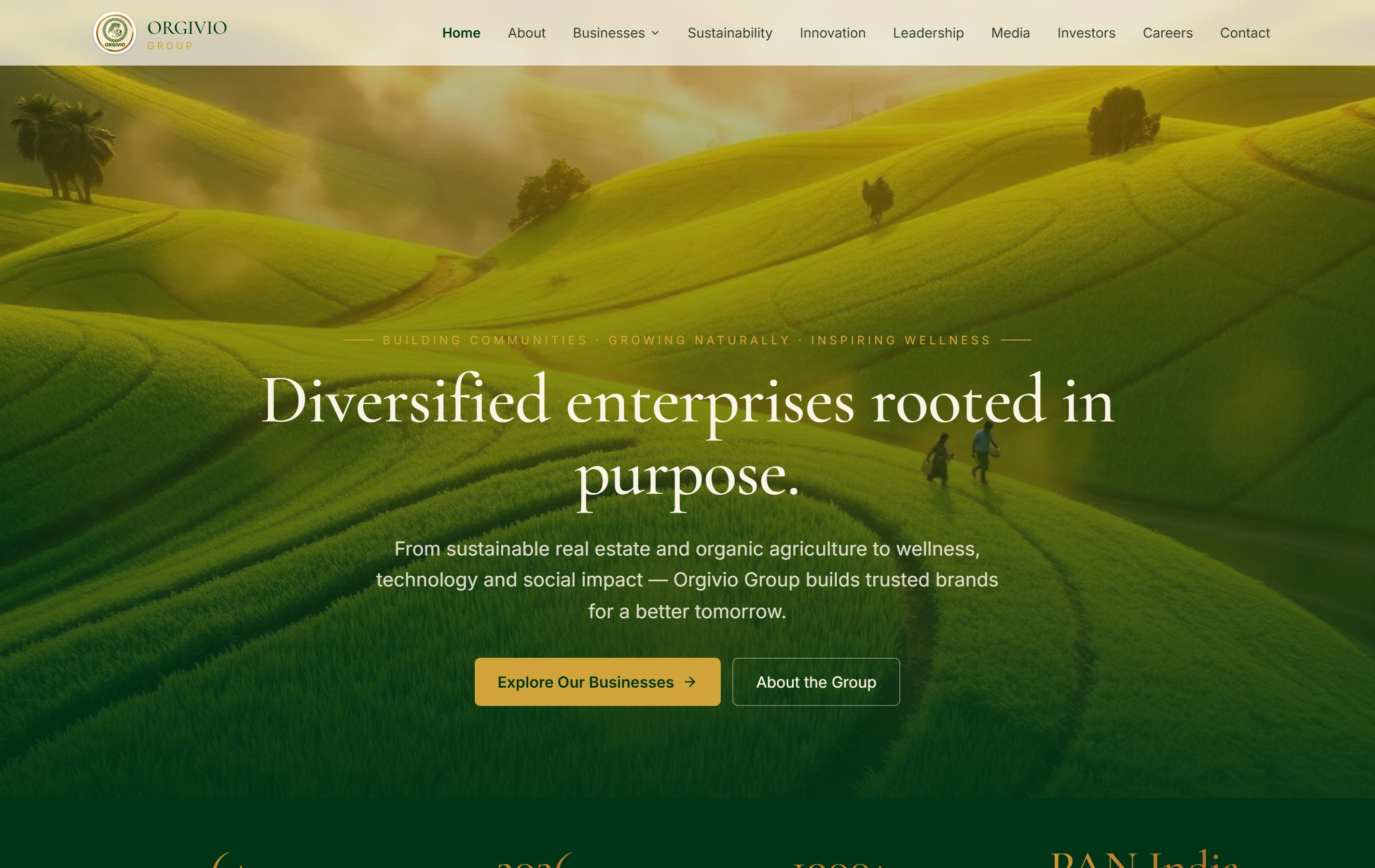
Orgivio Group is a documented corporate group website presenting its businesses, sustainability, leadership and stakeholder information. Explore the case below as a reference for bringing these different information journeys into a coherent company presentation.

Questions before commissioning the corporate site.

The complete scope should make content, implementation and approval responsibilities understandable.

Can we commission the site without a large project library?

Yes. A useful company introduction, focused capability pages and an appropriate enquiry can form a complete first release. We review the material available and agree a maintainable scope. Further work entries can be planned without filling the initial site with unsupported examples.

Who approves the project descriptions and images?

Your authorised business owners confirm the facts and what may be published. The proposal assigns writing, source preparation, entry and approval. A supplied photograph or broad project name alone does not establish the company’s contribution or the right to use the material.

Can we preserve our existing content and addresses?

An authorised review identifies useful pages, media, addresses and working journeys. A focused improvement and a wider rebuild have different transition needs. We record what stays, changes or needs a deliberate destination, with migration and reconciliation explicitly scoped.

What does the team receive after launch?

The website and content controls come with agreed account and source ownership, a routine editing demonstration and a clear support route. Continuing content production, new features and technical care have their own scope. Our Ranchi studio coordinates remote Houston reviews using dated America/Chicago and Asia/Kolkata invitations, with written decisions and named contacts.