Skip to content
Travel Website Development for London Tour Businesses

Let the traveller compare the trip before asking about availability.

A traveller exploring a package needs to understand more than the destination photograph. The itinerary, included services, travel assumptions and next enquiry step should fit together. Softglimmer plans travel websites for London agencies and tour businesses around that information journey. We deliver remotely from our Ranchi office, beginning with the approved package material and the team’s existing enquiry process. The work preserves supplied facts and images while making package differences easier to assess. A public page should reflect what the travel business can substantiate and clearly distinguish a request about a trip from a confirmed booking.

Explore London
Package information, travel party context and the boundary between an enquiry and a confirmed booking.
  1. 01

    Explore the package

    Show the approved itinerary and service context.

  2. 02

    Compare the details

    Make inclusions and important differences readable.

  3. 03

    Describe the trip

    Collect the party and timing context for an enquiry.

An example journey, shaped around your requirements.

A hypothetical working example

Two similar packages hide different assumptions.

Consider a hypothetical London tour business with two destination packages that share attractive imagery but differ in itinerary, inclusions and travel arrangements. A visitor cannot see those differences without sending a message. This is an illustrative planning case, not a claim about a delivered project. The website can present approved package detail consistently, then ask for the intended travel period and party context so the team can discuss an appropriate option.

Give each package a useful information pattern

Choose the information needed to understand the trip and make it visible in a consistent order. An itinerary, inclusions and approved exclusions should not contradict one another. If the business uses indicative dates or accommodation examples, the page should explain their status using the wording the owner approves rather than presenting them as a final arrangement.

Make the enquiry stage explicit

Ask for the information the team needs for its first response, such as the intended travel period and relevant party details. The acknowledgement should explain that the request will be reviewed. It should not imply that a room, transport service, departure or price is reserved simply because the traveller completed a public form.

  1. 01

    Explore the package

    Show the approved itinerary and service context.

  2. 02

    Compare the details

    Make inclusions and important differences readable.

  3. 03

    Describe the trip

    Collect the party and timing context for an enquiry.

Hypothetical planning sequence.

Publish package detail with a clear source and owner.

01

Inventory approved package material

Gather the current itinerary descriptions, supplied images and inclusions for each package in scope. Mark the source and reviewer for changing facts. If two sales documents disagree, the travel business resolves the wording before publication. The website team should not combine attractive fragments from separate trips into a new package the business has not approved.

02

Define the comparison structure

Choose fields that help visitors understand meaningful package differences. A consistent page pattern can support comparison without forcing every trip into identical copy. Record which details are shared, which vary and which need a direct conversation. The design should keep that distinction readable when someone opens a saved package link rather than arriving through a destination page.

03

Review search and filter needs

A small catalogue may need clear navigation more than complex filtering. Inspect the actual package set before adding destination, duration or other controls. Each filter needs a defined meaning and maintained data. If a choice cannot reliably describe the catalogue, the page should not present it as an exact way to find an available trip.

04

Keep enquiry labels readable

W3C’s form guidance supports labels that identify controls and stay associated with them. Apply that principle to the trip enquiry, then review the travel-specific wording. Visitors should know whether a date is a preference or a confirmed departure, and whether a party detail is required for the first conversation or can be clarified later.

Package pages connected to a useful conversation.

01

Package content inventory

Approved itinerary material, image sources, inclusion wording and the owner responsible for keeping changing information current.

02

Destination and package design

A responsive structure that connects browsing to detailed package information and exposes the differences the business has agreed to publish.

03

Trip enquiry flow

A proportionate field set and acknowledgement sequence that describe the intended trip without creating an unsupported booking commitment.

04

Publishing and route handover

Instructions for adding or correcting a package, maintaining shared information and handling useful existing addresses during the agreed migration.

Check one package from discovery through enquiry.

Bring the current package catalogue and choose examples with meaningful differences. The review should include a complete approved package, one with information awaiting confirmation and an older package that still has a useful shared URL. Those examples reveal the content decisions the website needs to support. They also help establish whether a richer catalogue system is justified or whether a maintainable page pattern is sufficient.

Identify who approves travel facts and who updates them. The website project can make a correction straightforward, but an editor still needs an authoritative source. Supplied photographs should have approval for the proposed public use and descriptions appropriate to their purpose. The business should decide how to label representative imagery when it could otherwise be mistaken for a specific included facility or experience.

Follow a package page into the enquiry on a smaller screen. Check the information repeated in the form context and the wording after submission. If online booking, payment or availability integration is requested, inspect the actual system before adding it to scope. These are separate operating capabilities; a travel website with a contact route does not by itself establish that they exist or have been activated.

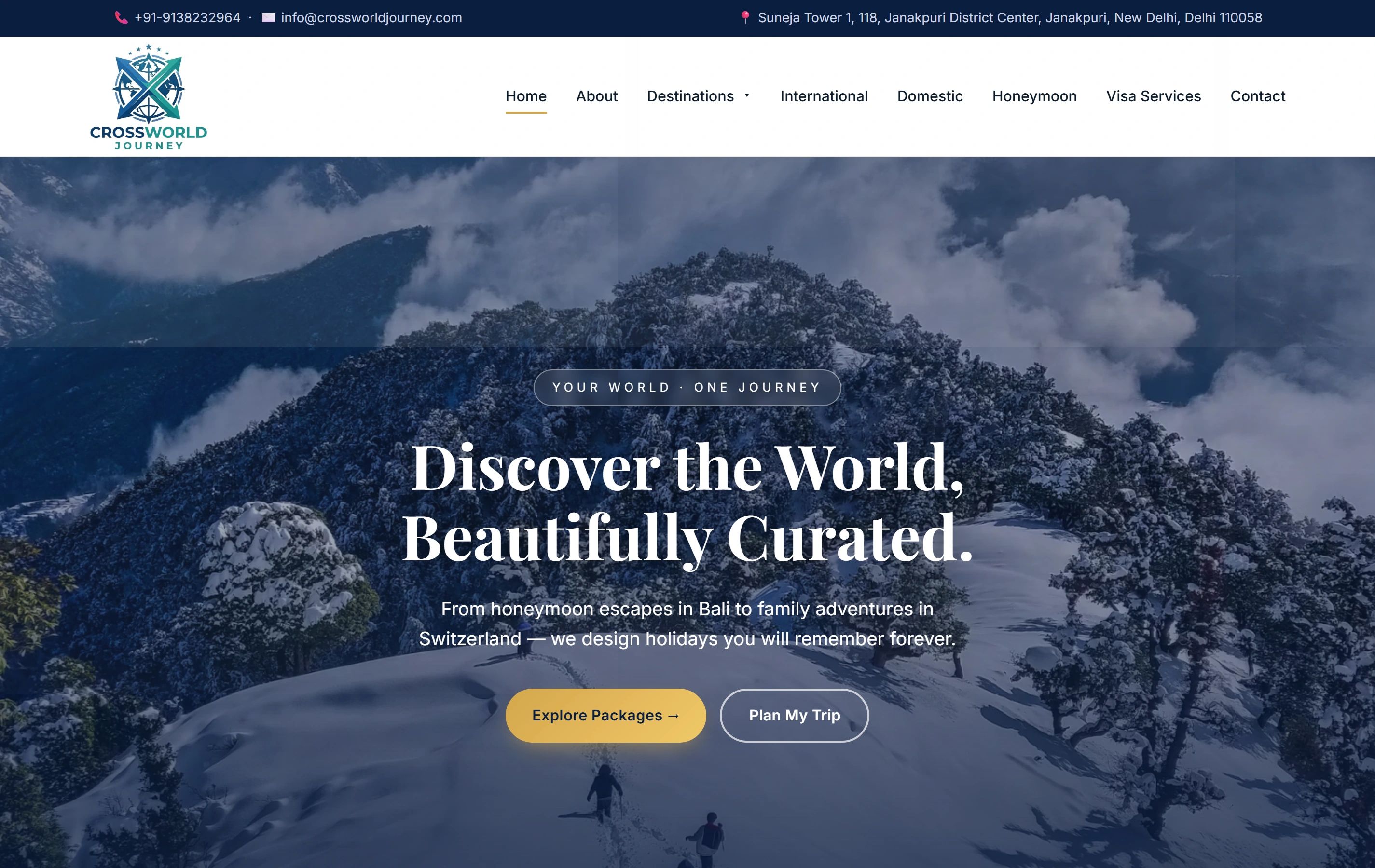
A real travel website with package and enquiry information.

Crossworld Journey is a documented Softglimmer travel website presenting international and domestic holiday packages, destination information and trip enquiry paths. That visible structure is relevant here. The portfolio does not prove live booking inventory, payment integration, availability guarantees or results for a London travel business.

Domestic and internationalA broad holiday presentation
Destination informationContext for the trip discussion
Trip enquiryA visible next step
Crossworld Journey websiteCrossworld Journey

Questions before commissioning the work.

Can visitors book and pay directly on the website?

That requires a separate scope based on the system that owns availability, bookings and payment. We inspect the business’s actual arrangement before proposing a connection. A package information site can support enquiries without becoming a booking engine, and its labels should make that boundary clear.

How should changing package details be maintained?

Nominate an approved source and a publishing owner for the information that changes. The handover can show how to update a package and inspect related pages. Where details remain pending, the travel business supplies the appropriate wording rather than allowing the design to present them as confirmed inclusions.

What does the London team review remotely?

Your travel content owner validates itineraries, inclusions and the request-to-booking boundary. Our Ranchi team prepares the browsing and enquiry journey for review. Written decisions capture package changes and any unresolved dependency on an availability or payment system before the website release is considered.