
Skip to content

Design useful interactions. Give people a clear way through.

Softglimmer offers UI and UX design for Los Angeles businesses building or improving websites, applications and staff tools. From our Ranchi studio, we investigate the task, organise its information and develop responsive interfaces with realistic states. The commission can be a focused assessment or a wider design system. It should leave the implementation team with more than attractive screens: the intended behaviour, content and important alternatives need to be understandable.

Explore the scope
A design brief that connects the task, interaction and handover
  1. 01

    Understand the use

    Identify people, context and available evidence.

  2. 02

    Explore the interaction

    Review structure, choices and realistic states.

  3. 03

    Explain the design

    Provide components and implementation guidance.

An example journey, shaped around your requirements.

Choose the design work around the question your team needs to answer.

Start with the current interface or product brief and the task someone finds difficult. We review the audience, information, navigation and constraints before deciding whether the useful next step is an assessment, a focused flow or a wider redesign. Existing research, support feedback and implementation knowledge are useful inputs. New research or evaluation with participants is defined in the agreement; a design proposal should not imply that a user study has already taken place.

The work can include information architecture, task flows, wireframes, interactive prototypes, responsive visual design and reusable patterns. Use real headings, labels and representative records to explore how a person understands the next step. A consistent appearance matters, but it does not settle the meaning of a control or the result of an action.

We distinguish design files and prototype behaviour from production implementation. The handover identifies the responses the interface expects, decisions still needed from the product owner and the review to perform after development. Backend persistence, permissions and the final accessibility evaluation belong to the implemented task and agreed acceptance scope.
Moving an item should not depend on one gesture.

Hypothetical example: an editor arranges photographs for a presentation. Dragging is convenient for some people, but the design also needs an understandable way to place a named photograph using ordinary controls. The editor should recognise the current position and the proposed order before applying it. This is an interface-design example, not a delivered Los Angeles gallery editor.

Arrange, inspect and deliberately apply the sequence
  1. 01

    Identify the item

    Keep its name, context and position visible.

  2. 02

    Choose a position

    Provide the agreed non-drag route as well as any gesture.

  3. 03

    Review the arrangement

    Explain what is proposed and what has been applied.

Illustrative sequence-editing review; the prototype does not save a production order.

Define the ordering task, not just the drag animation.

Agree these decisions with the product owner and the people implementing the interface.

DecisionWhy it mattersDesign considerationReview question
Recognise the itemSimilar thumbnails may be hard to distinguish.Use meaningful names and enough context to identify the item being moved.The reviewer can say which item will change position.
Move without draggingThe person may use a keyboard or another supported control.Explore move-before, move-after or another understandable position choice for this task.The same intended order can be prepared without a precise drag gesture.
Read the proposed resultMoving one item changes the surrounding sequence.Make the resulting positions understandable and keep focus or context useful.The person can inspect the whole proposed order before continuing.
Apply or leaveThe product must define when the order becomes effective.Explain whether a deliberate apply action is needed and what leaving an unapplied arrangement means.Prototype wording separates a proposal from an actual saved result.

Give the receiving team usable design material.

The proposal identifies journey coverage, research or review activity and the formats supplied.

01

Discovery and task brief

Describe intended users, current evidence and the problem to solve. Keep assumptions and unresolved business rules visible.

02

Information architecture

Organise content, navigation and screen responsibilities around the agreed tasks, including routes into and out of the flow.

03

Wireframes and prototypes

Explore hierarchy, sequence and important alternatives with representative material before extending the visual system.

04

Responsive visual interface

Develop layouts, typography and controls for the selected environments, including long labels and narrow views.

05

Components and behaviour notes

Define reusable patterns and the states that carry meaning. Show where feedback depends on an actual implementation response.

06

Evaluation and developer handover

Record the agreed review, resulting decisions and open questions. Walk the implementation team through the design and its limits.

Ask someone to arrange the sequence without a demonstration script.

For the hypothetical photo flow, choose a small sequence containing two similar images. Ask the reviewer to put the named item after another using the non-drag route, then inspect the proposed order. Try a move to the first and last positions and a decision to leave without applying. The product owner must approve what each outcome means before it becomes a design convention.

Review comprehension and operation with the agreed participants and input methods. A smooth prototype is useful evidence about the proposed interaction; it is not proof of stored order, production keyboard behaviour or universal accessibility. Carry the same cases into implementation review where that work is commissioned.

Keep design and implementation decisions connected.

Use dated America/Los_Angeles and Asia/Kolkata review invitations, with an identified design version and named decision owners.

  1. 01

    Frame the engagement

    Share the current experience, intended users and evidence. Select the useful design scope.

  2. 02

    Explore and review

    Use realistic material to compare structure and behaviour before polishing the screen set.

  3. 03

    Refine the system

    Resolve visual patterns and alternative states with engineering constraints visible.

  4. 04

    Hand over the intent

    Explain files, components and behaviour requirements. Agree any later implementation or evaluation work separately.

A documented website to review.

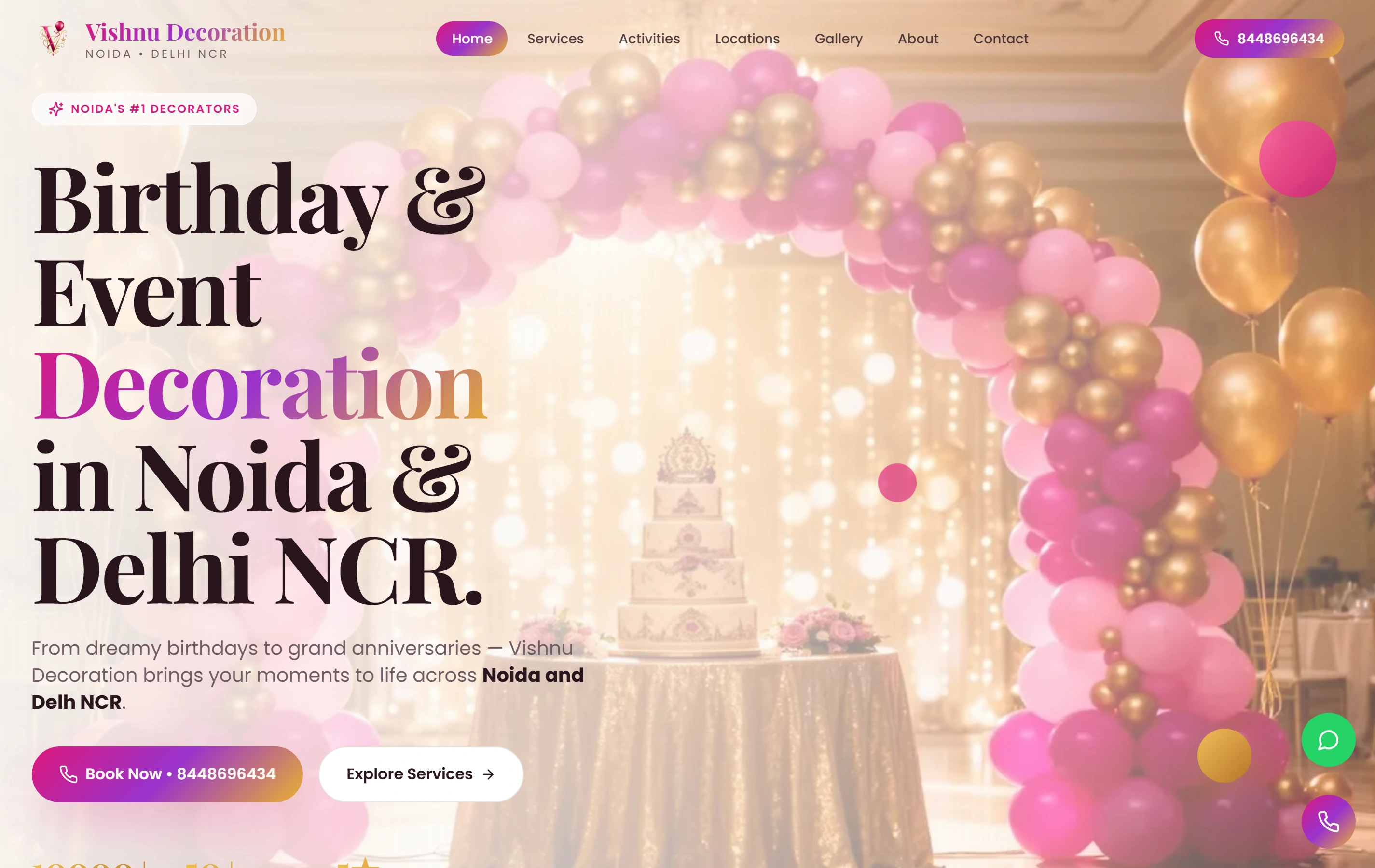
Vishnu Decoration: A colourful, mobile-first website for an event decoration business, with themed galleries and a direct WhatsApp booking path. Use it as a public website reference. It does not establish the hypothetical behaviour, a local client, a particular CMS, native app or backend delivery, or a measured result.

ExperienceMobile-first
ContactWhatsApp
FocusService gallery
Vishnu Decoration websiteVishnu Decoration

Questions about commissioning UI and UX design.

Can we improve one interaction rather than replace the product?

Yes. A focused review or design can address one useful journey while checking how it fits the surrounding information and components. The scope identifies its states and handover needs.

Is development included?

Only when the agreement includes it. Design files, prototype review and production code are different outputs. A working demonstration of a gesture does not establish a saved backend result.

Will an alternative to dragging guarantee accessibility?

No single control establishes that. We can design the selected alternatives and agree evaluation of the implemented task with relevant users and requirements.

Where does the work take place?

Our studio is in Ranchi, India. Los Angeles teams work with us remotely through agreed review windows and written decisions; this page does not represent a local office.