
Skip to content
WordPress & CMS Development for Melbourne

A website people can use. A CMS your team can manage.

Softglimmer plans and builds WordPress and CMS websites for Melbourne businesses. We connect public content, responsive design, development and the publishing tasks that follow launch. Our studio is in Ranchi, India; discovery, demonstrations and handover take place remotely with your content and technical owners.

Explore the service
Plan the public website and its everyday editing together.
  1. 01

    Useful public information

    Organise the pages visitors need.

  2. 02

    Practical editing

    Give recurring content an understandable home.

  3. 03

    A maintainable release

    Agree migration, launch and technical ownership.

An example journey, shaped around your requirements.

Commission the website and the means to keep it useful.

A CMS project begins with what visitors need to understand and what your team needs to change. Bring representative service pages, articles, images and contact routes. We use that material to plan the page structure, design approach and editing model before choosing the final implementation.

The work can include a new website, an existing-site rebuild or an improvement to an established WordPress setup. The proposal names the templates, content types, reusable sections and connections included. A public information site and an authenticated business application are different commissions; required private workflows need their own scope.

For a migration, useful content and existing destinations are part of the brief. We identify what remains, what changes and who approves the replacement. The optional image exercise below illustrates one publishing decision within this wider website service.
Choose the editing arrangement around real work.

01

Improve an existing installation

Review the current pages, editor controls and important dependencies. Identify the useful parts worth retaining and the changes needed for an agreed task. A confusing update screen does not automatically mean the entire website needs replacing.

02

Build a new public website

Agree its information architecture and responsive templates using approved material. Choose the appropriate balance of structured content and flexible sections, with clear limits on what editors can change without a design review.

03

Rebuild and migrate deliberately

Inventory pages, media and working connections before planning their replacements. Include destination mapping, content preparation, review access and a launch decision. Moving text alone does not settle the complete transition.

Define outputs that both visitors and editors need.

The proposal sets the page inventory, responsibilities and acceptance examples.

01

Content and website brief

Map audiences, useful information and ordinary publishing tasks. Identify supplied material, missing approvals and the people who can resolve factual questions.

02

Content model and editing controls

Specify recurring fields, page relationships and reusable sections. Demonstrate how an editor prepares an ordinary update and recognises its affected public destinations.

03

Responsive visual templates

Design the agreed layouts with actual headings, images and content lengths. Review navigation, readable information and calls to action across the supported screen sizes.

04

WordPress implementation

Build the approved templates and editor experience. Review required extensions or connections for the chosen setup, with account access, licence and technical ownership assigned.

05

Migration and release checks

Prepare the agreed content transition and destination list. Check editing, important links, enquiry behaviour and representative pages before the authorised launch.

06

Publishing and technical handover

Provide the agreed guidance and access handover. Distinguish routine content corrections from technical updates, backups and recovery work, with a responsible owner for each.

Decide what an editor can change before adding controls.

Some information belongs in a shared entry; some depends on where it appears. A service name may need one approved source, while a page introduction needs its own context. Use representative updates to decide which relationship is helpful.

Discuss permissions through tasks: preparing a draft, reviewing a public preview, approving publication and maintaining dependencies. The chosen site must support the agreed responsibilities. Flexible editing should not require every colleague to understand the full technical setup.

Review a complete publishing task before launch.

Use dated Australia/Melbourne and Asia/Kolkata invitations; confirm the actual overlap for each remote review.

  1. 01

    Inspect and agree

    Review the existing site where applicable, sample content and editor needs. Set the first-release inventory, access requirements and approval responsibilities.

  2. 02

    Design with the content

    Present representative page layouts and editing decisions. Use a long heading, an awkward image and a realistic enquiry route to expose requirements early.

  3. 03

    Build and rehearse

    Implement the agreed structure. Have the nominated editor make a sample change and inspect its public preview, including linked content and phone layouts.

  4. 04

    Approve and hand over

    Resolve the acceptance list, confirm launch responsibility and explain normal updates. Record how the team gets help with content or technical issues.

An optional example: one image needs two different treatments.

Imagine an approved photograph showing a finished project. Its detail supports a project page, but the same photograph is also used in a wide banner. A single crop hides the feature described by the banner caption.

The CMS brief can give editors an appropriate image choice, focal treatment or caption for each agreed placement. Preview both uses before publication rather than assuming the media-library entry settles every context. The exact controls depend on the implementation selected. This is a hypothetical editing exercise, not a Melbourne client story or a claim about default WordPress behaviour.

Leave the next update understandable.

Ask the future editor to prepare another ordinary page with the agreed controls. Supply practical guidance for images, links and approvals, together with the route for requesting a new layout. Separate ongoing maintenance from the launch deliverables so the team knows who handles updates, recovery and later development.

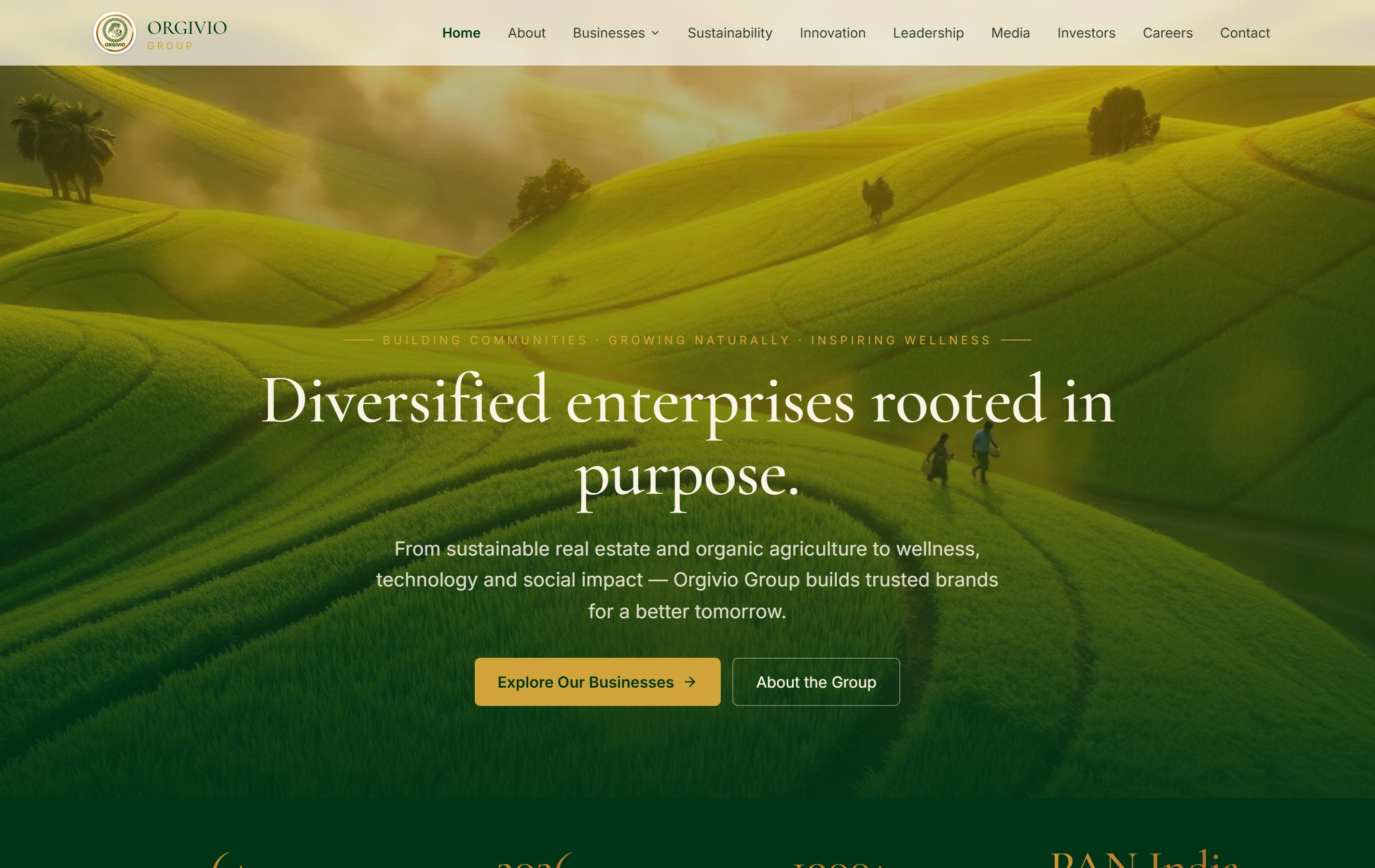
Explore a real corporate website.

Orgivio Group’s website presents its businesses, leadership and stakeholder information. Its project page provides a public website reference for an initial discussion about organising your content.

Questions before starting a CMS project.

Can you work with our current WordPress website?

We can assess it with appropriate access and representative publishing tasks. The proposal can retain useful elements and define specific improvements, or explain why a broader rebuild is appropriate.

Will we be able to add pages ourselves?

We agree which page types and editing tasks the project includes. The handover should demonstrate those tasks with your nominated editor; new functions or layouts may require separate development.

Who prepares the content and images?

Agree this at the outset. Your team approves business facts and usage rights; content preparation, image treatment and migration are listed where included in the commission.

Are maintenance and recovery included?

They can be scoped with a named owner and defined responsibilities. A launch handover should state what ongoing work is included rather than imply unlimited updates or an untested recovery commitment.