
Skip to content
Website maintenance for Toronto

Keep the website useful with a support scope you understand.

Softglimmer provides website maintenance and support for Toronto teams that need dependable updates and a clear technical owner. We review the existing site, accounts, dependencies and important journeys before proposing ongoing work. Content requests, software updates, recovery and improvement tasks need defined responsibilities. Our studio is in Ranchi, with remote delivery and response arrangements agreed for the actual site.

Explore the scope
Agree the work and the responsibilities.
  1. 01

    Establish the baseline

    Understand the platform and its owners.

  2. 02

    Make reviewed changes

    Agree the request and recovery route.

  3. 03

    Check useful behaviour

    Follow the affected visitor journey.

An example journey, shaped around your requirements.

Begin with what the website needs to keep doing.

Maintenance includes more than changing text or installing an available update. The support team needs to know which pages and functions matter, what the site depends on and who can approve a change. A business website, store and signed-in application have different operating requirements.

We can review a site built by another team, subject to access, documentation and its current condition. Onboarding identifies the platform, hosting, domain, code or CMS, external connections and known issues. That baseline informs the work that can sensibly be included and any separate investigation or repair needed before routine support begins.

The agreement should explain how requests arrive, who prioritises them and what evidence accompanies a completed task. Record the work that remains with a host, domain provider or other account owner. Coverage, urgency and response expectations should be stated rather than inferred from a general promise of support.
Separate the work so priorities remain understandable.

01

Routine content and dependency care

Agree the permitted copy, image and page updates, supported software responsibilities and approval process. A request for a new feature or template may need a separate estimate. Keep the maintenance capacity and scope explicit.

02

Monitoring and incident handling

Define which failures are checked, where alerts go and when a response is available. Acknowledging a report and repairing a fault are different commitments. External provider access and responsibility can affect the next action.

03

Recovery or focused improvement

An unstable site or major performance issue may require a bounded investigation before ongoing care. A redesign or migration changes the scope further. Agree the evidence, recovery preparation and acceptance conditions for that work separately.

Six parts of a useful maintenance arrangement.

01

Website onboarding map

Document the platform, hosting, accounts, important connections and known issues. Identify who owns the credentials, renewals and decisions needed to maintain the site.

02

Content request routine

Define how an edit is submitted, approved and reviewed. Include the relevant page, intended change and accountable content owner so a request can be understood without repeated clarification.

03

Dependency update plan

Agree which supported software or extensions are maintained and how changes are assessed. Record prerequisites and provider responsibilities rather than assuming every available update is appropriate for the site.

04

Backup and recovery outline

Review what files, data and configuration need protection, where copies are held and who can restore them. Document the agreed procedure and practical limits instead of treating a backup label as recovery proof.

05

Journey and performance checks

Choose important public or signed-in tasks for the actual site. Check behaviour affected by a change and use evidence when investigating a performance issue; a working homepage is only one observation.

06

Work and priority report

Keep completed changes, unresolved issues and recommended improvements visible. Identify dependencies and decisions still awaiting another owner so your team can plan the next request and understand the support position.

Agree the recovery decision before relying on it.

Inspect what the current backup and release arrangements actually contain. A database copy may not include uploaded files, configuration or the version of the code needed for the same working state. The scope should state which parts are covered and how an appropriate restore check can be conducted.

Also agree when a change should be held, repaired or reversed and who makes that decision. Service hours, escalation contacts and response targets need to fit the platform and the support arrangement. Maintenance does not imply unlimited changes, uninterrupted availability or a guaranteed repair time. Those expectations require explicit review of the actual dependencies and agreed coverage.

Create a routine the business and support team can follow.

Toronto reviews can use dated America/Toronto and Asia/Kolkata invitations. Our office remains in Ranchi; the maintenance agreement should identify the content, technical and external-provider contacts.

  1. 01

    Inspect and establish

    Review the site and its access with authorised owners. Record existing issues and the important journeys before agreeing routine work or a separate corrective task.

  2. 02

    Define the request

    Identify the pages, intended result and person approving the change. Note dependencies and prepare the agreed recovery route before implementation.

  3. 03

    Change and verify

    Apply the scoped update and inspect the affected behaviour. Keep the evidence tied to the actual task and record an unresolved condition instead of calling it complete.

  4. 04

    Report and prioritise

    Explain what changed, what was checked and what needs another decision. Review the next priorities and keep the responsibilities clear as the site evolves.

An optional content example: replacing a downloadable resource.

Imagine a website publishing a revised public resource. The file is replaced on one page while another page still links to the older edition. The maintenance request should identify the approved new file, its related links and the intended treatment of an earlier shared address. Review that visitor journey and the agreed recovery option before closing the task. This is a planning example, not a Toronto maintenance incident or a claim that a particular client uses this arrangement.

A real website journey worth understanding before a change.

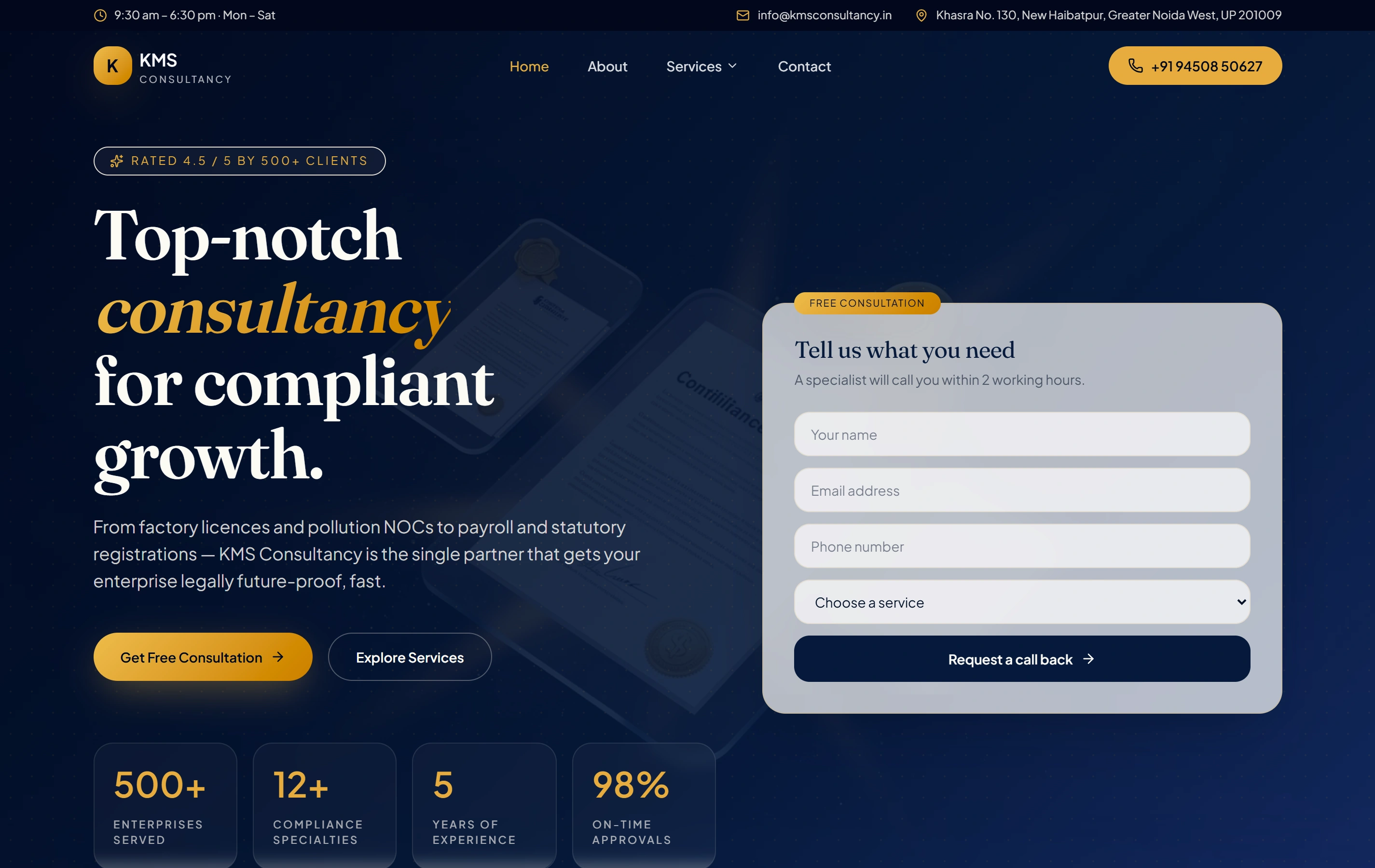
KMS Consultancy is a documented website with structured service pages and an enquiry journey. It offers a real public information-and-contact reference. The portfolio entry does not establish its platform, a maintenance contract, a recovery test, incident-response performance or a Toronto client relationship.

ContentCompliance
StructureService pages
ActionEnquire
KMS Consultancy websiteKMS Consultancy

Questions before agreeing website support.

Can you maintain a website another team built?

We can review it through onboarding. Available code, hosting access, documentation and known issues determine the initial scope. A corrective investigation or unsupported dependency may need separate work before routine support is suitable.

Are content changes unlimited?

Request capacity and the types of routine changes are agreed explicitly. New features, templates, migrations or major redesigns may require a separate estimate. The support arrangement should make those boundaries understandable before requests begin.

Do backups guarantee that the site can be restored?

No. Coverage, retention, access and the restore procedure need review. The maintenance scope can include an appropriate recovery check, with its limits documented. A file or dashboard status alone does not establish a successful restoration.

What hours and response time do you provide for Toronto?

These must be agreed around the site and operating needs. Softglimmer works from Ranchi; this page does not promise local staff, round-the-clock coverage or a repair deadline. Name the contacts and escalation route in the support agreement.