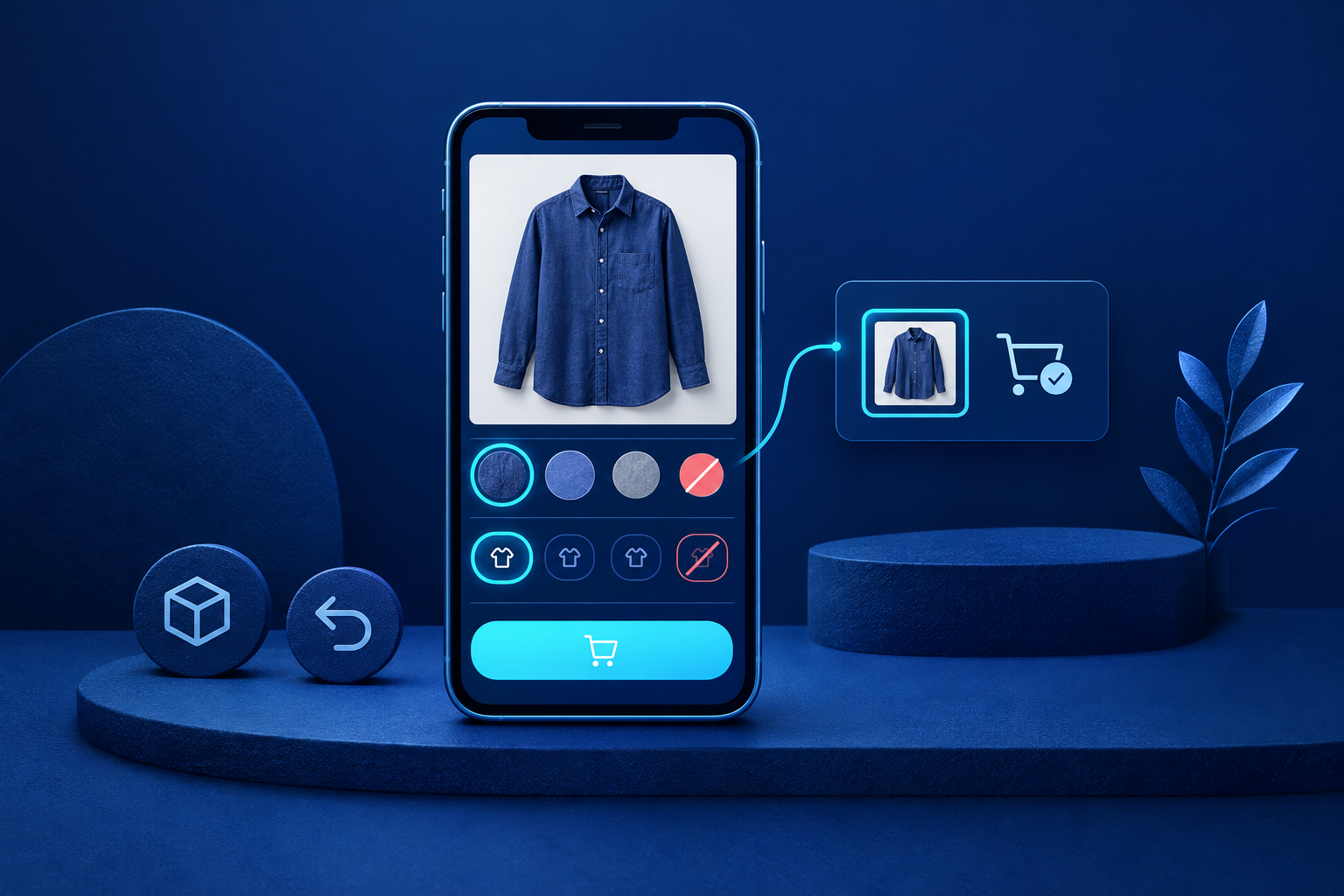
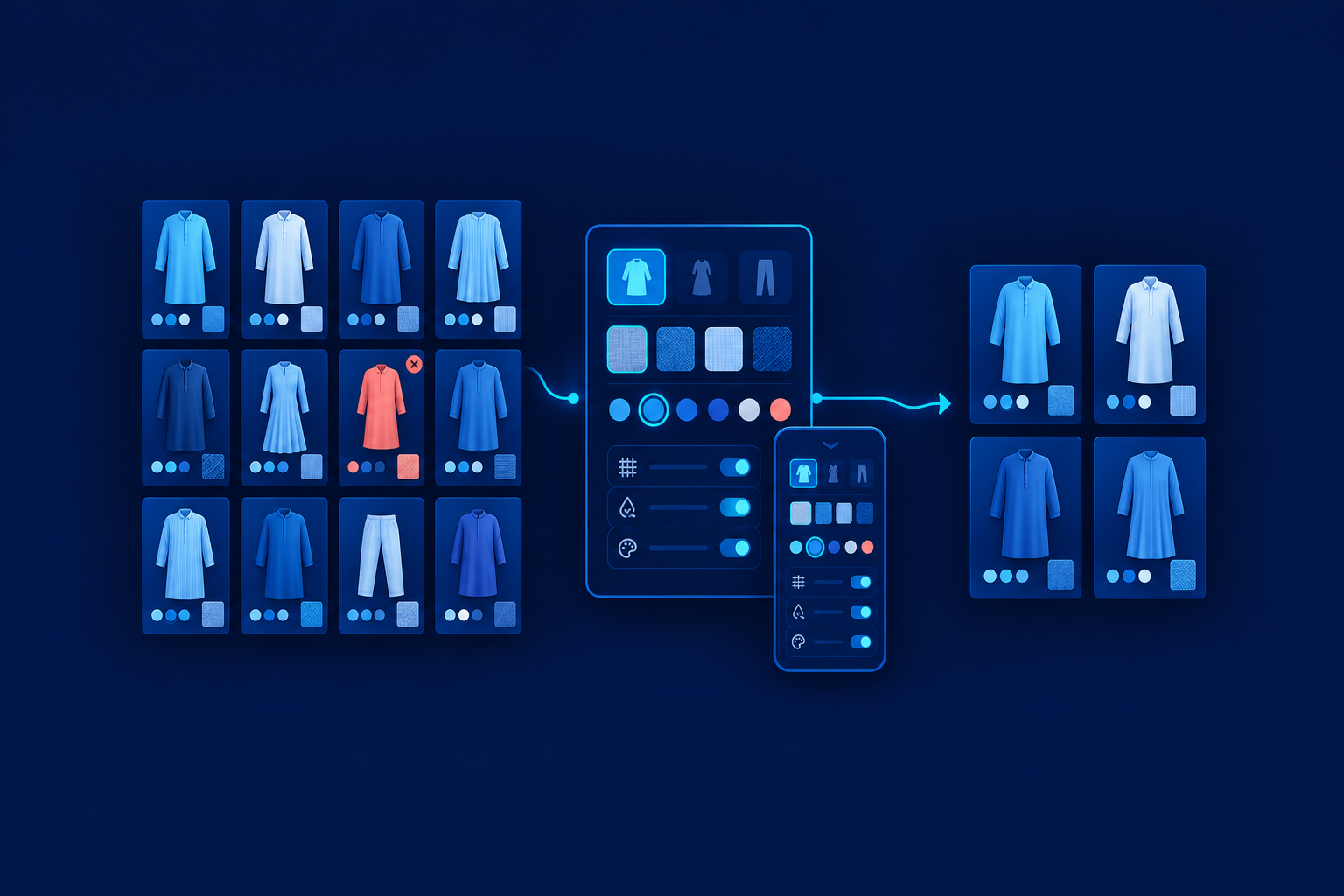
Plan ecommerce product filters around buying decisions supported by reliable catalogue data. Use collections for lasting browsing destinations and filters for refinements such as size, colour and availability. Before implementation, agree the labels, matching rules, recovery behaviour and URL policy. The deliverable is a discovery brief shared by merchandising, content, design and development—not simply a redesigned sidebar.
Start with the words customers use
Build a vocabulary sheet from store searches, enquiries and merchandising knowledge. Record the preferred label, alternatives, exact meaning, underlying field and owner. Investigate whether customers mean the same thing by “kurta” and “kurti”; do not assume equivalence. Likewise, grouping wine, maroon and burgundy under a broader colour may help browsing, but should not erase exact shade information.
Shopify supports customer-facing filter names and grouped values without requiring the underlying option name to change.[1] That separates understandable labels from accurate records. Keep “Cotton” distinct from “Cotton blend”, and avoid equating M with size 40 across brands. Validate uncertain wording with customers before standardising it.
Define trustworthy attributes before exposing filters
For each attribute, record buying relevance, storage level, allowed values, units, missing-data treatment and maintenance responsibility. Product-level information describes the whole item; variant-level information describes a particular purchasable version. Unknown composition should remain unknown, not become “Other”. Hold back unreliable filters until the relevant catalogue is audited.
In Shopify, options commonly represent choices such as size and colour. Metafields hold specialised structured details, and definitions can validate values.[2] Choose fields according to the data and supported filtering behaviour, rather than prescribing one field type throughout. Keep verified composition separate from marketing labels, measurements in consistent units, and availability connected to inventory rather than promotional tags.
Choose collections for lasting browsing tasks
A collection is a maintained browsing destination; a filter narrows the current range. “Kurtas” deserves a destination. “Cotton kurtas” may deserve one if customers seek it and the assortment supports it. Blue + M + in-stock usually remains a refinement. Collections provide deliberate navigation but create maintenance work; filters offer flexibility without needing a page for every combination.
- Customer task: state what the destination helps someone find.
- Membership rule: define which products qualify, including how blends are treated.
- Owner: assign responsibility for membership and empty ranges.
- Navigation link: specify where customers will find the collection.
Shopify documents a transition in collection workflows. Inspect the model available in the merchant’s admin before writing instructions; existing manual and smart workflows remain usable where the replacement is unavailable.[3] If platform choice is still open, use “Choose the store around the operation behind it” as a separate planning guide.
Separate unavailable values, no matches and errors
| Situation | Recommended behaviour |
|---|---|
| Unselected value has no matches | Hide it or show it visibly unavailable; choose consistently. |
| Selected combination has no matches | Preserve selections; offer individual removal and Clear all. |
| Filtering request fails | Explain the loading failure and offer Retry; do not claim there are no products. |
Shopify combines different filters with AND: blue and M must both match. Within one filter, OR is the default: blue or green. Certain filter types support configurable exceptions, so document the actual rule.[1] Never silently discard a size preference. Suggest removing a particular filter only when current result data supports the promised recovery.
Make mobile filters predictable and accessible
Immediate updates give quick feedback but can trigger repeated loading. An Apply action batches changes, but must distinguish pending choices from the selections behind the displayed results. Choose deliberately and test on a constrained connection. Keep sorting separate, show removable selection chips, preserve state when reopening the drawer, and make close and apply actions reachable.
Associate labels with controls and show colour names alongside swatches.[7] For a modal drawer, move focus inside, contain keyboard navigation, support Escape and restore focus to the opener.[8] Announce updated result counts and no-results messages without forcing focus onto them.[9] Test keyboard use, screen readers, browser Back and return from a product page—not just tapping filters.
Keep useful categories crawlable, not every combination
Faceted navigation means browsing through combinations of attribute filters. Separate deliberate search destinations from utility refinement URLs. Google recommends linked category-to-product paths using actual anchor links; search-box discovery alone is insufficient.[4] Intended indexable pages should use consistent URLs across links, sitemaps and self-referencing canonicals—the preferred URL declared by each page.[6]
Filter combinations can create a vast crawl space. Decide which utility URLs crawlers should access; a canonical is not a crawl block.[5] Test rules against categories, pagination and products before release. The “Website performance and technical SEO” service page provides context for this work, but the discovery brief should already identify intended landing pages.

Google recommends HTTP 404 responses for empty, duplicate or nonsensical crawlable faceted combinations, at the requested URL.[5] Separately, its ecommerce guidance recommends noindex for empty categories and considering 404 when they leave browsing.[6] A no-results interface establishes neither response. Ask developers to inspect direct URL requests and agree how the store will implement the policy.
Worked example: a hypothetical Jaipur clothing retailer
Assume a retailer sells kurtas, kurta sets and dupattas. Composition is consistent across each product’s variants, while size, colour and stock vary. Customers recognise “Cotton kurtas”, and sufficient qualifying products justify that destination. These are scenario assumptions, not client findings. The linked tables form one reusable planning matrix; join their rows by customer wording.
| Customer wording | Verified attribute | Storage level and quality rule | Collection or filter |
|---|---|---|---|
| Kurtas | Garment type | Product; controlled terms | Collection |
| Cotton kurtas | Composition | Product; verified, blends distinct | Collection plus fabric filter |
| Office wear | Occasion | Product; written inclusion criteria | Filter initially |
| M | Size | Variant; sizing system and chart | Filter |
| Blue | Colour | Variant; exact shade plus broad group | Filter |
| In stock | Purchasable availability | Variant; inventory-backed | Filter |
| Customer wording | Empty-state behaviour | URL policy | Acceptance test |
|---|---|---|---|
| Kurtas | Owner reviews empty category | Indexable while maintained | Linked destination contains only kurtas |
| Cotton kurtas | Review assortment; no blend substitution | Indexable maintained destination | Composition supports every inclusion |
| Office wear | Preserve selection; offer removal | Utility; decide crawl control | Every inclusion meets written criteria |
| M | Keep selected size removable | Utility; test empty response | Matching size is genuinely purchasable |
| Blue | Retain shade selection | Utility; test empty response | Card and product show matching colour |
| In stock | Explain no purchasable matches | Utility; test empty response | Stock belongs to selected size and colour |
Create a product with unavailable blue M and available blue L. Select blue + M + in-stock. Pass only if the storefront avoids implying that blue M is purchasable because blue L is available. Check matching variants, card imagery and availability wording. Also verify removing M preserves other selections, product-page return retains state, and a direct empty URL receives the agreed response.
Turn the matrix into an acceptance brief
- Data: pass only when exposed attributes use agreed values, units and missing-data rules.
- Collections: pass when each destination has an owner, membership rule and working navigation link.
- Recovery: pass when empty results and loading errors remain distinct, with removable selections.
- Mobile access: pass keyboard, focus, announcements, state preservation and constrained-connection tests.
- Variant matching: pass the blue/M/in-stock scenario without misleading availability.
- URLs: pass direct-response, canonical and crawl-control checks for representative pages.
Should missing values appear as Other?
Usually not. Missing means unknown; Other means a known value outside the named groups. Keep those meanings separate and assign someone to resolve incomplete records.
Does mobile filtering always need Apply?
No. Immediate updates can work when fast and stable. Use Apply when batching helps, and clearly distinguish pending selections from applied results.
Should every useful filter combination be indexable?
No. A useful shopping state is not automatically a maintained search destination. Give lasting customer tasks deliberate pages; decide crawl access separately for utility combinations.
Next, complete the matrix for one important category and run the acceptance checks before expanding across the catalogue. Record failures and owners in “A website launch checklist built around what must work”. Approve discovery when the agreed buying tasks work—not when the filter panel merely looks finished.
Sources & further reading
Use the original guidance when checking details or planning implementation.
- Shopify: Adding filters with Search & Discovery ↗
- Shopify: Metafields ↗
- Shopify: Collections ↗
- Google: Ecommerce website navigation structure ↗
- Google: Managing crawling of faceted navigation URLs ↗
- Google: Ecommerce URL structure best practices ↗
- W3C: Labelling controls ↗
- W3C: Modal dialog pattern ↗
- W3C: Understanding WCAG 2.2, including status messages ↗
This research-assisted guide uses the primary sources linked above. Examples are illustrative unless explicitly identified otherwise. Check original documentation when implementing changes.