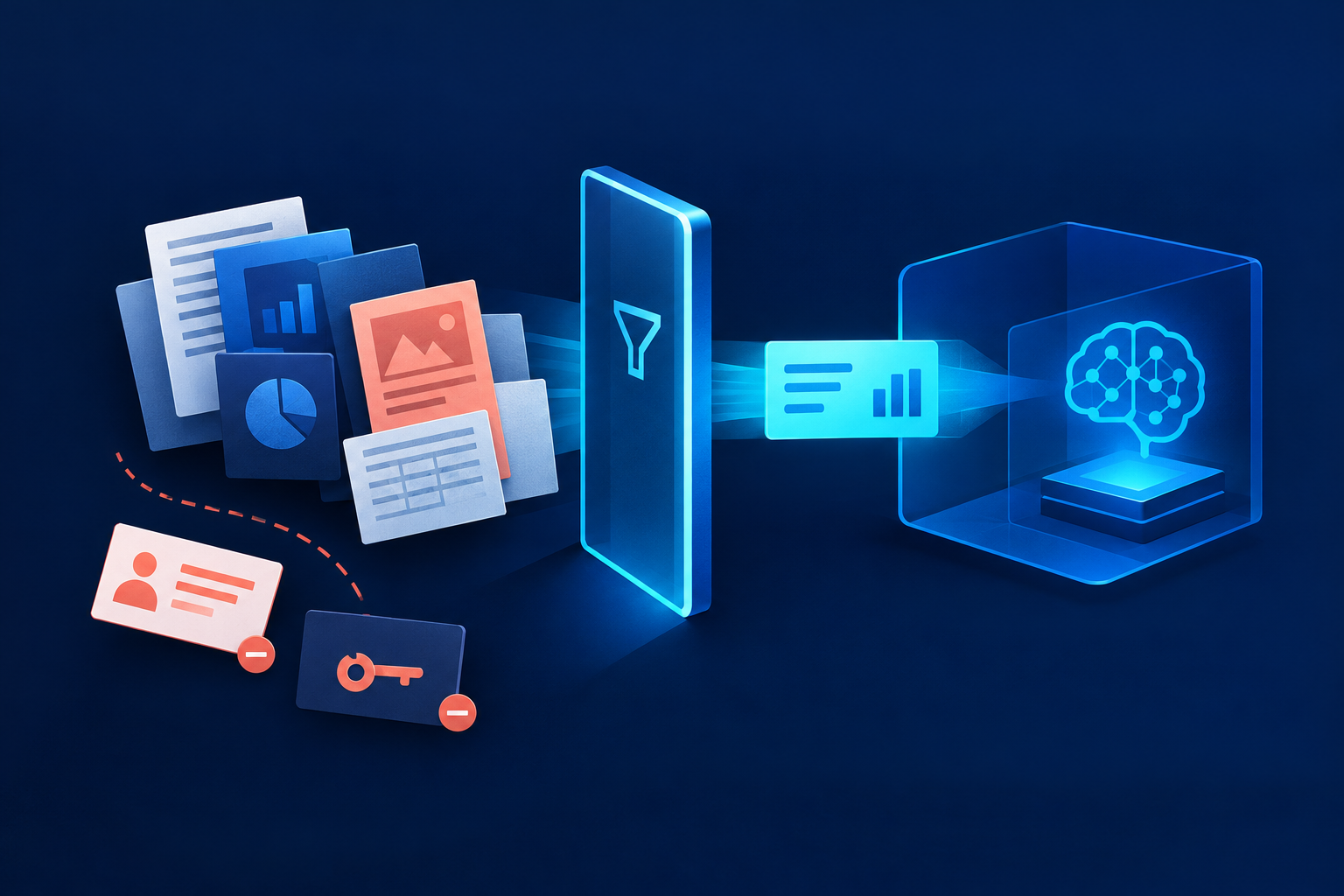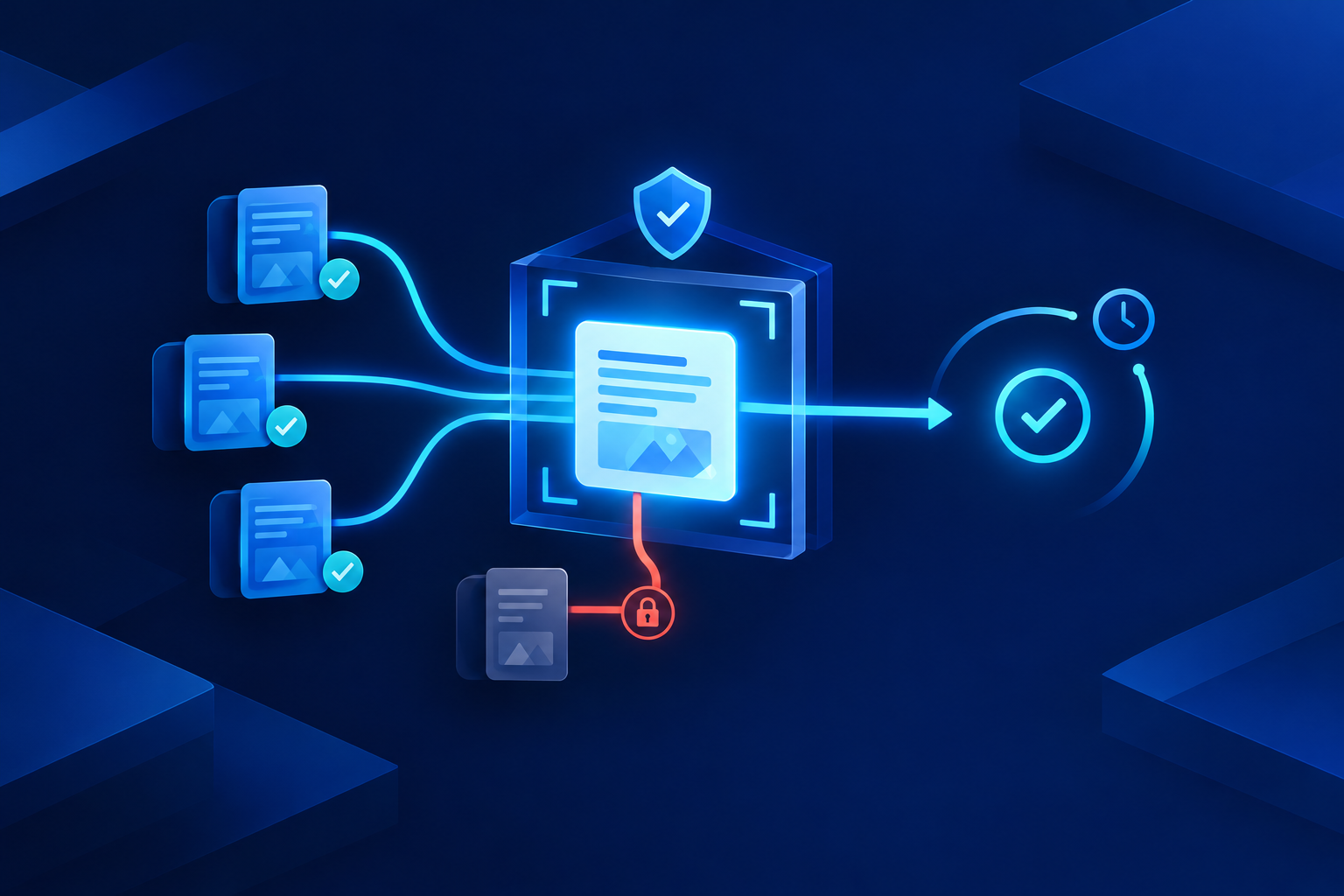
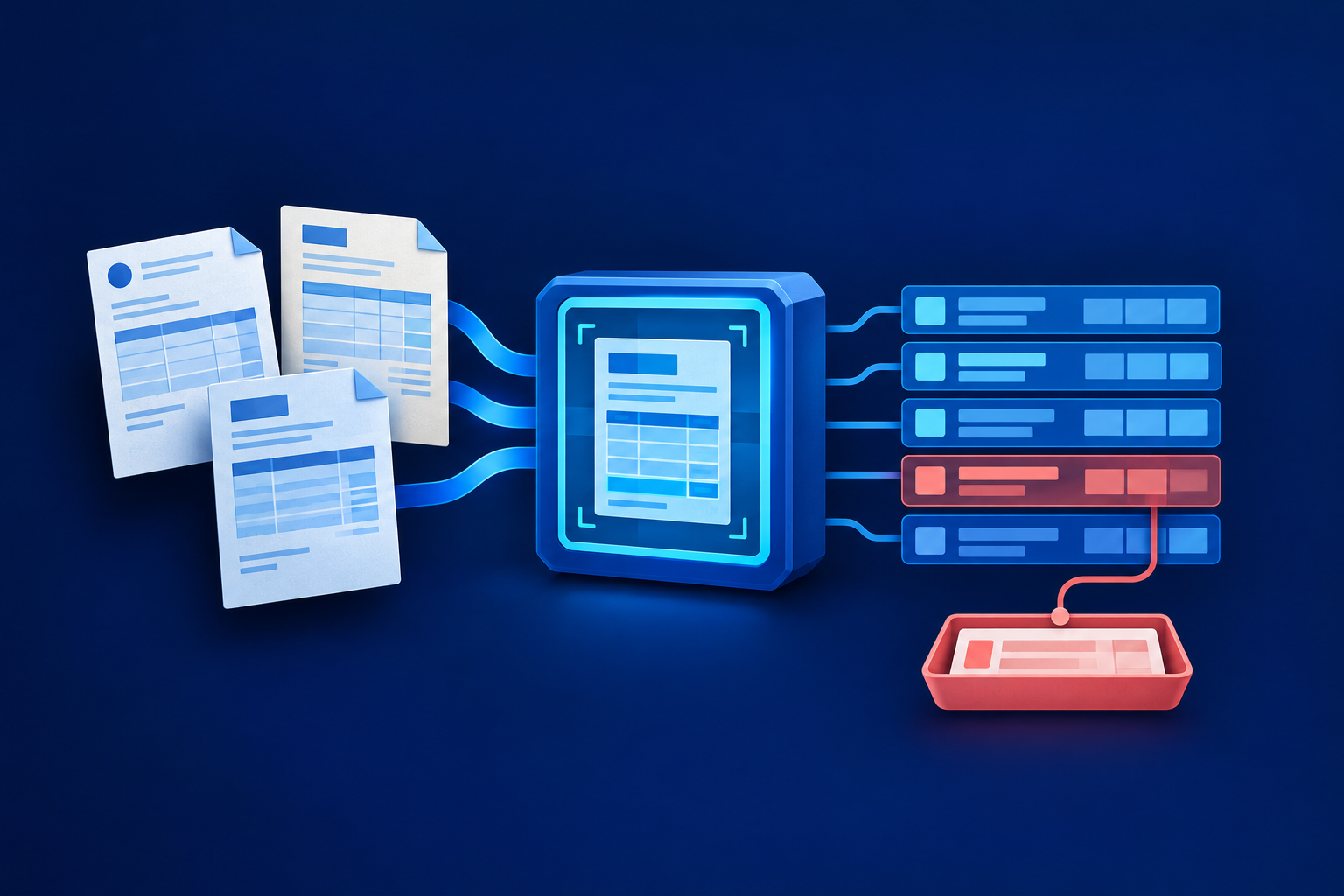
Test AI document extraction when changing supplier layouts make manual entry or template maintenance expensive. Adopt it only when a controlled comparison shows lower total cost at the same acceptance standard. Stable forms, low volumes or lengthy checking may favour simpler processing. The useful measure is cost per correctly processed document—not how quickly a demonstration produces readable text.
When is AI worth testing?
First ask whether suppliers can provide a dependable structured export. Importing agreed fields usually avoids the ambiguity of extracting them from a rendered PDF. If documents remain the only practical input, identify where today's effort goes: entering values, repairing layouts, checking output or chasing missing information. AI will not remove every one of those tasks.
- Pilot AI when many supplier layouts contain similar business fields.
- Keep templates in contention when a few predictable forms dominate.
- Retain manual processing when volume cannot justify setup and maintenance.
- Improve capture first when blurred scans create most exceptions.
Compare workflows, not technology labels
Optical character recognition, or OCR, turns document images into text and positions. Extraction adds meaning: which number is the invoice total, for example. These approaches overlap. Microsoft's Read OCR supports its invoice and custom extraction models, while its custom template models also learn layout cues. The distinction is therefore about workflow behaviour, not a clean non-AI-versus-AI divide. [1][2]
| Workflow | Layout tolerance | Setup and field identification | Maintenance | Likely review |
|---|---|---|---|---|
| Templates or fixed rules | Best with stable forms | Map positions, labels or patterns | Repair mappings when layouts change | Check routing and shifted fields |
| OCR plus rules | Handles text placement only as well as the rules | Recognise text, then locate business values | Maintain parsing and validation rules | Check ambiguous labels and recognition errors |
| Prebuilt extraction | Designed for recognised document families | Map standard returned fields | Monitor new suppliers and model changes | Check unsupported or uncertain fields |
| Custom extraction | Template or varied-layout options | Label examples for required fields | Maintain examples and regression tests | Check unfamiliar formats and rare fields |
| Generative extraction | Candidate for irregular documents | Define fields, instructions and output structure | Retest instructions and model changes | Check unsupported inferences and wrong values |
Structured output is not verified output. A generative model can return perfectly valid JSON—a standard data format—while supplying the wrong date or inventing a missing reference. OpenAI's documentation explicitly notes that structured outputs can still contain mistakes. Require absent values to remain missing and preserve evidence from the source document. [4]
Match the approach to your documents
Test prebuilt extraction before commissioning custom training. Microsoft's invoice model documents support for invoices and purchase orders, among other document types. That does not guarantee every purchasing field your team needs. Verify PO line references, delivery schedules and receipt details independently. Likewise, documented capability does not establish accuracy for your languages, local tax fields or supplier tables. [3]
- Stable supplier forms: compare templates against your current entry process.
- Varied invoices: test prebuilt extraction across suppliers, not just clean examples.
- Specialist documents: assess custom extraction when recurring required fields are missing.
- Delivery documents: test their own fields and tables rather than borrowing invoice results.
- Poor scans: improve capture and retain a route for unreadable documents.
Measure correct records, not readable pages
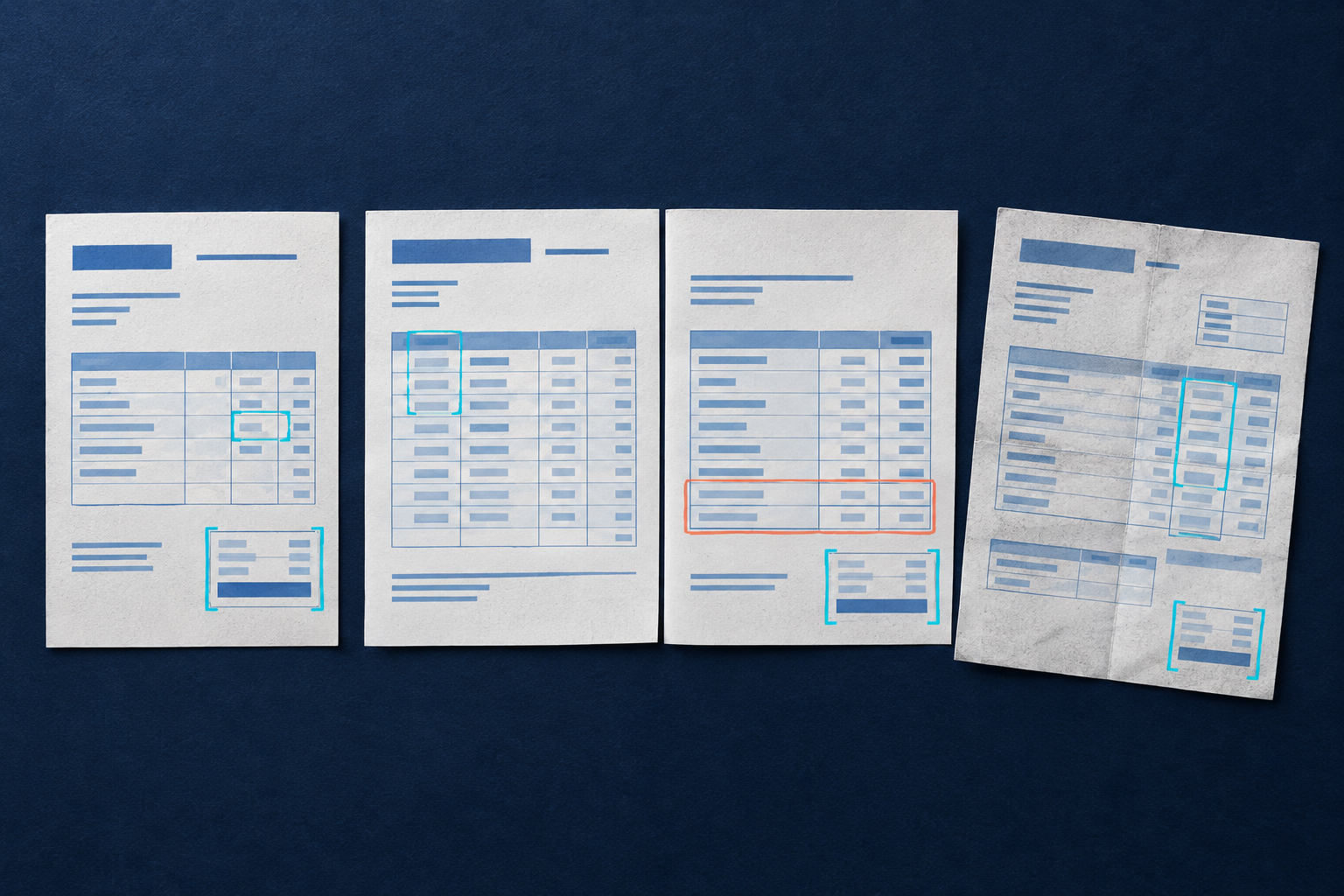
Create a manually checked reference sample and keep it separate from configuration or training examples. Include unseen supplier layouts, multi-page tables, faint scans, credit notes and similar-looking totals. Run every candidate on the same sample. Agree acceptable date and amount normalisation beforehand, but preserve meaningful distinctions such as invoice-number leading zeros.
| Measure | What to record |
|---|---|
| Critical-field exact match | Correct required values divided by checked values, separately for supplier ID, invoice number, currency, date, PO reference and total |
| Line-item completeness | Missing or duplicated rows, plus incorrect quantities, units and amounts |
| Document-level success | Documents with every required field and row correct, divided by tested documents |
| False acceptance | Incorrect documents accepted automatically, reported as a count and proportion of all automatically accepted documents |
| Review and exception time | Minutes spent checking, correcting and resolving each document, including difficult cases |
Confidence is the model's estimate, not observed accuracy. Coverage varies: not every field necessarily receives a score. Set thresholds using held-out results and field consequences, rather than treating a score as a promised success rate. [5] Audit some accepted records too. A plausible but wrong supplier match or omitted table row can pass simple format and arithmetic checks unnoticed.
Size for pages, peaks and reviewer capacity
Monthly document count hides workload. Record pages per document, arrival bursts, required turnaround and available reviewer hours. A long invoice may create more table checks than several short ones. Month-end queues can grow even when average daily capacity looks sufficient. Test completion time through extraction, checking and export—not merely submission.
Accepting a document for analysis is not the same as finishing it. Microsoft's documented limits distinguish analysis submissions from result retrieval and describe throttling considerations. [6] Your pilot should include burst arrivals, delayed results and retries. Confirm that retries do not create duplicate records, and measure whether reviewers clear the resulting exceptions before the business deadline.
Calculate total cost and stress-test exceptions
Hypothetical worked example: an Indian SME processes 2,000 invoices monthly, with fully loaded review labour of ₹300 per hour. Assume OCR plus rules needs three minutes of checking per invoice. With AI, assume 1,400 documents need a 30-second check and 600 require exception handling. These are illustrative assumptions, not vendor prices, measured results or industry benchmarks.
| Workflow | Review calculation | Hours | Labour cost |
|---|---|---|---|
| OCR plus rules | 2,000 × 3 minutes | 100 | ₹30,000 |
| AI: four-minute exceptions | (1,400 × 0.5) + (600 × 4) minutes | 51.7 | ₹15,500 |
| AI: eight-minute exceptions | (1,400 × 0.5) + (600 × 8) minutes | 91.7 | ₹27,500 |

At four minutes per exception, the labour difference is ₹14,500 monthly. At eight minutes, it falls to ₹2,500. That difference is a ceiling for incremental costs, not a savings forecast. Both comparisons assume the same correctness standard. Released capacity also does not necessarily reduce payroll. For wider investment planning, see Estimate automation value before committing to a build.
Run a controlled pilot before downstream posting
- Retain source evidence for extracted values; leave absent values missing.
- Match suppliers against approved master records and reconcile totals and line arithmetic.
- Route missing references, duplicate candidates and inconsistent amounts to exceptions.
- Keep changed bank details under separate approval; treat document text as untrusted input, never authorisation.
- Confirm retention, access and deployment requirements, plus actual accounting or ERP field mappings.
- Define the comparison: record the approaches, sample coverage, required fields and acceptance standard in a decision worksheet.
- Configure controls: apply the operating checks above, assign reviewers and test exception routing before running the comparison.
- Run and measure: start with reviewed drafts. Record critical-field results, false acceptance, review minutes, peak throughput and total cost for each approach.
- Decide: adopt the best-supported approach, retain simpler processing or expand testing. Consider downstream posting only after the evidence meets your acceptance standard.
Can one model handle invoices and purchase orders?
Possibly, but shared support does not mean shared field coverage. Test each document family separately. One model may work, or separate extraction routes may prove cheaper to check.
What accuracy target should we set?
Set targets by field consequence and downstream use. Track document-level correctness and false acceptance, not just average field accuracy. Zero observed errors in a small pilot does not prove zero future errors.
Does low volume rule out AI extraction?
No, but setup and maintenance costs become harder to recover. Time the current workflow first. A structured export, simple template or reviewed extraction tool may be sufficient.
Next, select a representative document batch and time today's process before buying anything. Compare the simplest credible alternative with AI using the same scorecard. If you need implementation help, explore Softglimmer Services' Practical AI solutions for business workflows. Bring sample documents, required fields and acceptance rules—not just a target extraction fee.
Sources & further reading
Use the original guidance when checking details or planning implementation.
This research-assisted guide uses the primary sources linked above. Examples are illustrative unless explicitly identified otherwise. Check original documentation when implementing changes.