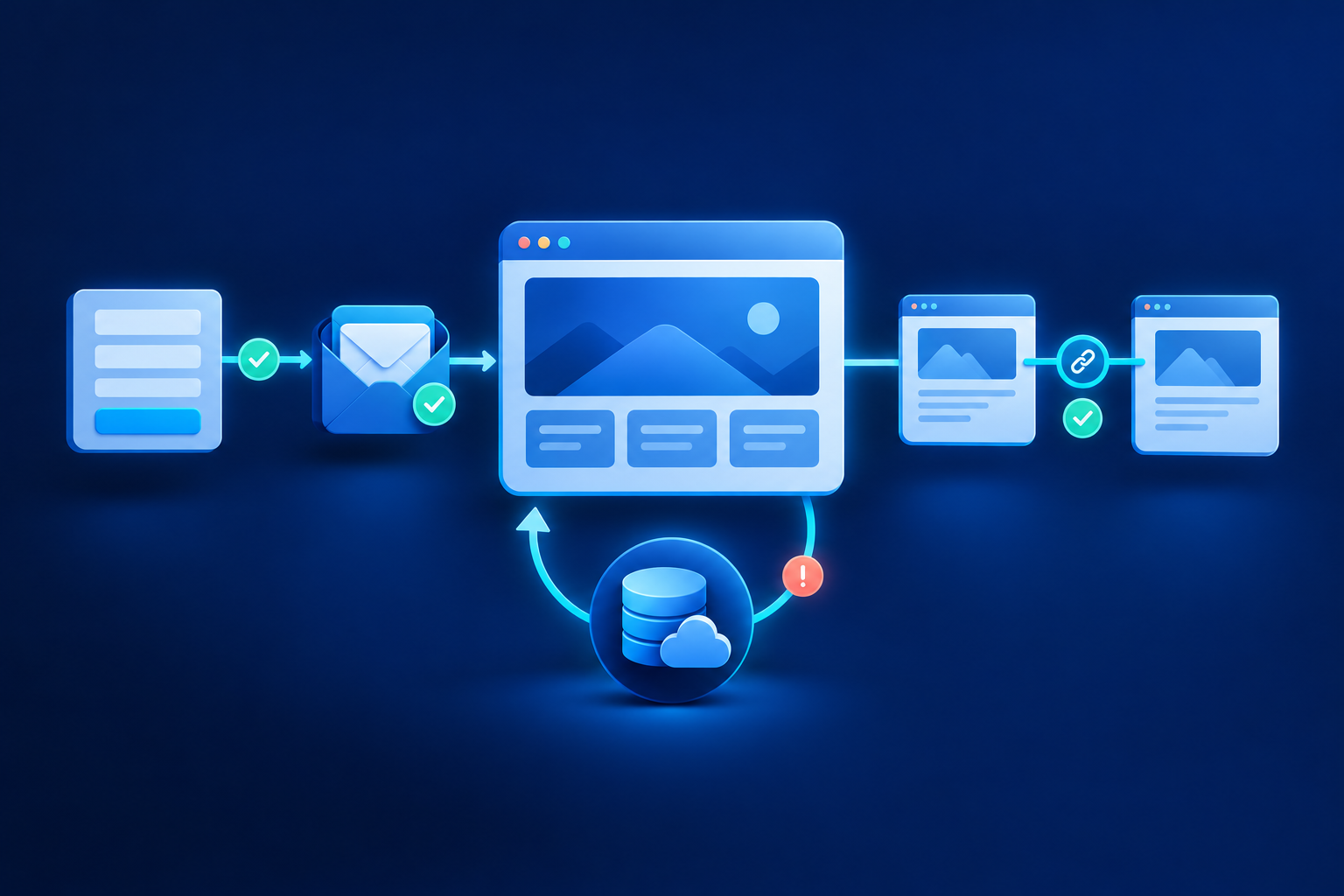
Your website enquiry form needs one dependable reply route, enough detail for a useful first response, accessible errors and a clear privacy explanation. It must also save accepted enquiries before showing success, give visitors a receipt they can keep, and assign follow-up to someone. Treat it as a small service promise, not simply a set of boxes.
Choose fields around the first useful reply
For every proposed field, ask: what will we do with this before replying? W3C recommends collecting only information needed for the process; it does not prescribe an ideal field count.[1] For an email-led business, start with email and enquiry details. A callback service may reasonably need a phone number instead. Requiring both needs a practical reason.
| Field | Starting decision | When to change it |
|---|---|---|
| Email or phone | Require one workable reply route | Make phone required when the visitor requests a callback |
| Enquiry details | Required | Add a short hint describing useful information |
| Name and company | Optional | Require company only when business identity is essential |
| Service or product | Include if it routes the enquiry | Offer “Not sure” when categories may be unfamiliar |
| City or service location | Optional | Require it when coverage determines whether you can help |
| Budget and deadline | Usually optional | Require only when essential to assess suitability; explain why |
| Attachments | Defer | Include only if the first assessment genuinely needs a file |
More context can reduce follow-up questions, but visitors may not know quantities, budgets or technical terms yet. Let them explain uncertainty. Defer billing addresses and identity documents until needed. Attachments introduce upload limits, security checks and access decisions; collecting a drawing later may be simpler than blocking an early conversation.
Make errors explain the fix without losing answers
Give each control a visible, associated label and mark required or optional fields in words. Placeholder text is not a replacement for a label.[1] Use standard browser controls and suitable autofill settings. Accept reasonable phone formats, including spaces and international prefixes. Browser checks help visitors, but the server must validate submissions too.[2]
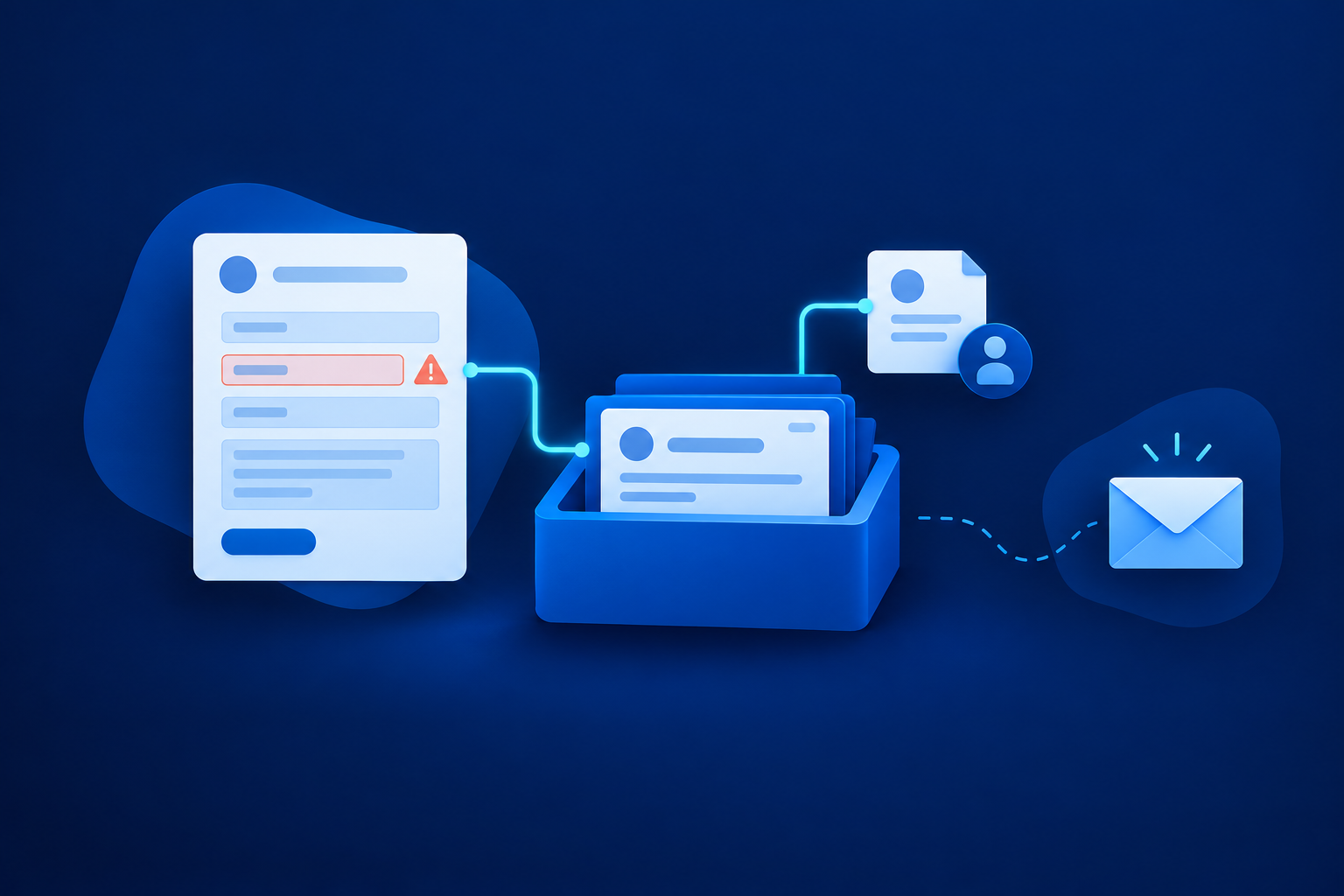
A useful email error says, “Enter an email address, such as name@example.com.” Keep existing answers, show a summary linking to affected fields, and associate each error with its control. Agree where keyboard focus moves after rejection. Dynamic results must be available to screen readers, not just shown through colour.[3] Email-format validation does not prove a mailbox exists or belongs to the visitor.[4]
Explain privacy beside the submit button
Place a short explanation and a privacy-notice link near submission. Keep any marketing choice separate, optional and unticked. Adapt the wording below to your actual handling, rather than treating it as a compliance template. Privacy-oriented design does not, by itself, establish compliance with Indian or international law.
Use HTTPS and POST so enquiry details are not placed in the submitted URL; these are baseline measures, not complete protection.[5] Agree who can access records, which providers receive them and how long they remain useful. Cover deletion across exports and operational copies. Exclude form content from unnecessary analytics, session recordings and logs. Your notice should reflect those decisions.
Save the enquiry before claiming success
A saved enquiry and an email alert are different things. WordPress documentation, for example, says a successful mail-function result does not prove receipt.[6] That is a specific documented limitation, not evidence that all form products behave identically. Ask your supplier to demonstrate durable storage: an accepted record that staff can retrieve after the visitor leaves.
- Validate: check the submission on the server and apply abuse controls.
- Save: retain the accepted enquiry and assign a reference and received time.
- Record notification work: ensure staff alerts can be retried without losing the enquiry.
- Confirm: show a receipt only after the save succeeds.
- Notify: send alerts and acknowledgements, making failures visible to staff.
If saving fails, do not say “received”; retain answers where safe and offer retry plus another contact route. If notification fails after saving, keep the enquiry available and retry the alert. Double-clicks and retries need server-side duplicate protection. If the browser times out after saving, a retry should recover the existing acceptance where possible, rather than silently creating another enquiry.
Give visitors a receipt they can keep
Distinguish three requirements. Submission storage lets your team retrieve accepted enquiries. Receipt persistence lets visitors retain evidence of acceptance. Draft storage preserves unfinished answers. Prioritise the first two. Optional draft saving deserves a separate privacy decision, particularly on shared devices; browser storage can expose personal information.[5]
Show a lasting confirmation with a reference, the expected reply route and a realistic next step. An emailed acknowledgement is useful, but should not be the only receipt. Avoid disappearing toast-only messages. If a receipt can be revisited, do not expose enquiry content through predictable public references. A reference identifies an enquiry; it should not automatically grant access to it.
One implementation option submits with POST, then uses a 303 redirect to load a separate receipt page with GET.[7] In plain terms, the receipt becomes a separate page from the submission. This does not save the enquiry or prevent duplicates by itself. Specify the required outcome first and let the developer choose an appropriate implementation.
Assign follow-up before promising a response time
Give each accepted enquiry an owner, backup, status and next-action date. Define who checks overdue records and failed notifications. Staff should review the enquiry queue, not depend on one person’s inbox. An acknowledgement confirms receipt; a human answer addresses the request. Keep those separate when reporting response times.
Publish only a commitment the team can staff. State business hours, timezone and holiday exclusions instead of an unexplained “within 24 hours”. For the next planning stage, read Before automating leads, agree what happens next. It helps you settle ownership and handoff without turning this form specification into a wider systems project.

Hypothetical example: a Pune packaging supplier
Assume a packaging supplier has two sales coordinators and an email-led assessment process. These are illustrative choices, not a client result. Email and “What packaging do you need?” are required. Name, company, delivery city, approximate quantity and callback number are optional. Drawings wait until a coordinator understands the request.
A buyer describes protective packaging but mistypes their email. A linked error explains the correction without clearing their description. After correction, the enquiry is saved with a reference and assigned to a coordinator. The notification email fails, but the record remains in the team’s New queue. A visible receipt lets the buyer keep the reference and expected next step.
Use this acceptance checklist before launch
- Fields: justify every required answer and test the alternative contact routes.
- Access: complete the form using keyboard, mobile, zoom and a screen reader.
- Errors: check linked summaries, focus, announcements and retained answers.
- Privacy: confirm wording, permissions, providers, retention and recording exclusions.
- Storage: force a save failure and verify that no success receipt appears.
- Notifications: disable email, then find and assign an accepted enquiry.
- Retries: test double submission and a timeout after saving; check for duplicates.
- Receipts: verify lasting confirmation without public exposure of enquiry content.
- Ownership: confirm backups, overdue escalation and a recurring end-to-end test.
Should budget be compulsory?
Only when it determines whether you can give a useful first reply. Otherwise, leave it optional or discuss it later. Explain why you ask and allow visitors to say they do not know.
Is an email notification enough?
Not for the dependable workflow described here. Require a retrievable accepted record, then use email as an alert. Demonstrate that staff can work through new enquiries when notifications are unavailable.
Must unfinished answers survive a closed browser?
That is optional draft storage, not submission storage. Decide whether its convenience justifies the privacy risk. Regardless, ordinary validation errors should not erase the visitor’s answers.
Next, give your supplier this checklist and request a demonstration covering both acceptance and failure cases. Record who approves each requirement. Include the form journey in A website launch checklist built around what must work, then schedule recurring tests so a successful launch does not become the last time anyone checks it.
Sources & further reading
Use the original guidance when checking details or planning implementation.
This research-assisted guide uses the primary sources linked above. Examples are illustrative unless explicitly identified otherwise. Check original documentation when implementing changes.