
Skip to content
Lucknow · WordPress & CMS Development

A WordPress site your team can publish with confidence.

Softglimmer builds and improves WordPress websites for Lucknow businesses whose teams need useful pages and manageable publishing. We can scope content types, responsive templates, editing controls, migration and approved integrations as one website project. Working remotely from Ranchi, we review who owns the content and who maintains the technical installation. The case-study example below explores publication approval for mixed text and images. It is an illustrative editing task, not a testimonial or a claim about an existing Lucknow client.

Explore Lucknow
Publish useful information through a manageable workflow.
  1. 01

    Structure the content

    Give recurring information a clear home.

  2. 02

    Review the assembled page

    Check the selected text and approved media together.

  3. 03

    Publish and maintain

    Keep editorial and technical responsibilities clear.

An example journey, shaped around your requirements.

Treat the editor experience as part of the website.

A WordPress project should explain how the public website serves its visitors and how the business keeps that information current. A theme installation does not decide the content structure, approval responsibilities or maintenance arrangement. We plan the recurring material, page layouts and editor tasks together.

The scope may include a new business website, a content-model improvement or a migration from a reviewed existing site. Service pages, team profiles, project stories and articles can have different fields and review requirements. Shared information should have a clear owner rather than being copied into several unrelated places. The implementation choice depends on the design, dependencies, publishing needs and the team expected to maintain it.

We also distinguish editing permission from permission to publish a particular asset or statement. An editor may be able to upload a photograph without the business having approved its public use. The website can support the agreed checks, but it cannot establish ownership or consent on its own. The business supplies and approves the material, while the brief identifies the controls and responsibilities needed to avoid an accidental release.
Choose between a new build, focused improvements and migration.

The brief selects the engagement and the responsibilities it includes.

01

Plan a structured new site

Organise recurring content before deciding which templates and fields to build. Review the experience for visitors and editors using actual draft material, including longer titles and imperfect images.

Discuss before build: Select the first content types and publication tasks.

02

Make the present installation easier to use

Review the current theme, plugins, fields and editing workflow. A focused change to templates or content relationships may solve a publishing problem without replacing the whole site.

Discuss before build: Identify the task that editors find difficult today.

03

Migrate with a content and route inventory

Account for pages, media, relationships, URLs and existing functions before choosing what moves. Assign review and recovery responsibilities for the switch instead of treating the new theme as a migration plan.

Discuss before build: Confirm what must survive and how it will be checked.

Agree the public pages and the publishing controls.

Agree the outputs and acceptance responsibilities in the written scope.

01

Content types and relationships

Define recurring services, projects, authors or other material included in the brief. Decide which information is shared and which belongs to a single page.

A content model the editors understand.
02

Branded responsive templates

Build or adapt the selected layouts around real text and media. Review desktop and phone presentation for the important page types.

Reusable layouts for approved content.
03

Editor and review controls

Provide the agreed fields, section choices and roles. Demonstrate how a draft is reviewed and published, including the points that need human approval.

A repeatable publishing task.
04

Media presentation and context

Make room for captions, meaningful alternative text and a record of the business's approved asset choices where included in scope. A media upload alone is not approval.

Images used with an understandable purpose.
05

Connections and preservation work

Review the forms, accounts, plugins and other functions that the website relies on. Include route mapping and content reconciliation where a migration is required.

Documented website dependencies.
06

Maintenance and recovery handover

Agree responsibility for updates, backups, recovery and technical support separately from ordinary content editing. Review access and ownership before launch.

An operating plan beyond the first publication.
Illustrative example, not a client case study

An illustrative case study with mixed publication permissions.

A professional-services team wants to publish a project story. The client has approved a short description of the work, but only some of the supplied photographs are cleared for public use. A useful editing process should not make the whole folder look approved merely because the text has passed review.

The content model could distinguish the story draft, the selected public images and the reviewer responsible for the release. A preview shows the assembled page that visitors would see. If an approved image is later replaced, the responsible editor should know whether that change requires another review rather than assuming the earlier approval covers every future asset.

This example is hypothetical. We are not asserting that an organisation in Lucknow has used this workflow or that a particular WordPress plugin proves publication rights. The project brief would decide whether a simple editorial checklist is enough or whether specific status fields and role controls are useful. The aim is a practical process, not a complex approval system added without a business need.

Keep the publication decision visible without making editing cumbersome.

01

Decide what the approval covers

A review might cover the text, a particular image selection or the assembled page. Name that boundary so the next editor knows which changes require another check.

Discuss before build: Which material was actually approved for public use?

02

Separate assets from their public presentation

The media library may hold working files that should not appear on the website. Define what editors can select, what context must accompany it and what should remain outside the installation.

Discuss before build: Does a library upload make a file suitable for publication?

03

Make review possible on the assembled page

A list of fields can look complete while the resulting story remains confusing. Preview the title, text, selected images, captions and next step together before the responsible person publishes.

Discuss before build: Can the reviewer see the same composition as the visitor?

Demonstrate a realistic draft, replacement and correction.

Use a representative project story to test the agreed editor workflow. Add text, select approved images, preview the page and follow the publication process. Then replace an image and correct a paragraph. The editor should understand which checks remain valid and which need attention, without losing unrelated approved content.

Review the visitor journey alongside the editing task: does the page explain the work clearly, present the images accessibly and provide an appropriate next step? For a migration, reconcile the selected content and important routes against the agreed inventory. Technical updates and recovery should have a named owner. Passing an editorial walkthrough does not prove that future plugin updates or every possible media-rights issue are resolved.

Design a publishing workflow the team will actually use.

For a useful first conversation, share the current site, recurring content, typical editor roles and a draft that needs review. Our Ranchi studio can discuss the scope remotely with the content owner and technical contact.

  1. 01

    Review the current publishing work

    Inspect the content and installation, identify the important page types and clarify who approves the material.

    A website and editorial brief.
  2. 02

    Build and review the templates

    Develop the chosen content structure and layouts, then demonstrate them with representative material and editor tasks.

    Reviewable public pages and controls.
  3. 03

    Reconcile and launch

    Check the important visitor and publishing journeys, preserved content, routes and configured connections before the switch.

    An agreed launch record.
  4. 04

    Hand over the operating responsibilities

    Demonstrate content editing and explain who handles technical maintenance, backups and later changes.

    A practical support arrangement.

A real project reference with a clear scope.

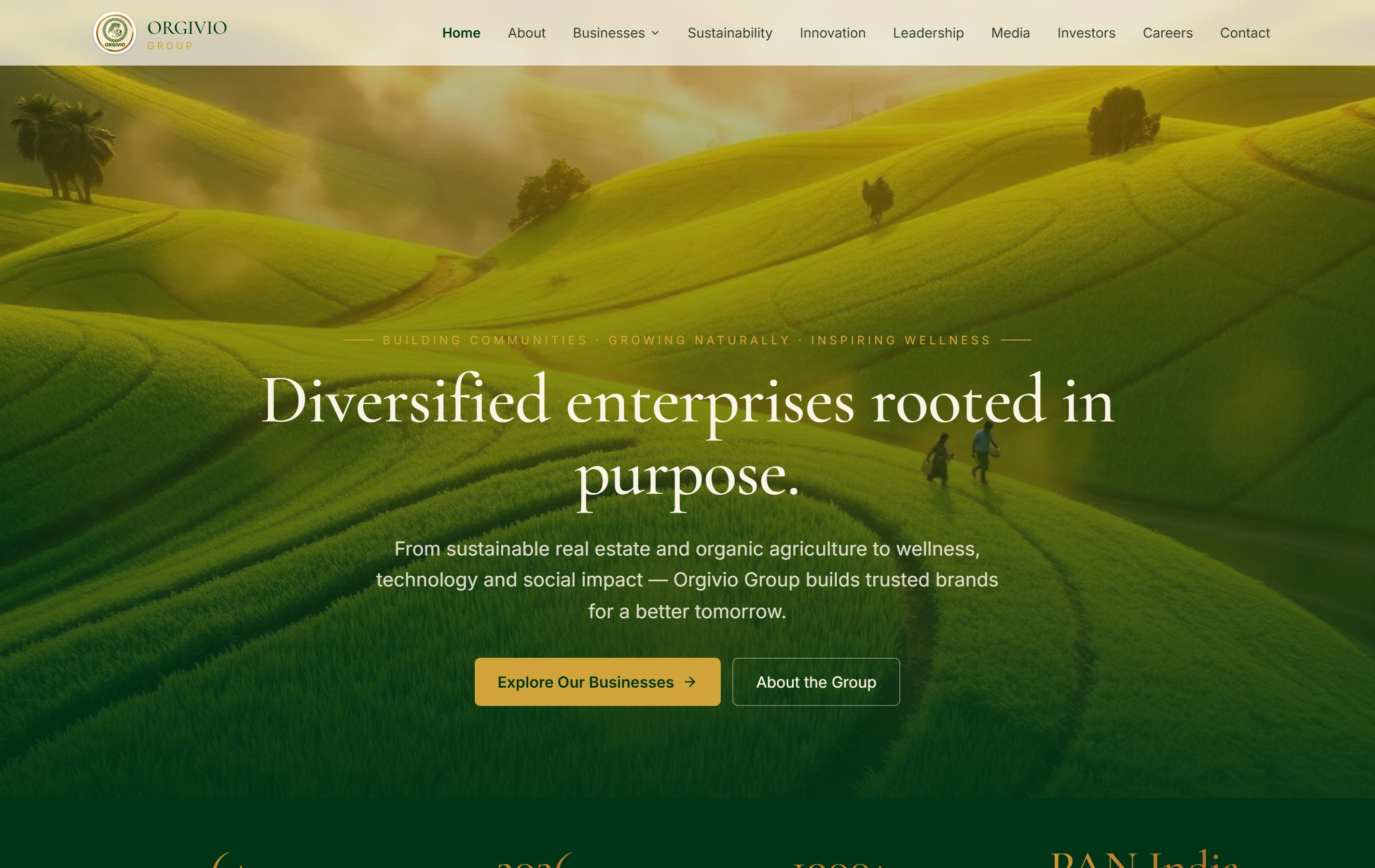
The Orgivio Group portfolio entry shows a real website presenting several business areas. It is a reference for organising public information, not a claim that this illustrative WordPress approval workflow was used there or that Orgivio is a Lucknow client.

Group presentationOne recognisable company story
Business divisionsSpecific routes from the overview
Stakeholder informationSeveral audience needs
Orgivio Group websiteOrgivio Group

Questions before commissioning the work.

Can we keep our existing WordPress theme?

We can review it against the design, content, editing and maintenance requirements. Keeping or adapting it may be appropriate; a replacement may be justified where the required changes are more fundamental. The decision should follow inspection rather than an assumption that every existing site needs rebuilding.

Can a simple publishing team use this approach?

Yes. The workflow should match the people doing the work. A small team may need clear fields and a short review checklist instead of several approval stages. We agree which controls are useful and demonstrate them with the nominated editors.

Will you supply approved case studies and client photographs?

The business must provide or approve truthful project information and suitable media. We can plan the presentation and help identify missing material, but we will not invent client endorsements, local projects or permission to use an image. Technical editing access does not replace that approval.