
Skip to content
Mobile App Development for Pune

Plan the useful task. Build the mobile product around it.

Softglimmer designs and develops mobile applications for Pune customer services and business operations. We begin with the repeated task, intended users and reason an app is useful, then agree the mobile interface, required backend work and release responsibilities. A browser experience may also be considered. Our studio is in Ranchi and delivery is remote, with clear reviews and a practical operating handover.

Explore the service
The mobile experience, connected records and release plan belong in one brief.
  1. 01

    Choose the channel

    Compare the task with a mobile web route.

  2. 02

    Define the product

    Connect screens, roles and operating records.

  3. 03

    Prepare real use

    Review devices, distribution and support.

An example journey, shaped around your requirements.

Commission the app and the work needed behind its screens.

A mobile product should help someone complete a useful task, not simply put an existing website behind an installation step. Repeated access, a continuing account or a required device capability may justify an app. We examine the audience and workflow before selecting the channel and technology.

The project can include discovery, mobile UX and prototypes, application development, required backend functions, administrative views and selected integrations. Account access, current records and support ownership need to be planned alongside the visible journey. Existing systems may remain responsible for data where a suitable approved connection is available.

The first release should have a complete task and a defined operating plan. Platforms, supported devices, distribution accounts and future maintenance affect the work. Additional features and offline behaviour can be assessed explicitly; neither is implied by a polished prototype or an app running on one demonstration phone.

Choose a channel and platform with a clear reason.

01

Improve the mobile website

A responsive browser journey may suit an occasional public task or a service reached through a link. Review that option before asking customers or staff to install and maintain another product.

02

Create a customer or staff application

Identify the repeated value, user roles and connected records. A customer service app and an internal staff tool may need different administration and support arrangements, even when they concern the same business task.

03

Agree platforms and distribution

Consider Android, iOS and a suitable shared-code approach against device features, audience and maintenance needs. Store release, managed distribution or another approved route must be selected with the actual account owners.

Specify the complete mobile-product scope.

The written proposal selects the platforms, features and review conditions included.

01

Product and task discovery

Define users, repeat-use tasks, required information and the reason for the selected channel. Identify dependencies and a manageable first release.

02

Mobile UX and prototype

Design onboarding, navigation, forms and task feedback. Review the ordinary route and relevant unsuccessful states with representative content before implementation.

03

Application development

Implement the agreed platform approach and device features. Explain what belongs in the application, what needs a current response and what remains outside the release.

04

Backend and approved connections

Scope shared records, accounts, permissions and any administrative interface. Review existing APIs or other approved methods and define the owner of an uncertain or failed connection.

05

Device and workflow review

Follow complete tasks on agreed devices and operating-system versions. Include the selected permission, interruption and error cases rather than checking only an ideal first demonstration.

06

Distribution and continuing care

Prepare the agreed release materials and account responsibilities. Hand over administration, issue reporting and maintenance boundaries, including future platform and provider changes.

Decide whether a device feature is essential to the task.

A camera, location service or another device feature can make an interaction more convenient, but each needs a reason in the product brief. Identify what the feature contributes, when the app needs access and which task remains possible if it is unavailable. Do not assume that declining one permission should block every unrelated part of the application.

Where a fallback is appropriate, it must follow the approved business process. A manually entered reference may need confirmation; an alternative may not be suitable for another task. Include those choices in the design and implementation scope rather than inventing a workaround after release.

Review the product from first use through operating handover.

Use dated Asia/Kolkata invitations for Pune–Ranchi reviews. Name a business approver, technical contact and person responsible for the product after release.

  1. 01

    Define the first useful journey

    Bring the current process, intended users and relevant systems. Compare a mobile website with an app and identify the first complete product scope.

  2. 02

    Design with dependencies visible

    Review the mobile tasks and supporting administration. Settle platform, account and device-feature decisions alongside the interface.

  3. 03

    Build and inspect real states

    Develop the agreed application and connections. Review supported tasks and relevant permission or failure cases with representative records and devices.

  4. 04

    Release and demonstrate operation

    Prepare the selected distribution route and review release requirements. Explain administration, issue reporting, supported versions and the agreed maintenance arrangement.

An optional example: scanning is convenient, but camera access is unavailable.

Imagine an app using the camera to help enter an item reference. The person declines camera access, or the selected device cannot provide the feature. The product brief needs to say whether the task can continue through an approved manual reference entry or requires another supported route.

If manual entry is allowed, design the identification and confirmation steps it needs. If the camera is essential, explain that boundary and the useful next action without presenting a non-working control as available. Review this case alongside the ordinary scan.

This is a hypothetical feature-planning example, not a Pune client app, proof of recognition technology or a claim that scanning is available or suitable on every device.

Explore related product and enquiry journeys.

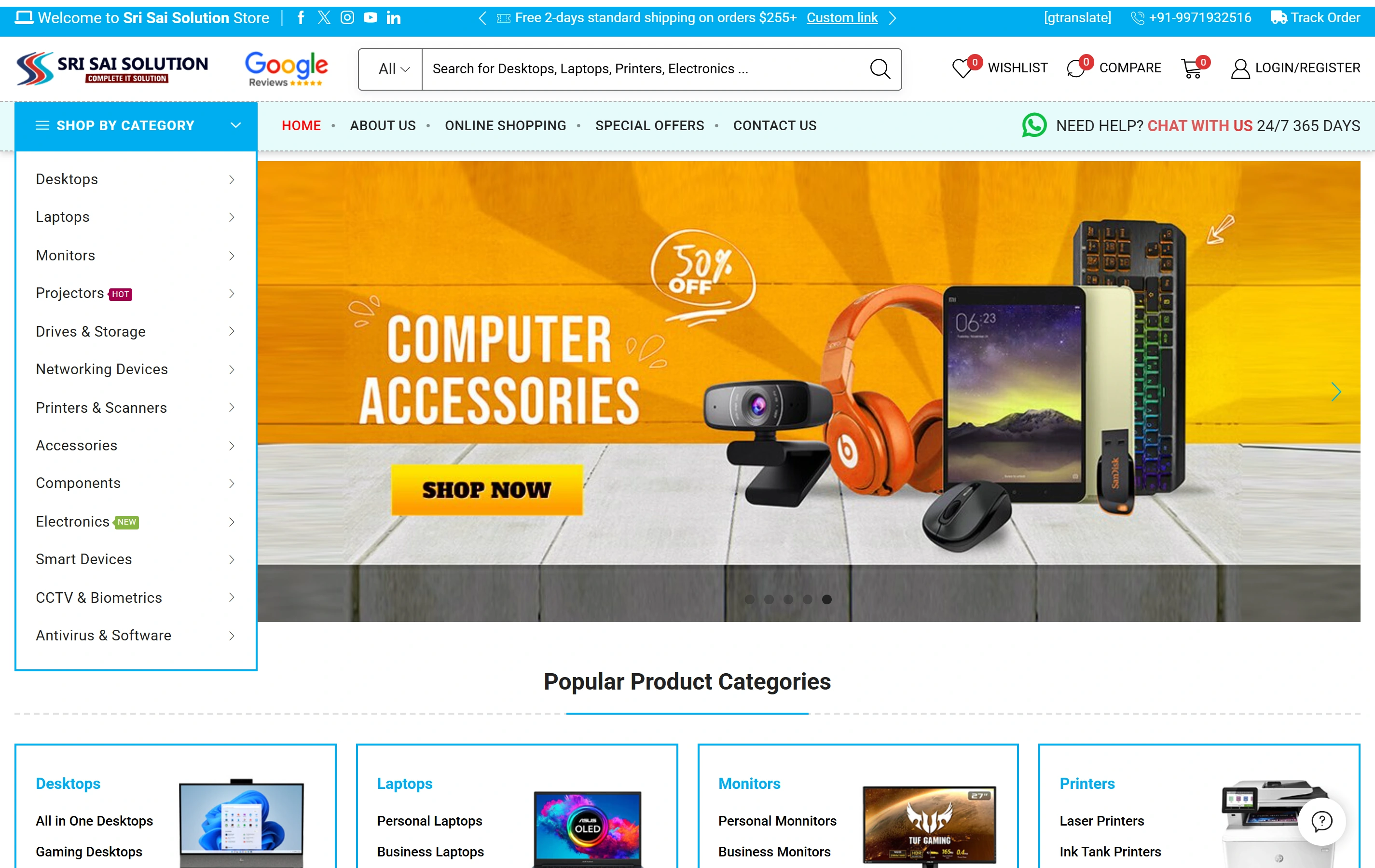
Sri Sai Solution presents product categories, catalogue search and online shopping. Kiran Traders connects service information with procurement enquiries. Their project pages describe these website commissions. Your mobile proposal separately defines the application, device features and supporting backend work.

Questions before commissioning the mobile app.

Is Softglimmer based in Pune?

Our studio is in Ranchi, India. We can deliver remotely with your Pune contacts through agreed reviews and written approvals. This page does not represent a Pune office.

Can you include both Android and iOS?

Both can be considered. The chosen approach depends on the required features, supported devices, distribution and maintenance expectations. We define that scope before estimating the complete release.

Can the app connect to existing software?

Suitable approved APIs or integration methods can be reviewed. Account access, provider limits and any required backend changes affect feasibility. A website screenshot or a proposed app screen does not prove that a connection already exists.

Are store approval and future compatibility guaranteed?

No. Platforms control their review decisions and operating systems change. We scope submission preparation, agreed implementation work and continuing support, with responsibilities for updates and new features made explicit.