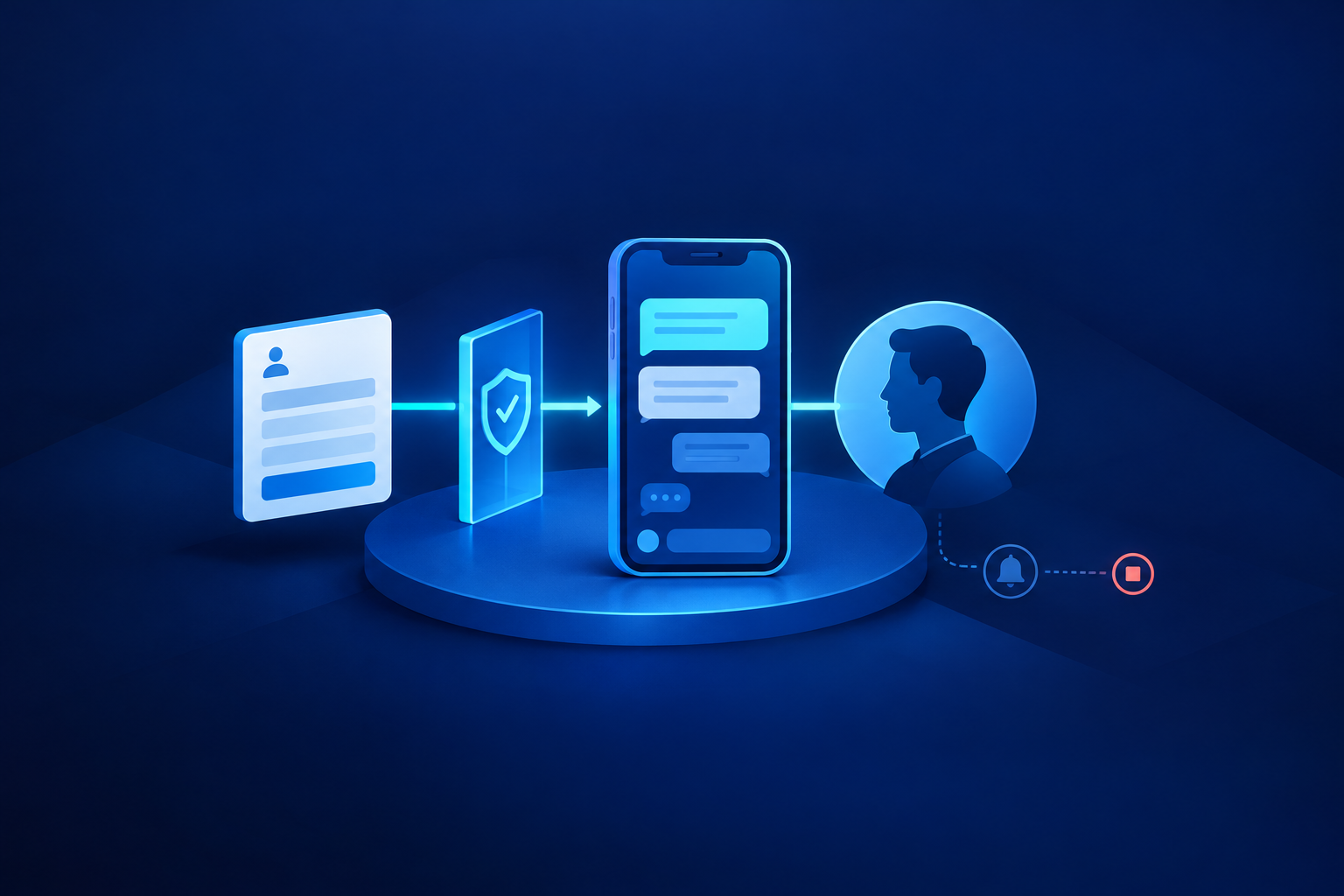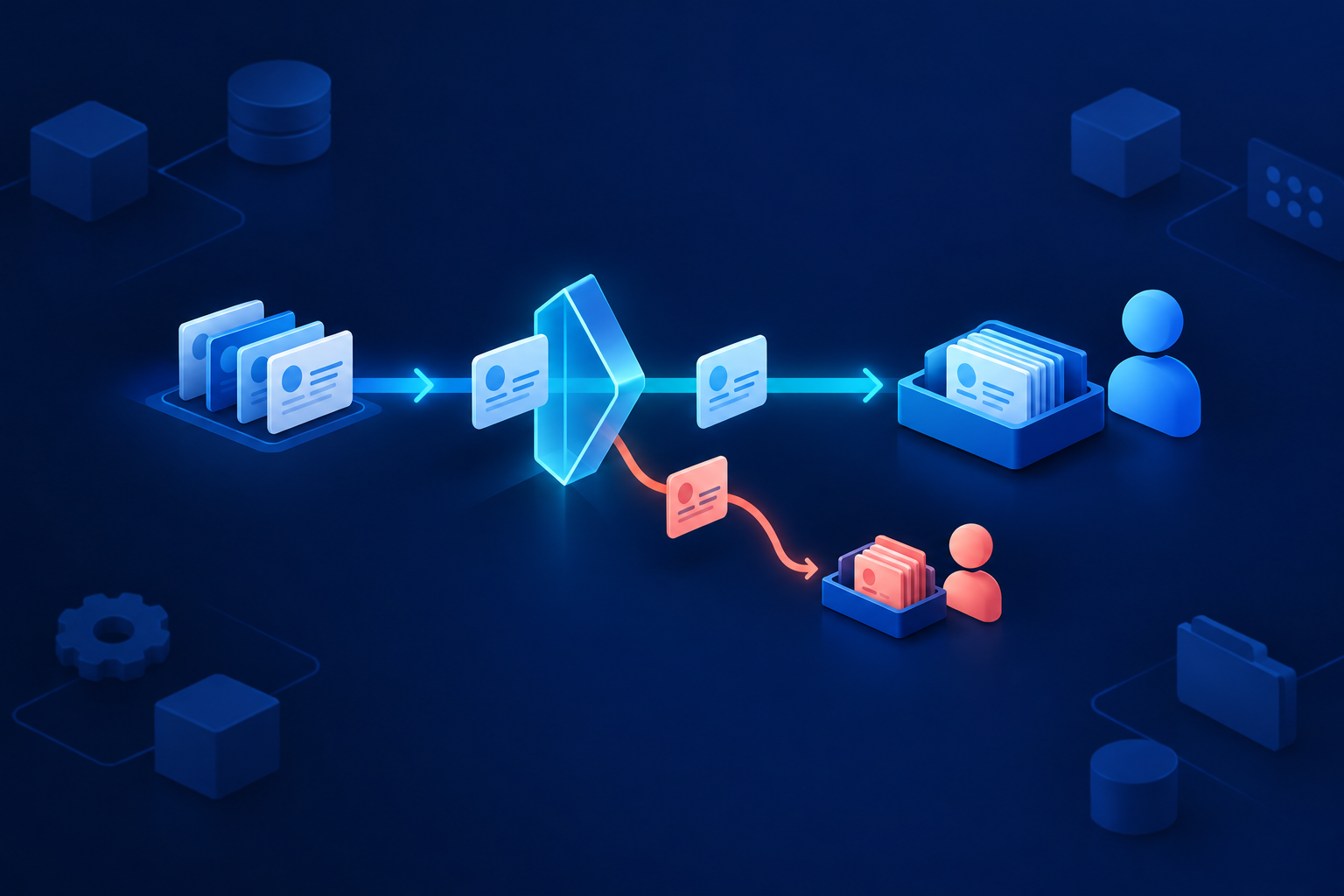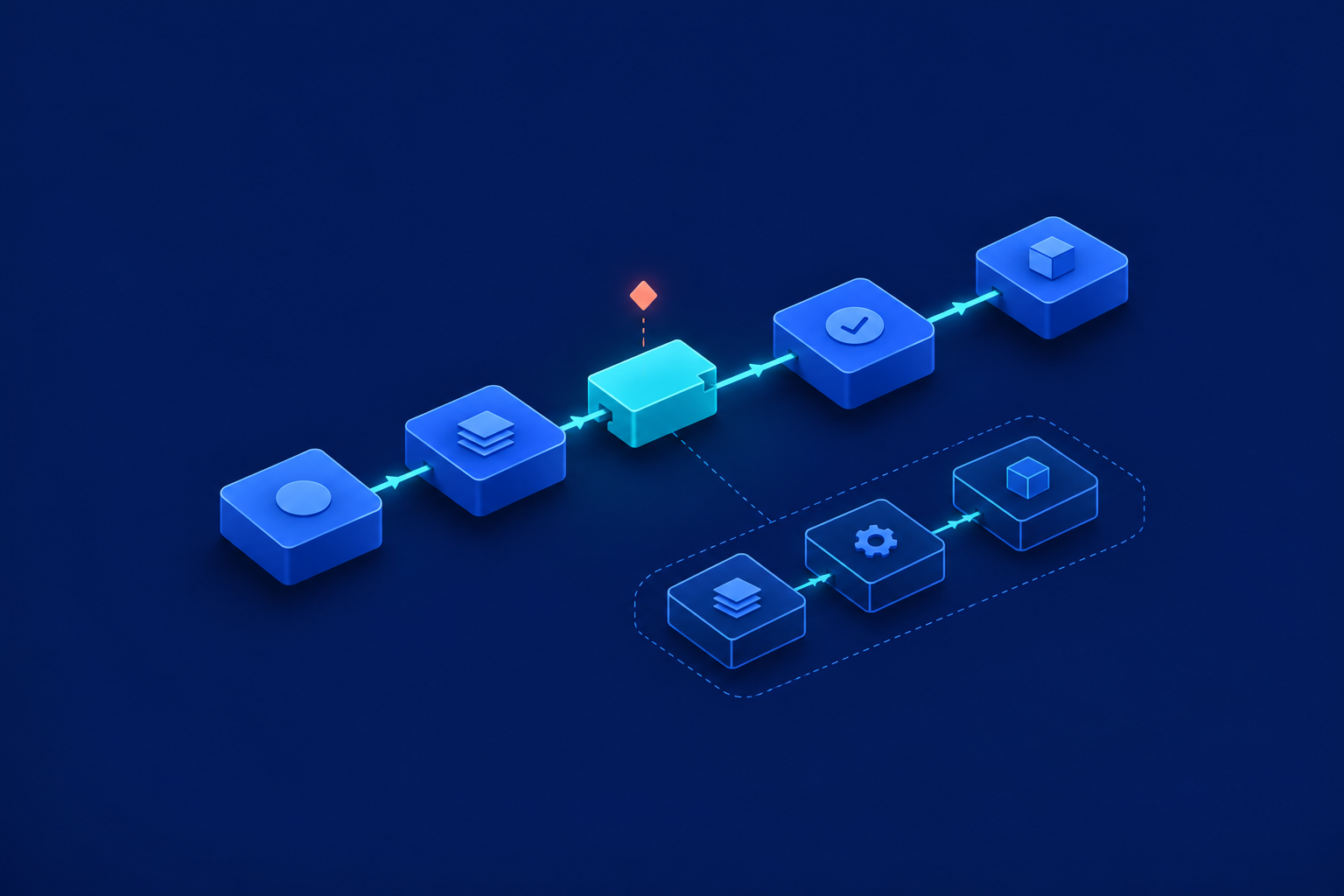
Buy ready-made software when essential work fits with acceptable compromises. Consider custom software when a valuable, repeatable process cannot fit adequately and you can fund ongoing operation. Test a narrow hybrid before replacing working systems. The custom software vs SaaS decision should follow your workflow, not a preference for building or subscribing.
Start with exceptions, not feature lists
SaaS means software delivered as a service, usually through a subscription. Custom describes tailoring, not hosting: custom software can also run in the cloud. Here, the choices are configuring an existing tool, commissioning an application, or connecting existing systems through a small custom addition.
- Approvals: who approves, delegates and covers absence?
- Exceptions: what happens when artwork changes, stock disappears or a delivery promise fails?
- Reversals: can staff cancel, reopen and correct work while retaining its history?
- Handoffs: where do people copy records, chase decisions or reconcile conflicting versions?

Compare the operating models
| Criterion | Configured SaaS | Custom application | Hybrid |
|---|---|---|---|
| Workflow fit | Can configuration handle essential exceptions? | Are the rules clear enough to specify and test? | Can a small addition handle only the gaps? |
| Control | Can you reconstruct useful records elsewhere? | Can another team operate and change it? | Which dependencies remain with each supplier? |
| Integration | Does the selected plan support exact operations? | Who builds and supports each connection? | Can boundaries remain narrow and explicit? |
| Maintenance | Who administers permissions and configuration? | Who supports the complete application? | Who supports both the addition and connectors? |
| Lifecycle cost | Include add-ons, administration and workarounds. | Include discovery, hosting, support and upgrades. | Include retained subscriptions and integration support. |
Neither model is automatically cheaper, safer or more scalable. Microsoft’s shared-responsibility guidance shows that SaaS customers still manage responsibilities around data, identities and configuration. Provider-managed infrastructure reduces some work; it does not remove customer administration or accountability. [1] Compare named responsibilities and evidence rather than broad claims.
Separate ownership from practical independence
Data ownership, source-code access, operational control and supplier independence are different things. Owning records does not ensure a usable export. Receiving code does not ensure another supplier can deploy it. For custom work, agree contractual rights and require repositories, business-controlled credentials, deployment instructions, database structure and a dependency inventory, including third-party licences.
For SaaS, test reconstruction rather than merely downloading a CSV. Can you reconnect attachments, approval history and record relationships? Shopify’s duplication guidance illustrates the distinction: some configuration needs manual work, apps need reinstalling, and orders cannot be imported through its admin. [2] That is a bounded Shopify example, not a claim about every SaaS product.
Apply a hypothetical decision matrix
Consider a fictional packaging supplier in Pune, India: 12 operational users, 800 monthly orders and 160 monthly exceptions. It has a Shopify store, separate accounting and no internal maintenance team. Exceptions involve artwork approvals, supplier confirmations and revised delivery promises. All inputs and evaluations below are illustrative assumptions, not client results or product findings.
| Criterion | Configured SaaS | Full custom application | Narrow hybrid workbench |
|---|---|---|---|
| Workflow | Demonstrate approvals and reopening without duplicate entry. | Prove specified rules with working examples. | Prove exception handling while routine work stays unchanged. |
| Control | Reconstruct exported sample cases. | Demonstrate independent deployment and handover. | Hand over the addition; document retained platform dependencies. |
| Integration | Test the connector’s actual read operations. | Verify every proposed system boundary. | Read orders; store approvals locally; leave fulfilment unchanged. |
| Maintenance | Name configuration and connector owners. | Secure complete application support. | Secure workbench and connector support. |
| Cost | Quote subscriptions plus residual work. | Quote the complete operating lifecycle. | Quote incremental costs over retained systems. |
The editorial inference is to test configured SaaS first, then a narrow hybrid if essential exception handling fails. This scenario does not establish a need for a full rebuild. Retaining existing tools, with clearer responsibilities or better configuration, remains a valid outcome.
Verify the connection you actually need
An available connector does not prove workflow compatibility. In this example, the workbench reads Shopify orders and stores approvals locally. Order changes and fulfilment remain in existing systems. Accounting write-back and order migration are outside scope. Ask suppliers to demonstrate exact operations, granted permissions, historical access, capacity and recovery from interrupted transfers.
The supplied documentation checks from 24 October 2026 confirm that Shopify’s GraphQL Admin API 2026-10 orders query supports filtering and retrieving records in batches. Standard read_orders access covers orders created within 60 days; older orders also require read_all_orders access. [3][4] Orders are protected customer data, with access conditions depending on app type. Store-specific authorisation still needs testing. [5]
Capacity depends on query cost and plan limits, so order volume alone cannot establish throughput. [6] Test duplicate prevention, interrupted reads and reconciliation against the source. Shopify releases versions quarterly and supports stable versions for at least 12 months, creating ongoing maintenance work. [7] Use API and system integration planning to define these boundaries before requesting quotes.
Compare 36-month costs, not headline prices
For the fictional Indian supplier, test these handling-time assumptions: eight minutes per exception today, six with SaaS and two with hybrid. At 160 monthly exceptions, hybrid would release about 10.7 hours monthly versus SaaS. Using unrounded inputs, that equals 384 hours over 36 months. No improvement is established until the pilot measures it.
If this Indian business’s loaded hourly labour cost is H rupees, the illustrative released-capacity value is 384 × H. Compare it with hybrid’s incremental lifecycle cost. Released time is not automatically cash saved: it may reduce overtime, defer recruitment or create usable capacity. Model delays and higher exception volumes too. Estimate the value of automation before committing to a build explores that benefit case.
Name the maintenance owner before signing
- Access and configuration: assign permission reviews, joiner/leaver changes and workflow administration.
- Security and releases: assign patches, dependency updates and connector-version changes.
- Continuity: assign backups, restore tests and failed-transfer recovery.
- Operations: assign monitoring, incident response, escalation times and manual fallback.
- Handover: maintain credentials, documentation and a replacement-support route.
Record what the provider, support partner and internal owner each do. A hybrid still needs integration support, even if most infrastructure is managed. Where Power Automate is involved, request consumption can include failed actions, retries and pagination. Do not equate monthly orders with requests consumed or purchased capacity. [8]
Run a pilot with pass, fail and exit conditions
- Demonstrate real cases: include approval reversal, cancellation, reopening and an absent approver.
- Assign authority: identify the source of truth for orders, approvals and accounting records.
- Break and recover: interrupt a transfer and prove recovery without missing or duplicated work.
- Reconstruct an export: restore representative records, relationships and attachments elsewhere.
- Compare complete quotes: include support ownership, renewals, migration and exit.
- Measure usable improvement: compare handling time and errors under similar conditions.
- Apply the gates: reject essential workflow, recovery or handover failures; document how to exit the pilot.

Your next step is a one-page workflow map and comparison brief, not a development commitment. Record essential cases, system boundaries, owners and budget assumptions before approaching suppliers. For narrower decisions, read Does your team need a custom CRM? For delivery responsibilities, use Custom business software: scope and delivery alongside API and system integration planning. Keeping current tools may be the strongest decision.
When is a custom addition better than replacing everything?
When existing systems handle routine work well and the valuable gap is narrow. Test whether an exception workbench solves it without duplicating core records or creating unsupported connections.
Can we choose custom software without an internal technical team?
Yes, with an internal business owner and funded external support. Require tested handover, clear incident responsibilities and a replacement-supplier route—not just a launch plan.
Sources & further reading
Use the original guidance when checking details or planning implementation.
- Microsoft Learn: Shared responsibility in the cloud ↗
- Shopify Help Center: Backups and duplication ↗
- Shopify GraphQL Admin API 2026-10: orders query ↗
- Shopify API access scopes ↗
- Shopify: Work with protected customer data ↗
- Shopify API limits ↗
- About Shopify API versioning ↗
- Microsoft Learn: Power Platform request limits and allocations ↗
This research-assisted guide uses the primary sources linked above. Examples are illustrative unless explicitly identified otherwise. Check original documentation when implementing changes.