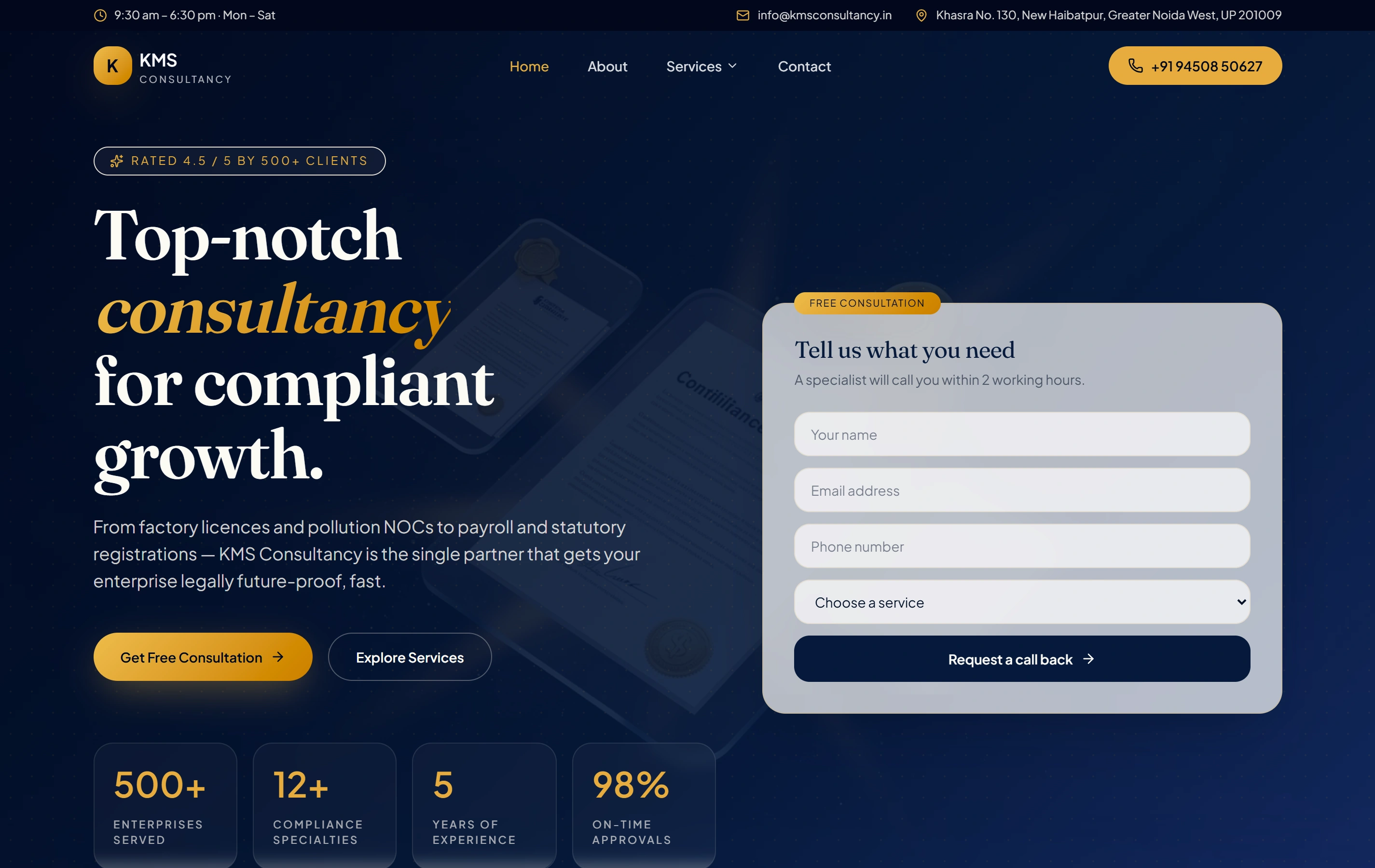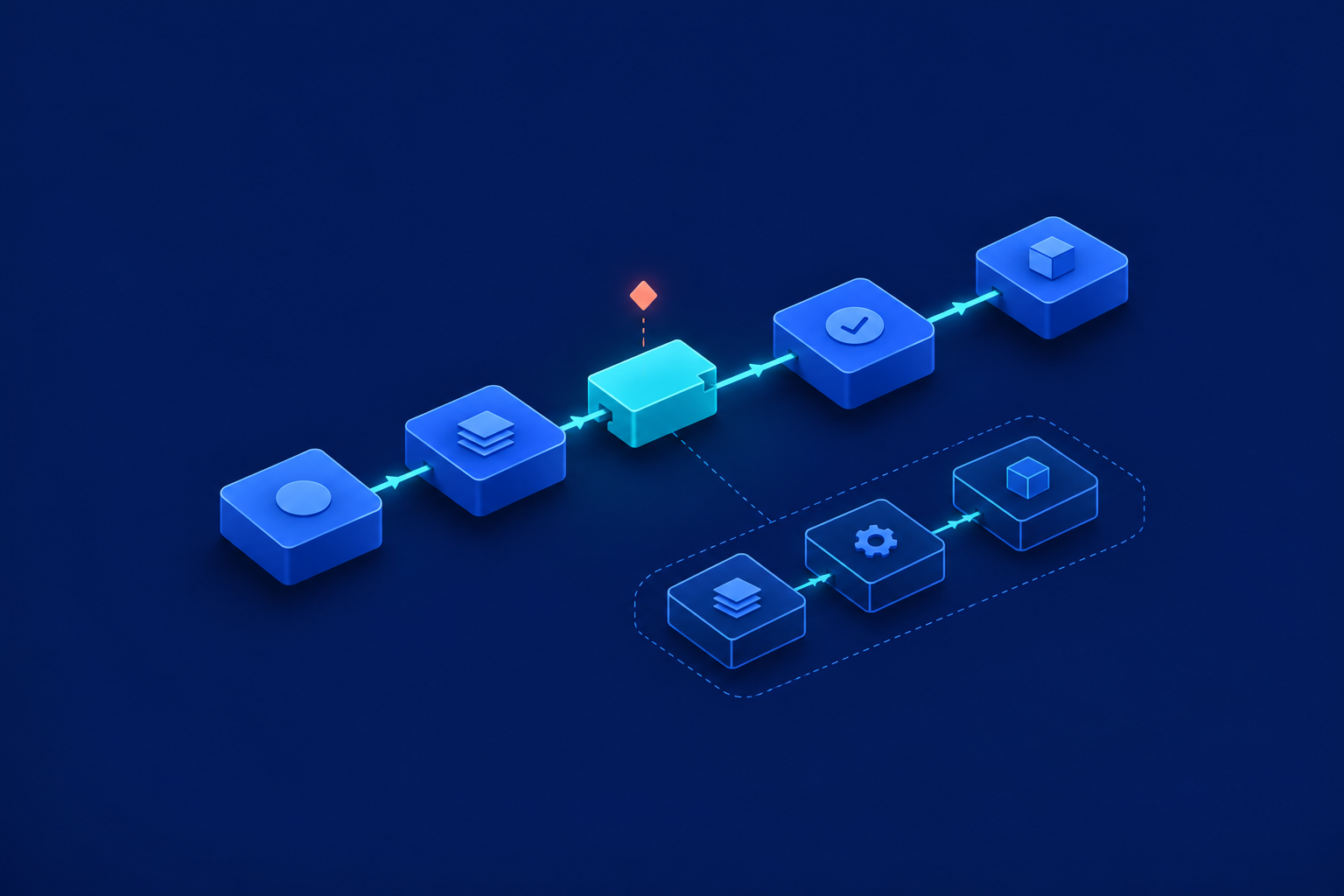
Use WhatsApp for website enquiries only when the person has agreed to that channel, someone owns the replies, and a supported sending arrangement is available. A sensible WhatsApp lead follow up workflow is deliberately short: check permission, acknowledge the enquiry, hand replies to a person, allow at most one appropriate reminder, then stop.
This sequence is a business recommendation, not a platform-mandated cadence. It suits a small team handling genuine enquiries, not a contact list awaiting a campaign. If permission is missing or nobody monitors the conversation, leave WhatsApp out. The extra channel can improve continuity, but it also creates another queue your team must maintain.
Capture permission before enrolling the enquiry
A stored phone number is not evidence of WhatsApp permission. Give people an optional, unchecked choice specifically covering their enquiry. HubSpot’s documented controls require explicit, verifiable consent for business-initiated WhatsApp messages and distinguish subscription preferences. Those are provider controls, not a complete statement of Indian or international law; assess the requirements applicable to your business separately. [1]
Keep ongoing promotions separate. Record the consent wording and version, choice, timestamp and source page. Retain the lead identity, enquiry topic, preferred language and suppression state: the record that prevents further messages. Make these details available to the reply owner. A tick in the CRM without its supporting evidence is a weak handover.
Confirm the sending route and conversation boundary
Before choosing a tool, establish who controls the WhatsApp Business account and sending number. Confirm authorised access, the supported connection to your shared inbox, and responsibility for account changes. For example, HubSpot documents business-account, administrator-access and number-access requirements for its connection. Do not assume a salesperson’s personal account is a suitable substitute. [3]
Permission and the messaging window are separate. A website form submission does not open the WhatsApp customer-service window, nor does your outbound acknowledgement. The documented 24-hour window follows the customer’s latest WhatsApp message. Outside it, business-initiated contact requires an approved template rather than an ordinary free-form message. [2][3]
Confirm that the intended acknowledgement and reminder have suitable approved templates available through your chosen provider. Approval is not a permanent guarantee of availability: templates can become paused or disabled. HubSpot also documents account-association requirements for templates and sending numbers. Do not infer template classification from wording alone. [4]
Assign the conversation before sending
Name a primary reply owner, a backup and a shared queue for unassigned or overdue conversations. CRM lead ownership and conversation ownership are different responsibilities; confirm both. Set a realistic staffed-hours response target. An acknowledgement should explain when help is available, not promise immediate attention while everyone is offline.
Identify the business, refer to the actual enquiry and explain the next step. Avoid sending a catalogue or several qualification questions immediately. When the customer replies, cancel pending no-response messages and show the owner the original enquiry. The conversation should continue from that context, not restart with another automated introduction.

Allow one reminder only when it remains appropriate
Two business days is a reasonable example interval, not a WhatsApp rule. A reminder may help someone who missed the acknowledgement, but it also adds interruption. Keep it optional and enquiry-specific. Ask whether help is still wanted, without invented urgency. End the automated sequence after that reminder.
- Permission: the recorded choice still covers this enquiry and reminder.
- Suppression: no opt-out or ordinary-language request to stop has arrived.
- Conversation: no inbound reply or active human conversation makes the reminder unnecessary.
- Delivery: the acknowledgement’s delivery state is understood.
- Enquiry: the request remains open and the reminder has not already been sent.
- Ownership: an accountable person can handle any response.
Treat “please leave it” or “don’t message me again” as stopping requests, not just the exact word STOP. Cancel queued follow-ups and record the suppression. Do not automatically switch to email, SMS or calls to bypass silence or an opt-out. Any other-channel contact needs its own appropriate permission and purpose.
Separate retries from silence and internal escalation
A failed send, uncertain delivery and an unanswered message are different situations. Agree who investigates each one. Keep a record of each enquiry’s acknowledgement and reminder so repeated submissions or processing attempts cannot casually create duplicate messages. The following table proposes operating decisions; it does not describe universal provider behaviour.
| Situation | Decision | Action |
|---|---|---|
| Permission, owner and sending conditions confirmed | Send | Send one contextual acknowledgement; record the outcome. |
| Provider explicitly identifies a temporary failure | Wait and retry | Use limited attempts and provider-guided delays; recheck cancellation each time. |
| Acceptance or delivery is uncertain | Wait | Reconcile the message record and provider status before considering another send. |
| Invalid recipient, access failure or unavailable template | Suppress this send | Stop automatic attempts and create a technical task. |
| Delivered but unanswered | Wait | Consider only the single eligible reminder; silence is not a technical failure. |
| Customer replies | Hand over | Cancel no-response messages and notify the conversation owner. |
| Customer opts out | Suppress | Cancel queued messages and record the stopping request. |
| Owner misses the response target | Escalate internally | Notify the backup or manager, not the customer with another automated message. |
Worked example: a fictional office-furniture enquiry
Hypothetical example: Ananya requests 12 desks from Kavya Office Furniture in Pune. She chooses English and selects enquiry-specific WhatsApp permission. Meera owns the reply, with Rohan as backup. The team sends its approved acknowledgement during staffed hours and considers one reminder after two business days.
Reply branch: Ananya asks about delivery to Baner and desk dimensions. The pending reminder is cancelled immediately. Meera receives the enquiry and question together. If she misses the team’s illustrative target of 30 staffed minutes, Rohan receives an internal reassignment. Ananya should not receive duplicate introductions. Her latest WhatsApp message sets the reference point for the 24-hour window. [3]
No-reply branch: the team considers its single reminder only after checking delivery, permission, owner activity and enquiry status. If any condition fails, it withholds the message. After an eligible reminder, the automated sequence ends. This is a planning example, not a client result or a response-time benchmark.
Test stopping rules before a limited pilot
Do not assume every reply can be matched using a phone number alone. Microsoft documents identity cases where phone-number fields can be absent. Test the chosen provider’s conversation-to-lead matching and route uncertain matches to a person rather than attaching messages to a guessed record. [5]
- Duplicate submission: confirm the same enquiry does not receive repeated acknowledgements.
- Late reply: send a reply just before the reminder and confirm cancellation.
- Natural-language opt-out: test stopping requests beyond a single keyword.
- Unavailable owner: verify backup assignment and internal escalation.
- Out-of-hours enquiry: check truthful expectations and staffed-time targets.
- Unknown send status: confirm nobody resends blindly.
- Unmatched reply: ensure uncertain identity reaches a review queue.
Limit the pilot to one enquiry type and a team that can review every conversation. Check assignment gaps, human response times, delivery failures, duplicate sends and suppression failures before expanding. Agree the wider handover using Before automating leads, agree what happens next; use WhatsApp Business integration to frame the channel-specific discussion.
Common planning questions
Does submitting a form give WhatsApp permission?
Not by itself. Capture a clear choice covering WhatsApp contact about that enquiry and keep evidence. Do not treat a required phone field as agreement to receive messages. [1]
Does the acknowledgement open the 24-hour window?
No. The documented customer-service window follows the customer’s latest WhatsApp message. A website form or your outbound message does not start it. Template requirements still apply outside that window. [2][3]
Must every unanswered enquiry receive a reminder?
No. One reminder is a proposed maximum, not an entitlement to send. Withhold it if permission, delivery, ownership or enquiry status is unclear, or if the person has replied or asked you to stop.
Your next step is a one-page operating agreement: eligible enquiries, consent evidence, primary owner, backup, staffed hours, reminder conditions and stopping rules. Resolve gaps before enrolling real leads. A small, accountable workflow is more useful than a longer sequence nobody confidently owns.
Sources & further reading
Use the original guidance when checking details or planning implementation.
This research-assisted guide uses the primary sources linked above. Examples are illustrative unless explicitly identified otherwise. Check original documentation when implementing changes.