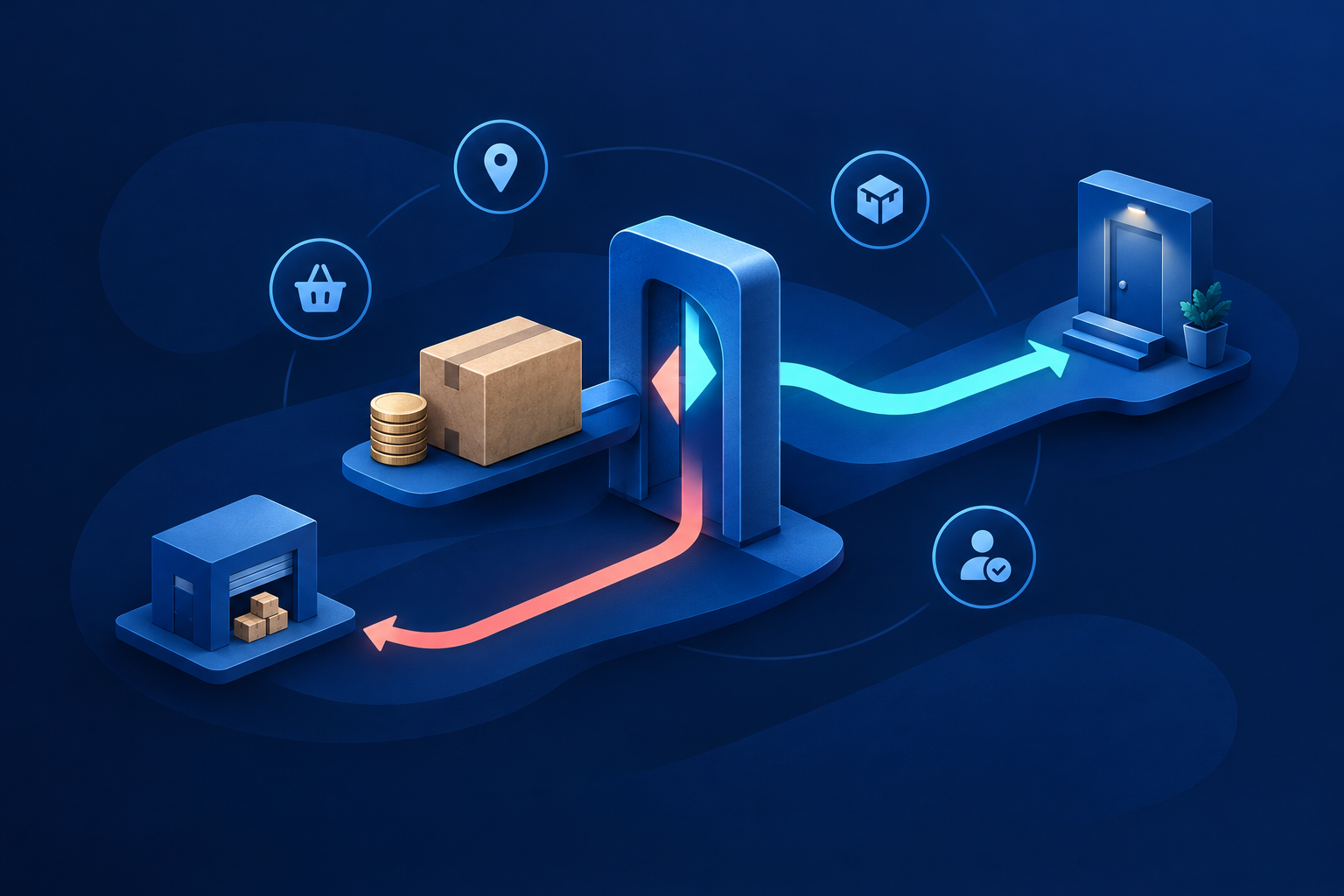

Build your ecommerce returns process around separate decisions: who qualifies, who pays, who inspects, when replacement stock is committed and when money actually moves. Give each decision an owner and a customer update before configuring store workflows. Accepting a request is not approving a refund; receiving a parcel is not clearing inspection; submitting a refund is not confirming receipt.
1. Map the journey and assign each handoff
A return brings goods back. An exchange supplies a replacement. A refund sends money back. One case may involve all three, but they need separate records and approvals. Use this handoff matrix as a starting point. In a small team, one person may hold several roles, but every open case still needs a named next owner.
| Stage and trigger | Owner | Next action | Customer message |
|---|---|---|---|
| Request arrives | Support | Check order, reason and policy | Received; review due date |
| Request qualifies | Support | Confirm items, charges and route | Accepted for return, subject to inspection |
| Return authorised | Logistics | Book pickup and record tracking | Booking details or failed-pickup plan |
| Parcel received | Warehouse | Quarantine and inspect | Received; inspection due date |
| Inspection recorded | Support | Confirm resolution and stock | Outcome, adjustments and next action |
| Refund approved | Finance | Check and submit payment | Amount, reference and expected timing |
| Resolution verified | Case owner | Reconcile payment and delivery records | Closure or unresolved issue update |
2. Set eligibility and two separate deadlines
Define both the request deadline and the parcel handover deadline, including when each clock starts. Preserve eligibility when your courier causes a delay. Keep the policy version applicable to the order, and route exceptions to a named manager. Your policy must respect applicable customer rights; category exclusions cannot simply override them.
| Reason | Eligibility decision | Resolution and charge decision |
|---|---|---|
| Size or colour change | Condition, tags, request and handover windows | Exchange or refund; disclose preference-change charges |
| Change of mind | Permitted categories and packaging requirements | Available remedies and lawful deductions |
| Wrong, damaged or incomplete goods | Evidence needed and exception reviewer | Correction options; distinguish merchant error from preference |
| Excluded products | Product-level exclusions, subject to customer rights | Escalation route for defects or disputed exclusions |

Shopify documents configurable return windows, shipping charges, restocking fees and final-sale exceptions. Rule changes apply to future orders, not earlier purchases.[1] Its self-service requests require merchant review.[2] Treat those settings as tools for applying your decisions, not as substitutes for an agreed policy.
3. Separate pickup charges from the refund calculation
Agree four amounts separately: reverse pickup, original delivery, replacement delivery and any lawful restocking deduction. Distinguish merchant-error cases from preference changes. Show customers the proposed breakdown before they commit. For partial returns, use the amount actually paid for each accepted item and define how discounts and delivery adjustments affect the balance.
A configured fee does not book a courier. Logistics must confirm coverage, booking and tracking, with an alternative for unserviceable addresses. State who handles failed pickups and when another attempt is chargeable. Shopify’s rules and processing guides describe fees at different workflow stages.[1][4] Test the exact refund route staff use so deductions are neither missed nor applied twice.
4. Inspect before releasing goods into sellable stock
Warehouse receipt should move goods into an uninspected area, not available inventory. Assign an inspection owner and an achievable internal target. Shopify separates receiving, inspection, processing and optional restocking; partial processing is possible.[4] Your physical checks should determine the result, rather than a courier delivery scan.
- Match the return reference and original order line.
- Verify SKU, variant, quantity and included accessories.
- Check condition against the published criteria.
- Record photographs and notes for discrepancies.
- Assign a disposition: sellable, needs attention, damaged or investigation.
- Record accepted quantities, rejected quantities and the resolution owner.
For partial acceptance, explain the outcome line by line. For disputed condition, retain evidence and offer a review route before closing the case. Decide who stores or returns rejected goods and who pays any permitted charge. If inspection slips, send a revised date instead of leaving the customer at “parcel received”.
5. Decide when an exchange becomes a stock promise
- Check after inspection: simplest to operate, but the requested variant may sell out.
- Use an enforceable, expiring hold: improves certainty but removes stock from other buyers and needs release controls.
- Send an advance replacement: faster for the customer, but requires approval, value limits and a plan if the original never returns.
Shopify states that adding an exchange item does not reserve inventory until the return is processed.[3] Verify feature availability in your account. Say “requested” rather than “reserved” unless stock is genuinely held. A separate replacement order can be a fallback, but staff must link both references and reconcile payments; do not assume that happens automatically.
Collect an agreed higher-price difference before dispatch. For a cheaper replacement, calculate the remaining refund after disclosed adjustments. If stock is unavailable, offer an available alternative, an agreed wait or the applicable refund. Do not silently replace a money refund with store credit.

6. Separate refund approval, submission and receipt
Approval authorises an amount. Submission sends the instruction to the payment provider. Completion requires checking the provider’s result and investigating any non-receipt report. Publish your inspection and submission targets separately from provider estimates. For Indian third-party gateways, use that provider’s guidance, not Shopify Payments timing.[6]
For goods being sent back, Shopify says to create the return before refunding; already-refunded items cannot subsequently have a return created. Admin refunds cannot be cancelled or reversed.[5] Restrict refund permissions and require a final check of quantities, deductions, previous payments and destination before submission.
COD needs its own payout procedure. Shopify classifies cash on delivery as a manual payment method, not an automatic electronic refund route.[7] Verify the customer and agreed payout details through a secure channel. Limit access to those details and retain the transfer reference. Reconcile external payments with the store record to prevent duplicate refunds. Assign pending or failed payments to finance until resolved.
7. Keep one case record and milestone-based updates
Keep the order, policy version, returned quantities, charges, courier reference, inspection evidence, replacement reference and payment status together. Every open case needs an owner, next action and next update date. Record decisions and messages so support does not need to reconstruct the history from separate inboxes.
Send updates at request receipt, approval, pickup booking or failure, warehouse receipt, inspection outcome, replacement confirmation and refund submission or failure. Include amounts, charges and references where relevant. These are recommended milestones, not a claim that your platform sends every message. Check the actual notifications to avoid missing or contradictory updates.
8. Test a size exchange before enabling the workflow
- Support checks a prepaid kurta order, records the larger size requested and confirms applicable charges.
- Logistics books pickup and records tracking. A booking failure gets a new owner and update date.
- The warehouse receives and inspects the garment, then records whether it can become sellable stock.
- If the larger size is available, support confirms the balance, commits stock through the verified process and arranges dispatch.
- If it has sold out, support obtains the customer’s choice of an alternative, an agreed wait or an eligible refund.
- The case owner verifies replacement delivery and any payment adjustment, or reconciles the refund outcome before closure.
Should a late pickup invalidate an on-time request?
Not automatically. Record when the customer requested the return and made the parcel available. Review courier-caused delays separately from a customer missing the agreed handover deadline.
Can support promise an exchange before inspection?
Only within your chosen commitment model. Without an enforceable hold or approved advance replacement, confirm the requested variant but explain that availability will be checked later.
When should staff say the refund is complete?
Not merely when approved or submitted. Check the provider’s status, reconcile the payment and investigate reported non-receipt. Give the customer a reference and escalation route rather than an unsupported arrival guarantee.
- Test delayed pickup and an unserviceable postcode.
- Rehearse inspection disagreement and partial acceptance.
- Test sold-out replacements and both directions of price difference.
- Verify COD payout details and external-payment reconciliation.
- Rehearse pending or failed refunds and duplicate-payment prevention.
- Confirm every exception has an owner and customer-update deadline.
Next, put your policy matrix and handoff owners on one shared page, then run these cases with support, warehouse, logistics and finance. Use Choose the store around the operation behind it for broader platform decisions, and Business Workflow Automation when translating agreed handoffs into a connected process. Configure the workflow only after the team can explain each outcome.
Sources & further reading
Use the original guidance when checking details or planning implementation.
- Shopify Help Center: Setting up return and cancellation rules ↗
- Shopify Help Center: Self-serve returns and cancellations ↗
- Shopify Help Center: Creating returns and exchanges ↗
- Shopify Help Center: Processing and managing returns ↗
- Shopify Help Center: Refunding orders ↗
- Shopify Help Center: Troubleshooting failed or pending refunds ↗
- Shopify Help Center: Manual payment methods ↗
This research-assisted guide uses the primary sources linked above. Examples are illustrative unless explicitly identified otherwise. Check original documentation when implementing changes.