
Skip to content
Ludhiana · Business Website Design & Development

Make a growing business easier to explore online.

Softglimmer designs and develops websites for Ludhiana businesses that need clear service information, genuine project evidence and a practical enquiry journey. We can plan the content, responsive layouts, CMS and launch as one website project. Delivery is remote from Ranchi, with review points and responsibilities agreed around the business’s actual offer.

Explore the website scope
A clear route through the offer, with room for useful growth.
  1. 01

    Explore the services

    Recognise the relevant part of the offer.

  2. 02

    Assess the fit

    Read the scope and genuine context.

  3. 03

    Make an enquiry

    Reach the team with a useful starting brief.

An example journey, shaped around your requirements.

Commission a usable website rather than a collection of disconnected pages.

A business website should explain what the company does, help a visitor assess the relevant service and offer a sensible next step. We can deliver the information structure, visual design, responsive development, content editing and agreed enquiry functions that support that journey.

The page plan matters whether the business has a few offers or expects its catalogue to expand. We organise genuinely related material, identify where a service needs its own explanation and use reusable structures for recurring content. The aim is manageable information, not publishing a separate page for every possible phrase.

For a new site, the brief identifies the first approved release and its content responsibilities. For a redesign, existing pages, useful destinations and integrations are reviewed before changes are proposed. Brand assets, actual project material and the nominated editors shape both the public presentation and the implementation. Additional business software is a separate decision when a website cannot reasonably perform the operating task.
Select the website work around the way your offer is changing.

01

Establish the first website

Present the agreed services, business context and contact route clearly. Start with information ready for approval and identify what needs collecting before it can be published.

Discuss before build: A focused, complete first release.

02

Organise an expanding site

Review overlapping descriptions, growing menus and repeated information. Improve the page relationships and content controls while retaining useful pages and their relevant destinations.

Discuss before build: A structure people can understand.

03

Redesign with a clear migration

Develop a new presentation alongside a preservation inventory. Plan how existing service links, project material and working enquiry functions will be retained or deliberately changed.

Discuss before build: A rebuild with accountable changes.

Make the website maintainable as well as presentable.

01

Service architecture

Group the approved offers around meaningful visitor choices. Identify page purposes and relationships so a service does not rely on its position in a long menu to be found.

An agreed information map.
02

Responsive visual design

Create a consistent layout system using real service titles, copy and media. Review long labels and browsing routes on phones as well as wider screens.

Design with representative content.
03

Reusable service and project pages

Implement the selected structures with room for the detail each offer needs. Genuine evidence remains tied to what the project actually demonstrates.

Templates that support useful differences.
04

CMS and navigation controls

Provide the agreed editing fields and review process. Show how a new approved service is placed, linked and checked without duplicating an unrelated page by guesswork.

A repeatable content task.
05

Enquiry implementation

Agree what a visitor provides, where the request arrives and what the confirmation establishes. Retain relevant service context where it forms part of the implementation scope.

A practical receiving journey.
06

Launch and operating notes

Review important routes, metadata, page links and agreed preservation checks. Record access, support and the responsibility for future content and technical maintenance.

An accountable handover.
Illustrative example, not a client case study

An optional example: another service will not fit usefully in the menu.

Imagine a business adding several related services to an established website. The menu lists every page in one row, while new descriptions are copied into unrelated sections because those layouts are easiest to duplicate. Visitors can see many labels but cannot tell which service family addresses their need.

The website could offer an understandable service overview, grouped navigation and contextual links between genuinely related pages. The new service would still need distinct approved content and a relevant enquiry route. A grouping label should not hide meaningful differences or create another layer with no useful explanation.

This is a hypothetical information-design exercise, not a Ludhiana client case study or a description of the local market. It illustrates one decision within the full website commission; the chosen structure depends on the business’s real offer.

Add useful structure without creating extra work for the reader.

01

Group around a recognisable need

Ask what the visitor is trying to find, rather than reproducing internal reporting lines. A group should help someone choose the relevant next page. If the label needs a long explanation, review whether it is useful.

Discuss before build: What makes these services belong together?

02

Keep each page distinct

State the service’s scope, suitable situations, available evidence and next step. Shared layout does not justify identical descriptions. Conversely, a minor wording variant may not warrant another page with the same purpose.

Discuss before build: What decision does this page add?

03

Plan the editor’s ordinary update

Rehearse adding a draft service, choosing its group and checking the links around it. Decide who approves its facts and where shared contact information is maintained. Adding content should not require rewriting every page manually.

Discuss before build: Can the next approved service be placed deliberately?

Try browsing the offer before approving the page list.

Choose a visitor question that fits one service and another that crosses two related offers. Start on the overview, then enter through a direct service link. Can the reader recognise the difference and find a sensible contact action without opening every page? Check the same routes on a phone and with longer approved titles.

Review an ordinary CMS addition in a private draft and inspect the related links, service context and public result after an agreed release. A redesign also needs comparison with the preservation inventory. These checks establish evidence for the selected structure; a larger number of pages does not itself promise better rankings or more enquiries.

Review one clear service family before extending the system.

  1. 01

    Map the offer

    Share the current website, service descriptions, typical visitor questions and genuine project material. Identify overlaps and missing facts with the business owner.

    A purposeful website brief.
  2. 02

    Design with actual pages

    Our Ranchi studio reviews the proposed structure and representative layouts remotely with your Ludhiana contact. Include a long title and an ordinary inner page.

    A concrete design to assess.
  3. 03

    Build and review the journeys

    Develop the selected templates, CMS and enquiry functions. Rehearse browsing, contact and editing tasks using the approved material.

    A working release against the brief.
  4. 04

    Launch and maintain

    Agree the migration, access and support responsibilities. Hand over the process for later approved additions rather than treating growth as unplanned copying.

    Useful guidance beyond launch.

A real website reference with a clear scope.

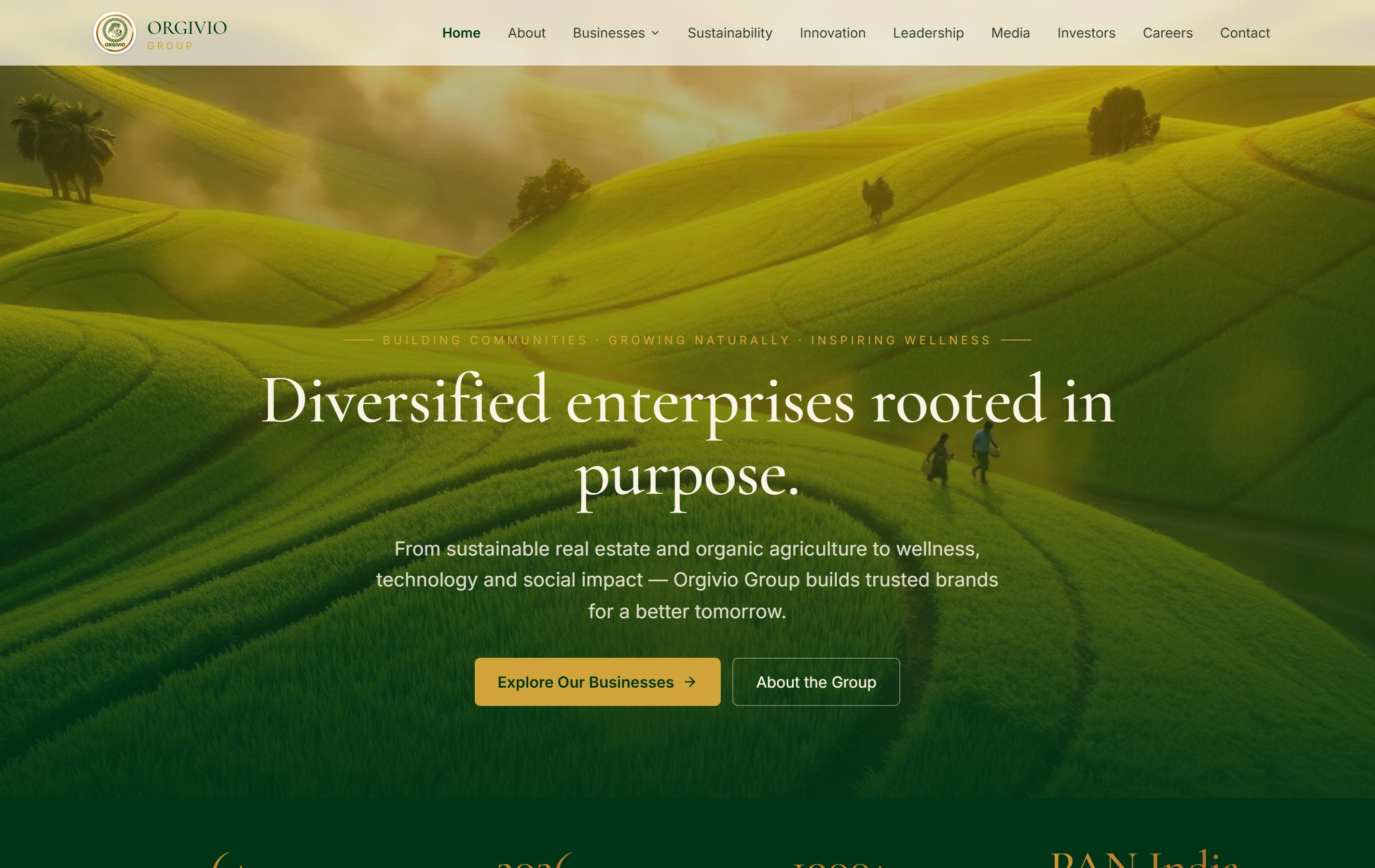
Orgivio Group is a documented corporate website presenting its businesses and stakeholder information. It is a real reference for organising a wider public offer. It is not proof of the hypothetical menu problem, a Ludhiana project or a measured search-performance improvement.

Group presentationOne recognisable company story
Business divisionsSpecific routes from the overview
Stakeholder informationSeveral audience needs
Orgivio Group websiteOrgivio Group

Questions before commissioning the website.

Should every service appear in the main menu?

Not necessarily. The navigation should help people reach the relevant information. An overview, grouped choices and contextual links may be more useful than an oversized list. We review the actual services and visitor tasks before choosing the structure; a hidden or inaccessible service is not an acceptable shortcut.

Can we add services after the first release?

The CMS can be scoped to support the agreed recurring page types and navigation tasks. We demonstrate the ordinary addition and review process. A genuinely new interaction, content model or integration may need further development, so future flexibility should have a clear meaning in the proposal.

How do you estimate a website without promising a universal price?

We review the page types, content readiness, design needs, CMS, enquiry functions and preservation work. The estimate then records outputs and assumptions. There is no useful fixed price for every unknown website, and remote delivery from Ranchi does not remove the need for business review and approval.