
Skip to content
Surat · Landing Page Design & Development

Give the offer a clear page. Make the next step work.

Softglimmer designs and develops landing pages for Surat businesses with a focused offer to explain and a useful action for visitors. We connect the message, genuine supporting material, responsive layout and selected contact or resource-access journey. Copy preparation, implementation and measurement can be included in the same project. Our studio works remotely from Ranchi, with your offer owner and receiving team involved in the review.

Explore the service
A focused offer, a useful action and an understandable result
  1. 01

    Explain the offer

    Help the visitor understand what they will receive.

  2. 02

    Build the complete journey

    Connect the page with its chosen next step.

  3. 03

    Prepare ongoing use

    Hand over editing, receiving and measurement responsibilities.

An example journey, shaped around your requirements.

Plan one useful decision from arrival to result.

A landing page gives a particular offer room to explain itself. It may introduce a focused service, support a launch or help a visitor obtain a useful resource. We begin with the audience, the approved promise and the action the business is prepared to support. Settling the offer and its next step gives the copy, page plan and form a shared purpose.

The project can include copy structure, responsive visual design, development, forms, feedback states and the chosen receiving or access route. We use your existing identity and genuine material, with writing, asset preparation and initial content entry assigned in the proposal. A page within the present website and a separately hosted destination can have different account, navigation and publishing needs.

The action determines what must work beyond the page. A request for a guide needs an agreed way to receive or access that guide. An enquiry needs a receiving colleague and a useful response process. Where measurement is included, we name the events and the information available to confirm them. Advertising management, mailing platforms or a new CRM are considered separately when the project actually needs them.
Choose what progress means for this offer.

Your campaign or offer owner and the people receiving the action should settle these points together.

01

What does the visitor receive?

Define the resource, conversation or service being offered and the information needed to assess it. For a guide, a short preview can show its subject and intended reader. The page should explain the actual offer before asking for personal details.

02

Which access route fits?

A public resource link, a request form and an email-delivery arrangement are different choices. Select the route your team can maintain, then include its successful and unsuccessful states. A simpler access route may serve the purpose without adding another tool.

03

Which questions are necessary?

Ask for the information needed for this action and explain how it helps. Keep optional requests recognisable. If another kind of follow-up is proposed, its wording and choice come from the business rather than being silently bundled into access to the resource.

04

What will be measured?

Agree what a visit, a request, successful access and a later enquiry each mean. Use the available setup and owner-approved consent arrangement. The measurement plan should help your team assess the page without making every click look like the same business result.

Receive the page and its working next step.

The scope names the content, functions and connections your team is buying.

01

Offer and audience brief

The approved promise, intended reader, arrival context, useful proof and page objective. It identifies what the business supplies and what copy or preparation work is included.

02

Content and page sequence

Headings, explanations, supporting material and specific questions are arranged around the decision. Resource previews and action labels use the same approved description of the offer.

03

Responsive visual design

A branded layout with real copy, useful imagery and clear controls. We review the reading order, longer text and action area on the selected phone and desktop sizes.

04

Implemented access or contact journey

The agreed page, form or resource route, with correction messages and accurate confirmation. Included connections have known destinations, access owners and a defined review arrangement.

05

Measurement and release checks

Where selected, the events and their meanings are documented and tested through the agreed setup. Launch review follows the visible action to its intended result.

06

Editing and receiving handover

Guidance covers changing the offer, replacing the approved resource and checking the next step. Accounts, technical care and later campaign or provider work have named responsibilities.

Build the destination around the offer you can deliver.

The same offer description guides copy, design and implementation.

  1. 01

    Bring the offer

    Share the existing page or arrival message, intended audience and resource or service details. Agree the objective, dependencies and written scope.

  2. 02

    Review the page

    Work through representative copy and the proposed action. Your owner confirms facts while the receiving team checks the questions and result wording.

  3. 03

    Implement the journey

    Build the responsive page and selected access or form route. Try ordinary requests, useful corrections and an unavailable destination through a safe test arrangement.

  4. 04

    Release and explain

    Approve the working page, inspect its next step and demonstrate an ordinary edit. Hand over the receiving routine and any included measurement.

A hypothetical working example

A resource request ends before the visitor reaches the resource.

Hypothetical example: a business offers a practical guide through a landing page. A visitor submits the requested information and sees a general thank-you message, but cannot tell where the guide is available. The form has finished while the promised journey remains unclear. We first agree whether the business wants immediate access, a maintained download link or a separately supported delivery process. The confirmation then explains that selected result accurately. The review opens the actual resource route and includes a missing or replaced file, so an attractive success screen is not the only thing being assessed. Any optional further contact is considered separately from the request for this guide. The business approves the relevant wording and choices. This example helps shape one focused offer page; the wider project still includes useful copy, design, development, phone use and the handover for maintaining it.

The result should complete the action the page offered
  1. 01

    Understand the guide

    Explain its subject and the reader it is intended to help.

  2. 02

    Choose the access step

    Use the business-approved public or request route.

  3. 03

    Check the result

    Follow the confirmation to the actual resource or next instruction.

Illustrative resource-offer journey. The business supplies the guide and approves its access and contact arrangements.

Bring the resource and the person who will maintain it.

Share the current offer wording, the complete approved resource and any existing destination or form. Identify the person who can confirm the content and its intended use. Useful supporting material may include a short extract, the topics covered and a genuine reason the resource helps its reader. We organise the supplied material and identify any additional content your owner needs to prepare and approve.

Try the proposed action with someone who has not seen the brief. Can they explain what they will receive, which information is required and what happens next? W3C form guidance recommends clear instructions for required and optional input. In this project, those instructions should describe the actual request in familiar language. The receiving colleague also checks the information and any resource-access step included.

Surat and Ranchi teams can review the page remotely through agreed sessions and consolidated written feedback. Page variety, copy readiness, custom design, existing tools and the depth of the receiving journey shape the estimate. Before launch, rehearse replacing the resource and checking the result. The handover identifies the content owner, account access and continuing care, so the page stays useful when the offer changes.

Explore a real service-information website.

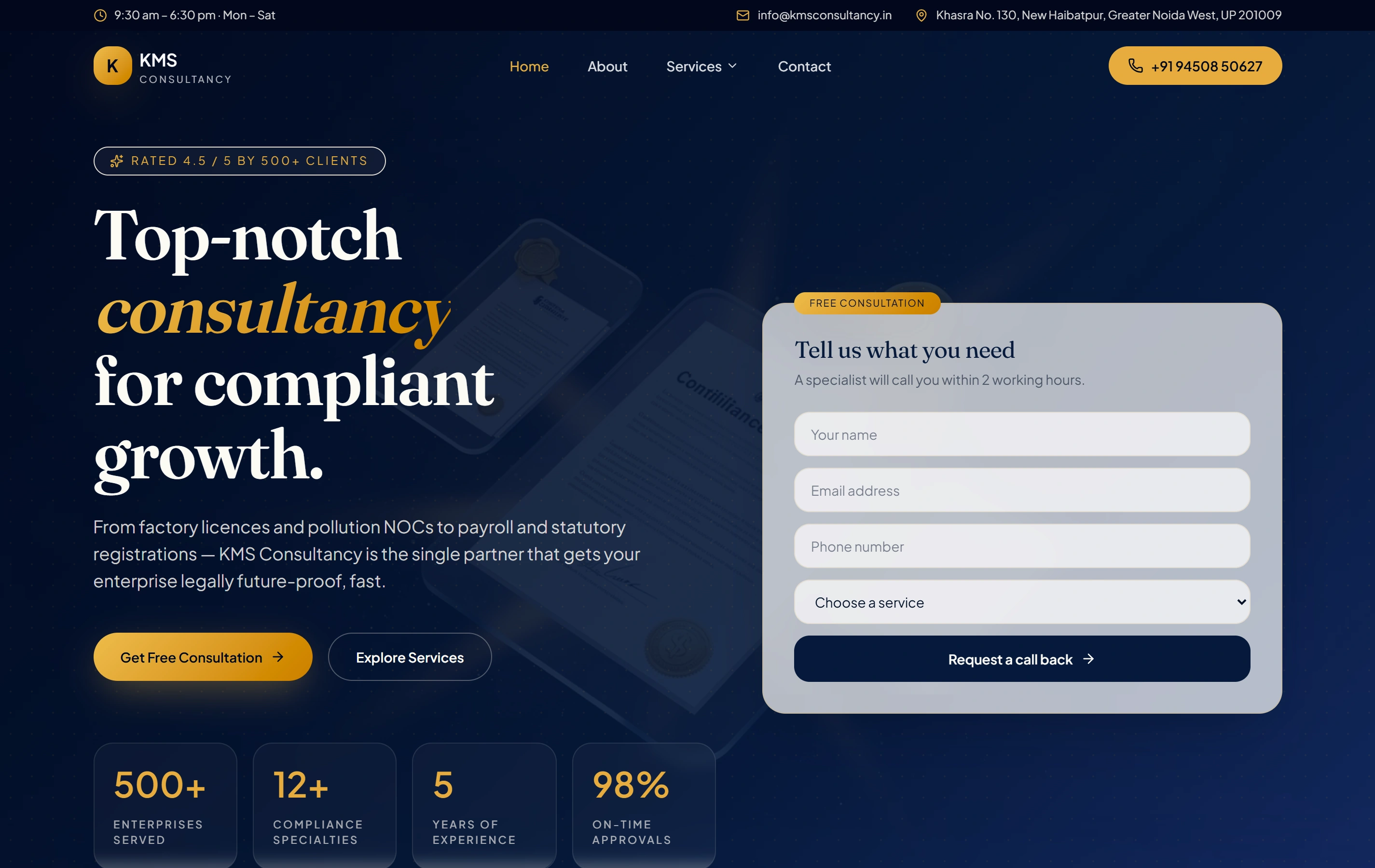
KMS Consultancy is a documented Softglimmer website organising a complex service catalogue and an enquiry journey. It provides a public example of helping visitors understand a service. The resource offer and access arrangement for your landing page are designed around your own material and audience.

ContentCompliance
StructureService pages
ActionEnquire
KMS Consultancy websiteKMS Consultancy

Questions before we begin.

Can the landing page be part of our current website?

Yes, where the existing platform and access suit the scope. We review the present design, content and connected tools before choosing how to build it. A focused addition can preserve useful existing arrangements; a new platform or wider redesign needs its own reason and estimate.

Does a guide have to sit behind a form?

No. Public access, a request route and a supported delivery arrangement are options to assess against the purpose. We help explain the chosen route and make it work. Your business decides the information it needs and approves any separate further-contact choices.

Can you connect the page to our existing tools?

Selected connections can be included after the available interface, permissions and receiving fields are reviewed. We agree how the result will be checked and who handles an unsuccessful action. Account subscriptions, advertising work and continuing automation are identified separately from the page build.

How will we assess the page after launch?

Agree the useful action and the available measurement before implementation. A request, access to a resource and a later sales conversation are different observations. Review those observations alongside the receiving team’s feedback to decide which parts of the page or handoff need further attention.