
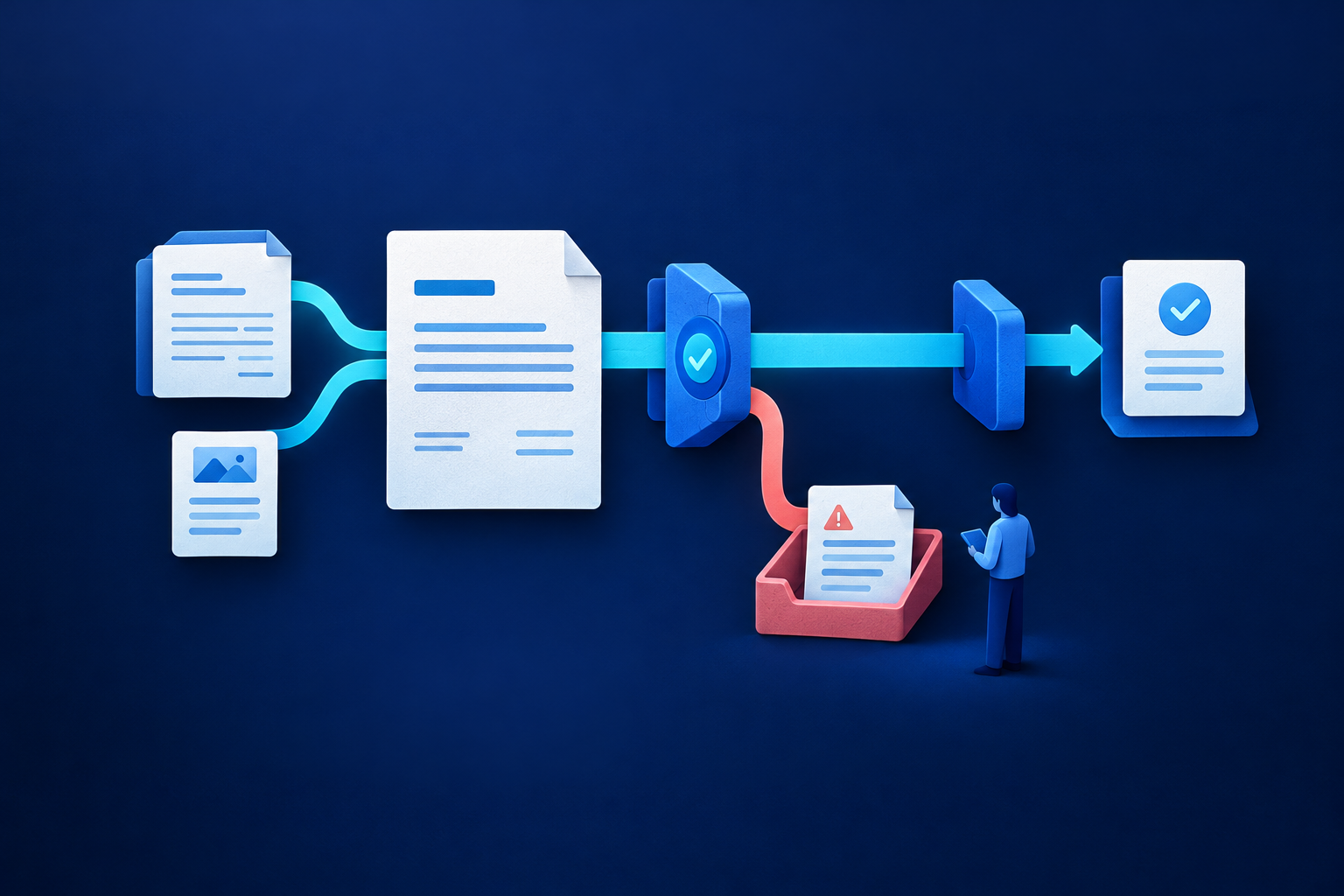
Automated invoice approvals should pass an invoice only when every eligibility condition is met: an authorised purchase, required matching evidence, sufficient budget, valid authority and no unresolved exception. Everything else needs a named owner, deadline and release condition. Start invoice approval automation with an agreed control matrix, not an amount-based rule that assumes small invoices are safe.
1. Separate submission, approval and payment
Use distinct states: received → validated → matched or held → approved → posted → payment authorised. Validation checks document completeness; matching checks purchase evidence; approval confirms authority; posting records the liability. Payment authorisation separately permits funds to leave. Submission merely starts a request. An invoice should never inherit approval because it entered the workflow successfully.
Microsoft Dynamics 365 illustrates why this matters. Its receipt-status setting can prevent automatic submission until receipt quantities match. With that check disabled, submission can occur after configured attempts without a full quantity match. That is documented product behaviour, not permission to approve unmatched invoices. The policy below is a recommended company control, not a vendor requirement. [1]
2. Define thresholds without gaps or loopholes
Complete this policy sheet for each legal entity before assigning invoice approval thresholds. There is no universal safe amount or statutory rupee band implied here. Higher automatic limits reduce manual reviews but increase reliance on accurate purchasing, receiving and budget records. Where that evidence is weak, retain human approval rather than widening eligibility.
| Policy decision | Complete before configuration |
|---|---|
| Amount basis | Use [gross/net] value; specify tax, freight, discounts and rounding treatment. |
| Inclusive bands | Automatic: up to and including [A], if eligible; owner: above [A] through [B]; higher authority: above [B]. |
| Foreign currency | Convert using [rate source] on [date]; define rechecking if the invoice changes. |
| Related invoices | Aggregate by [PO/contract/commitment and period]; send suspected splitting for review. |
| Available budget | Include outstanding commitments and pending invoices without counting the same purchase twice. |
| Overrides | Name [role], required evidence and any independent concurrence; prohibit self-authorised overrides. |
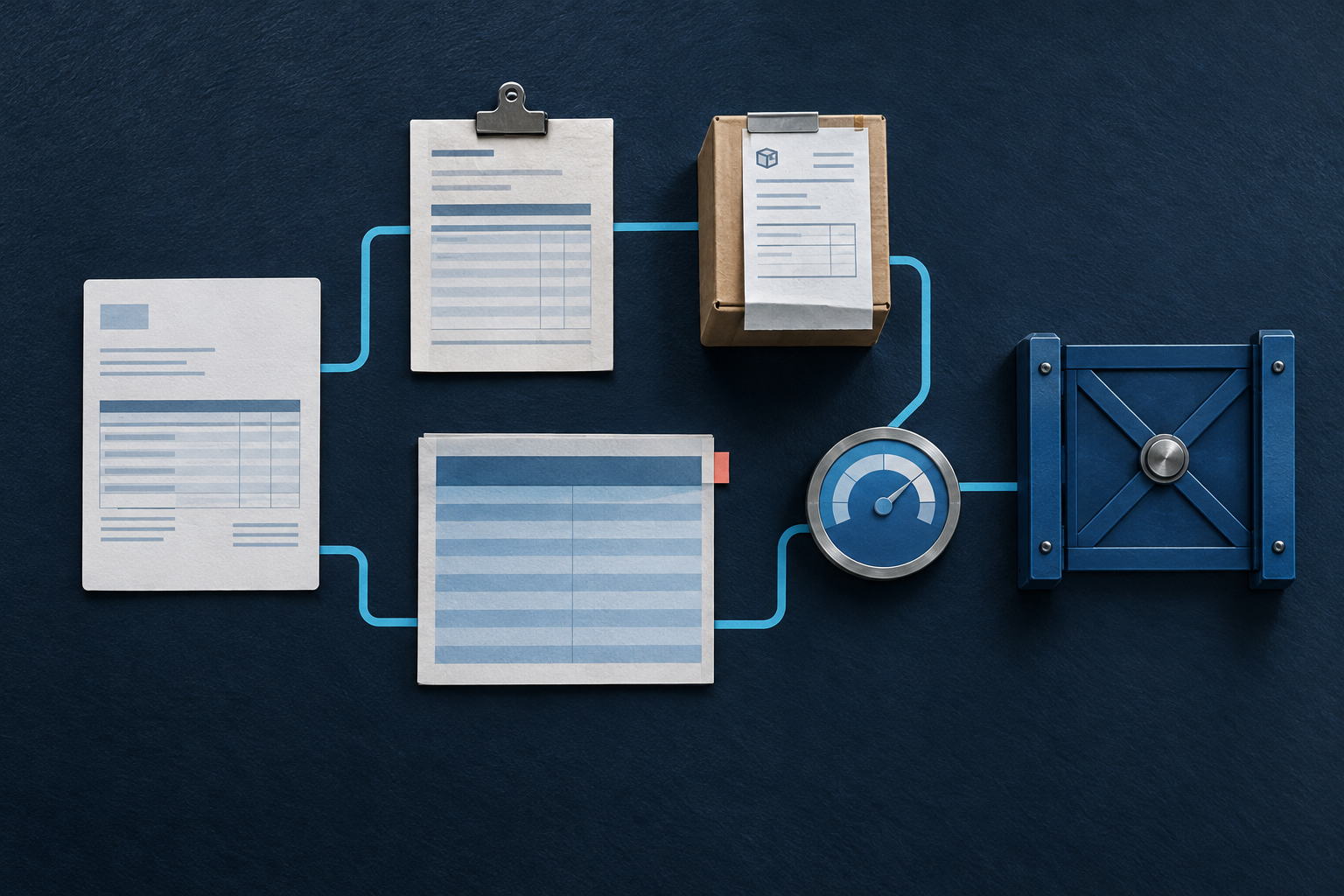
Keep matching tolerance separate from spending authority. Two-way matching compares invoice and purchase-order prices; three-way matching also checks quantities against receipts. Dynamics 365 distinguishes tolerance warnings from controls requiring approval before posting. [2] Your policy should permit warnings only for defined, immaterial differences within existing authority. Missing receipt evidence, unauthorised charges and differences outside tolerance should block normal approval.
3. Assign budget owners and whole-invoice authority
Maintain an ownership register by entity, cost centre and project, with authority ceilings, effective dates and authorised substitutes. Accounts payable (AP) checks documents and coding. Budget owners confirm purpose, acceptance and available budget. Finance authorities handle higher-value decisions and financial exceptions. Payment authorisers release funds separately. Prevent submitters from approving their own invoices, and preserve independence when appointing substitutes.
For split allocations, require every affected budget owner’s approval plus sufficient authority for the whole invoice. Splitting accounting lines must not lower the approval band. Missing or expired owners create an ownership exception, not permission to route to the requester. Specify whether all named approvers must respond: Dynamics 365 supports both single-approver and all-approver completion rules. Notifying several people does not necessarily require all their approvals. [3]
4. Escalate missed deadlines without treating silence as consent
Define business or elapsed time, timezone, holiday calendar and when timing begins. An example policy is a reminder after one business day, reassignment after two and finance-head escalation after three. These are illustrative deadlines, not benchmarks. A reminder must not restart the clock. Reassignment must invalidate the previous request and preserve the original deadline history.
Keep unresolved invoices blocked and assign a case owner after final escalation. Track active approval time separately from total invoice age, including disputes. Check configuration deliberately: Dynamics 365 documents that process-level deadlines override step-level settings, and its setting preventing submitter approval defaults to No. Neither escalation nor segregation of duties should be assumed safe by default. [4]
5. Give each exception an owner and release condition
Use this control matrix alongside the amount bands. Replace deadline placeholders with agreed business-time targets. Exceptions take precedence over the normal route. Return for correction means the document needs amendment; hold means investigation remains open; reject means the business declines the claim. Keep these outcomes distinct so an unresolved case cannot look complete.
| Condition | Required authority | Exception owner | Resolution evidence | Deadline | Release condition |
|---|---|---|---|---|---|
| All eligibility checks pass | Delegated automatic authority or amount-band approver | AP if routing fails | Approved purchase, match, budget check | [Approval target] | All mandatory checks and approvals complete |
| Duplicate suspected | AP control lead | AP | Original, replacement or distinct-invoice comparison | [Investigation target] | Flag resolved; duplicate blocked |
| Receipt or service acceptance missing | Receiving or service owner | Stores or project lead | Actual receipt or acceptance record | [Evidence target] | Evidence matches, or supplier corrects invoice |
| Price or quantity difference | Procurement and authorised variance approver | Procurement | Corrected record or documented variance decision | [Variance target] | Recheck passes within authorised terms |
| Required PO missing | Procurement and finance | Procurement | Business purpose and policy-exception decision | [Exception target] | Independent exception approval; no automatic bypass |
| Budget insufficient or owner missing | Finance authority | Budget lead | Approved allocation or valid owner assignment | [Ownership target] | Budget and authority checks pass |
| Tax discrepancy | Designated finance reviewer | AP tax reviewer | Accounting decision or corrected supplier document | [Tax target] | Tax validation passes |
| Bank details changed | Independent vendor-master authority | Vendor-master controller | Verification through established contact details | [Verification target] | Payment hold removed separately from invoice approval |
| Automation failure | AP control lead | Support and AP | Reconciled invoice and approval status | [Recovery target] | Resume from confirmed state; no duplicate release |
6. Hypothetical example: below the limit, but still blocked
A supplier invoices ₹84,000 for 1,000 units, including an unapproved ₹2,000 charge. The agreed gross value for 1,000 units is ₹82,000, but stores recorded only 900 received. Available budget is ₹90,000 after other commitments, without double-counting this purchase. The invoice fits the budget-owner band, yet both exceptions block normal approval.
- AP opens linked tasks: stores investigates the missing quantity; procurement investigates the extra charge.
- Stores confirms 900 units arrived. The supplier removes the charge and issues a corrected ₹73,800 replacement.
- AP links and blocks the superseded invoice, then repeats validation, matching, duplicate and budget checks.
- The budget owner approves the corrected version within an illustrative two-business-day deadline, or an authorised substitute receives it.
- Posting follows approval; separate payment authorisation follows the payment controls. Supplier urgency cannot replace missing evidence.

7. Preserve evidence through corrections and timeouts
Retain invoice and policy versions, matching evidence, budget checks, owner assignments, decisions, exception resolutions and timestamps. Link final posting and payment references. Material corrections should invalidate affected approvals and trigger revalidation. After a failure, reconcile the business record before resuming; a retry must not make an already approved or posted invoice appear new.
Keep the approval archive separate from temporary workflow history. For example, Power Automate documents a 30-day maximum flow-run duration, including pending approvals, and 30-day run-history retention. These are product-specific constraints, not universal approval deadlines or accounting retention rules. Long-running disputes still need durable records and an explicit timeout route. [5]
8. Test the matrix before enabling automatic approval
- Test exact thresholds, just-above amounts, tax, freight and foreign-currency conversion.
- Test split allocations, related invoices and suspected invoice splitting.
- Test missing owners, expired delegation, self-approval and absent approvers.
- Test overdue requests and late responses to superseded requests.
- Test corrected invoices, unresolved exceptions and changed bank details.
- Test simultaneous budget consumption and recovery after failed retries.
Pass only when every test produces the intended approver or blocked exception state, with retained evidence. Include a concurrency test proving two invoices cannot both consume the same remaining budget. If the system cannot enforce a mandatory control, retain a documented manual gate rather than describing the route as fully automatic.
Can every low-value invoice be approved automatically?
No. Amount is only one condition. Required purchase authority, matching evidence, budget and exception checks must also pass. Small non-PO invoices can still require human review.
Can an absent approver’s colleague take over?
Only if that person has current delegated authority for the entity, budget and whole-invoice amount, and meets independence requirements. Otherwise escalate while keeping the invoice blocked.
Does invoice approval validate new bank details?
No. Verify bank changes independently through established supplier contacts. Invoice approval must not remove a payment hold created by unverified details.
Next, have finance and operations sign off the completed matrix, ownership register and test outcomes. Use Business workflow automation planning to turn that policy into a delivery brief. Estimate automation value before committing to a build can help assess the work without weakening controls to improve the forecast.
Sources & further reading
Use the original guidance when checking details or planning implementation.
- Microsoft Learn: Set up options for vendor invoice automation ↗
- Microsoft Learn: Set up Accounts payable invoice matching validation ↗
- Microsoft Learn: Configure approval steps in a workflow ↗
- Microsoft Learn: Configure approval processes in a workflow ↗
- Microsoft Learn: Limits of automated, scheduled, and instant flows ↗
This research-assisted guide uses the primary sources linked above. Examples are illustrative unless explicitly identified otherwise. Check original documentation when implementing changes.