
Skip to content
Dehradun · School Website Development

Bring the school website together.

Softglimmer plans, designs and develops school websites for Dehradun teams, working remotely from our Ranchi studio. We help organise existing pages, documents and public information into a clear website that staff can maintain. The work brings content planning, responsive design, development, migration and editorial handover into one commission. Your school chooses the facts and priorities; we turn that material into a practical website and publishing arrangement.

Explore the commission
A complete public website, with its content transition and staff handover planned together
  1. 01

    Understand the starting point

    Locate useful content, public addresses and the people responsible.

  2. 02

    Build a coherent website

    Connect school information with clear pages and useful actions.

  3. 03

    Prepare the transition

    Move the material and equip the people who will maintain it.

An example journey, shaped around your requirements.

Start with the school information people actually use.

A school website project often starts with material that already has a useful life: programme pages, a prospectus, practical campus details and links shared with families. Some of it belongs on the new site; some needs rewriting or a different home. Discovery brings those sources into view before layouts are repeated. We discuss the reasons families visit and the work staff need to do after launch.

The commission can cover a new public website, the replacement of an older one or the consolidation of separately maintained areas. We organise the information, design responsive page patterns and implement the pages, navigation, forms and editing controls in the written scope. Copy preparation, document work, initial entry and image handling receive clear responsibilities. A programme page, a practical information page and a longer resource help establish the design with realistic material.

For a consolidation, we plan the transition alongside the build. The school chooses the authoritative source for each fact and decides which material remains shared or needs a campus-specific explanation. Important existing addresses have a stated destination or treatment. Content owners then understand where a future correction belongs. Admissions platforms, parent accounts or school-management connections are assessed separately when requested; the public website has its own complete purpose and handover.
Know what the school already publishes.

Use the starting material to decide the size and shape of the project. The inventory becomes a working brief for content, design and migration.

01

Pages, documents and shared addresses

Gather the current websites, public documents and links still used in messages or printed material. Record what each is for, whether it remains useful and who can explain it. Include direct entry to an older address.

02

Facts and their responsible source

Identify the person or document that can confirm programme, campus and practical information. Resolve competing versions with the school before copying them into a new page. Keep unresolved content visible in the preparation list.

03

Shared information and real differences

Choose which information can have one maintained source and which needs its own explanation. A common introduction may be useful across the site, while a campus contact or facility belongs to a particular place. The structure follows the school.

04

Keep, improve, combine or retire

Give existing material a deliberate treatment. Some pages can move with light editing; others need consolidation, new writing or removal. Agree the replacement route and publication responsibility before the old area is closed.

Receive the website and a workable route into it.

The proposal identifies the pages, functions, content work and transition responsibilities included in the engagement.

01

School content and address map

A connected inventory of the supplied pages, resources and useful old addresses, with a proposed destination, content owner and preparation task for each important item.

02

Public information architecture

A page and navigation plan covering programme research, practical school information, current-family resources and the approved contact or admissions routes. Shared and separate information has an understandable home.

03

Responsive design and implementation

Representative layouts developed into the chosen website, using school-approved content and imagery. Phone navigation, longer documents, contact actions and useful empty or incomplete content receive attention.

04

Editing controls and content transfer

The agreed reusable fields and page patterns, initial entry and content movement. Staff see how a supplied fact becomes public and how to correct it in the place responsible for it.

05

Transition and launch plan

A practical sequence for approvals, content changes and old-address treatment. The plan identifies the release owner, important journeys to try and the arrangement for a problem discovered during the move.

06

Staff guidance and continuing care

A demonstrated publishing routine, account responsibilities and useful handover notes. The scope separates routine help, technical upkeep and later additions so the school knows whom to contact.

A hypothetical working example

Two campus pages can share a subject and need different homes.

Hypothetical example: a school is bringing two separately maintained public areas into one website. Each contains a page called “Facilities”, but one describes a shared programme resource and the other describes a room available at a particular campus. Moving both into one undifferentiated page would lose information the school still needs to explain. The content plan records the source and intended audience of each page. The school confirms the shared description and the campus-specific detail, then chooses their new locations and the treatment of the older links. The design carries those distinctions through navigation, page content and useful contact information. This is one example within the wider website design, build and transition commission.

Move the information with its meaning intact
  1. 01

    Understand the originals

    Record the purpose, source and useful address of each page.

  2. 02

    Choose their new homes

    Keep shared information and campus detail understandable.

  3. 03

    Follow the transition

    Try both the new navigation and the older entry routes.

Illustrative consolidation only. The school supplies its actual sites, campus facts and publishing decisions.

Bring the material and the people who can explain it.

Start with a representative set of public pages, a programme description, a practical campus-information page, a resource and the links families already receive. Bring approved branding and photographs, plus any prospectus or content source used to settle factual questions. Public material and redacted process examples are useful for planning. The school names who approves its facts and image use.

Include the intended website editor and the people responsible for the supplied content. Together, choose the ordinary updates staff expect to repeat and the larger changes that need assistance. Agree how corrections will be coordinated while the new site is being built, especially if an older area remains active. This keeps the material prepared for launch connected to what the school is currently saying.

Build the new site while preparing the move.

Dehradun and Ranchi teams work through scheduled discussions and shared written feedback, with one school contact gathering the decisions needed for each stage.

  1. 01

    Discover and organise

    Inspect the present material, audiences and accounts. Establish the first website scope, its source owners and the content preparation needed for a useful estimate.

  2. 02

    Design and prepare

    Review the architecture and representative pages. Develop the visual direction with real school material while the inventory guides writing, image preparation and content decisions.

  3. 03

    Implement and transfer

    Build the agreed site and editing tools, then move the prepared content. Follow representative family journeys and let the intended editor make an ordinary correction.

  4. 04

    Launch and hand over

    Approve the release and important old-address outcomes. Confirm access, support and the continuing publishing arrangement, including responsibility for any remaining transition work.

Explore a documented school website.

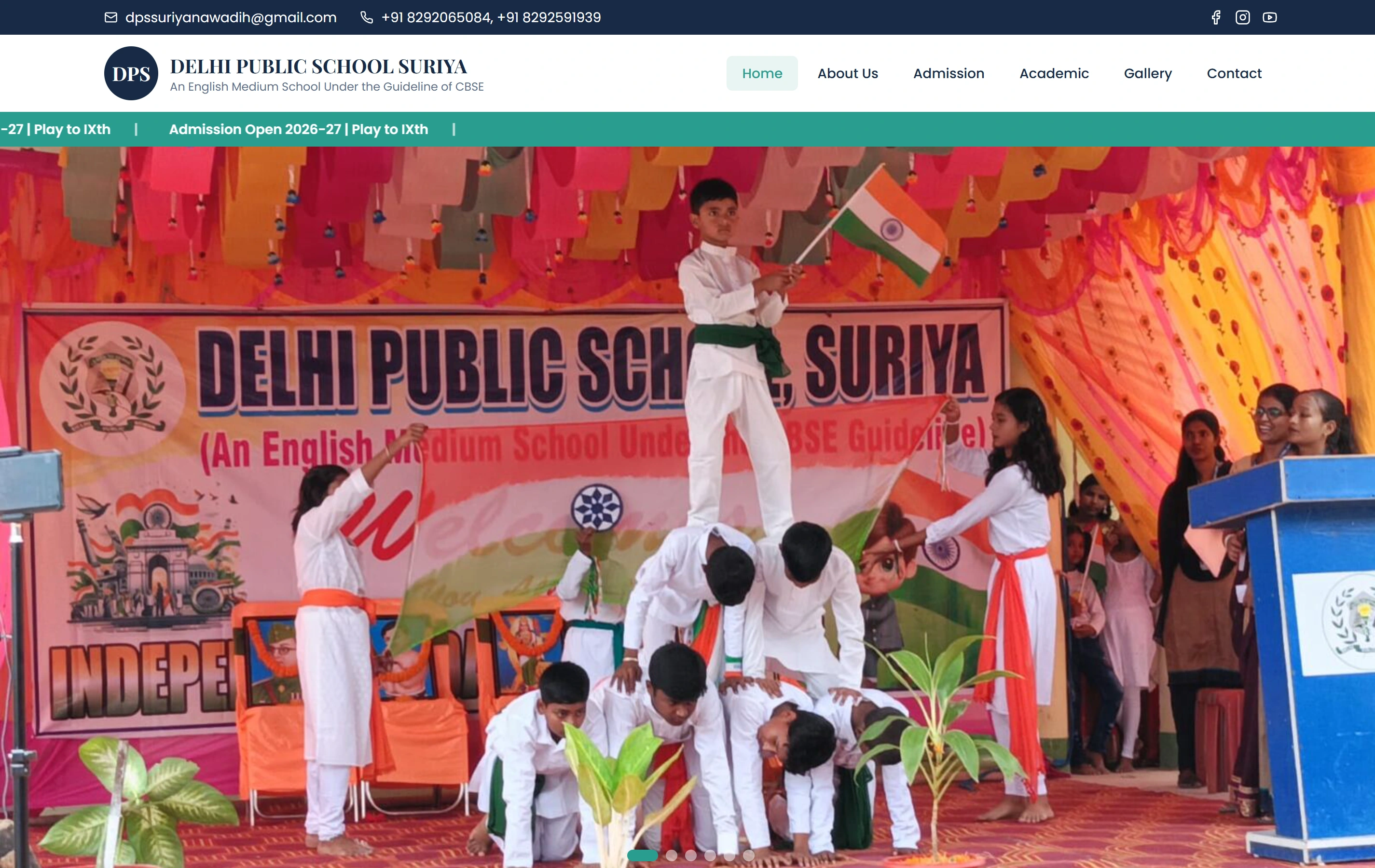
Delhi Public School, Suriya is a documented Softglimmer website presenting programmes, campus information and an admissions journey. Its public presentation is a useful reference when discussing school information and design. The content consolidation, editing arrangement and transition for your school are defined from your own starting material.

Questions before commissioning the school website.

Can useful existing content remain?

Yes. Discovery identifies the material worth retaining and the work needed to make it fit the new structure. The school confirms its accuracy and permissions. We agree the extent of editing, document preparation and initial entry, so the estimate reflects the actual condition of the content.

What if different campuses maintain different information?

We map the source and responsible people before choosing the structure. The school decides which information is genuinely shared and which needs a campus-specific home. The website and editing routine should help staff make that distinction consistently. A multicampus arrangement is included only where it belongs to the school’s real brief.

Can the move happen in stages?

A staged transition can be planned where each public area remains understandable and someone owns changes during the move. We agree the order, important existing addresses and the content being moved at each stage. The launch plan makes the remaining work visible rather than leaving staff to reconcile two competing versions.

What do staff receive after launch?

The agreed handover includes access responsibilities, practical publishing guidance and a demonstration using the school’s own content. Staff should know where ordinary corrections belong and how to seek support. New page types, additional systems and wider structural changes can then be assessed against the documented website.